
Shoppers searching for a Best Wifi Smart Deadbolt Lock usually want to lock and unlock a door from a phone, give a guest a temporary code, and avoid extra equipment. Every lock below lists built-in Wi-Fi, so the real differences lie in unlock methods, access code limits, and Matter over Thread support. A broader comparison of smart locks with Wi-Fi covers more models and access options.
If you want a fingerprint reader, look at the Wyze Lock Bolt v2 or the Philips Wi-Fi Deadbolt. If you use Apple Home and own a Thread Border Router, the ULTRALOQ Bolt SE is the only model here that lists Matter over Thread. If you need a keypad that is easy to read in low light, the Schlage Arrive is the only one that lists a backlit keypad.
Five Smart Deadbolts Compared by Listed Specs
Each card below lists the features its manufacturer publishes. Compare unlock methods, access code limits, Wi-Fi and Matter requirements, and power or install details to narrow the field.

Wyze Auto-Lock Bolt v2 Smart Lock with AI Learning Scanner
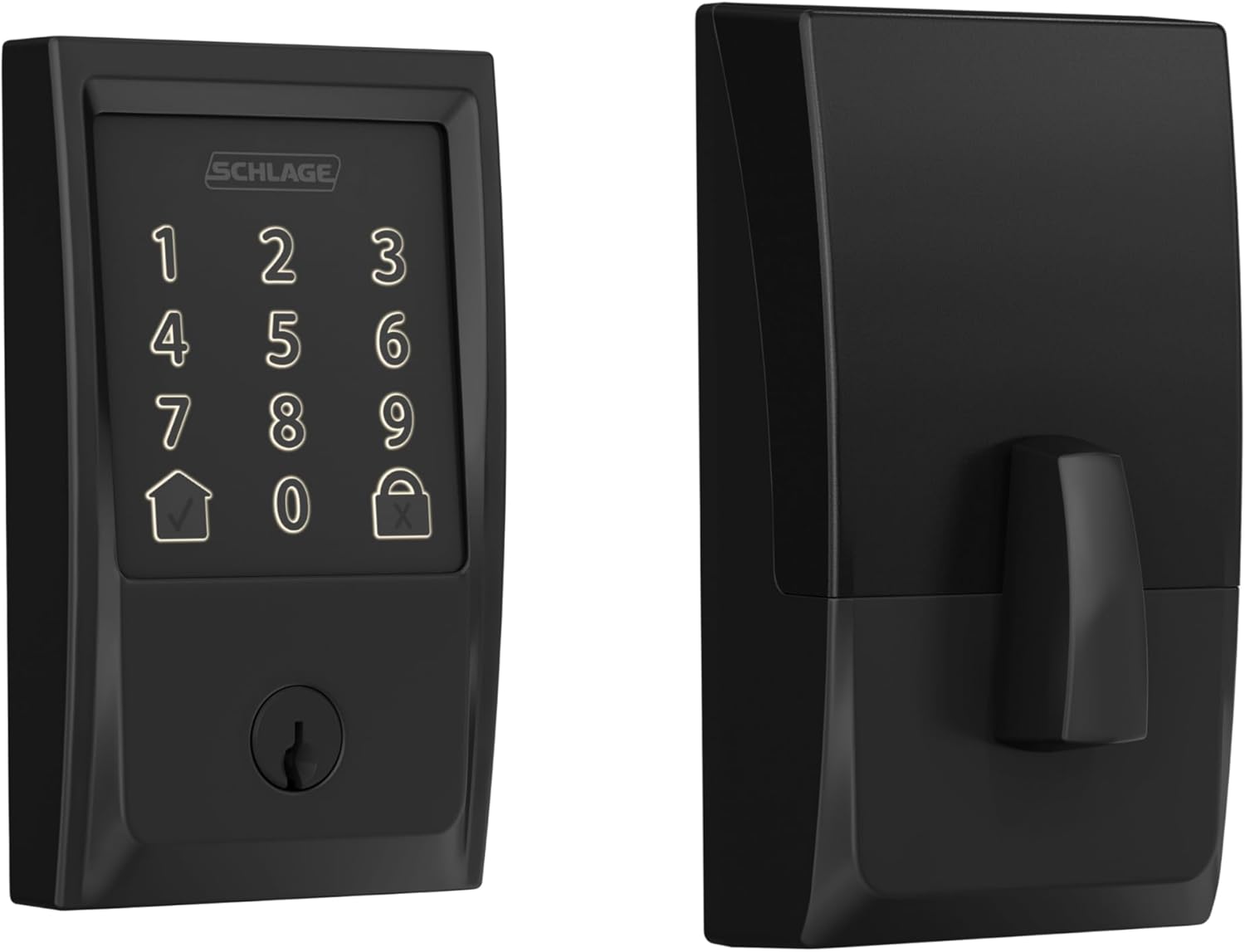
Schlage Encode Smart WiFi Deadbolt Lock with Century Trim
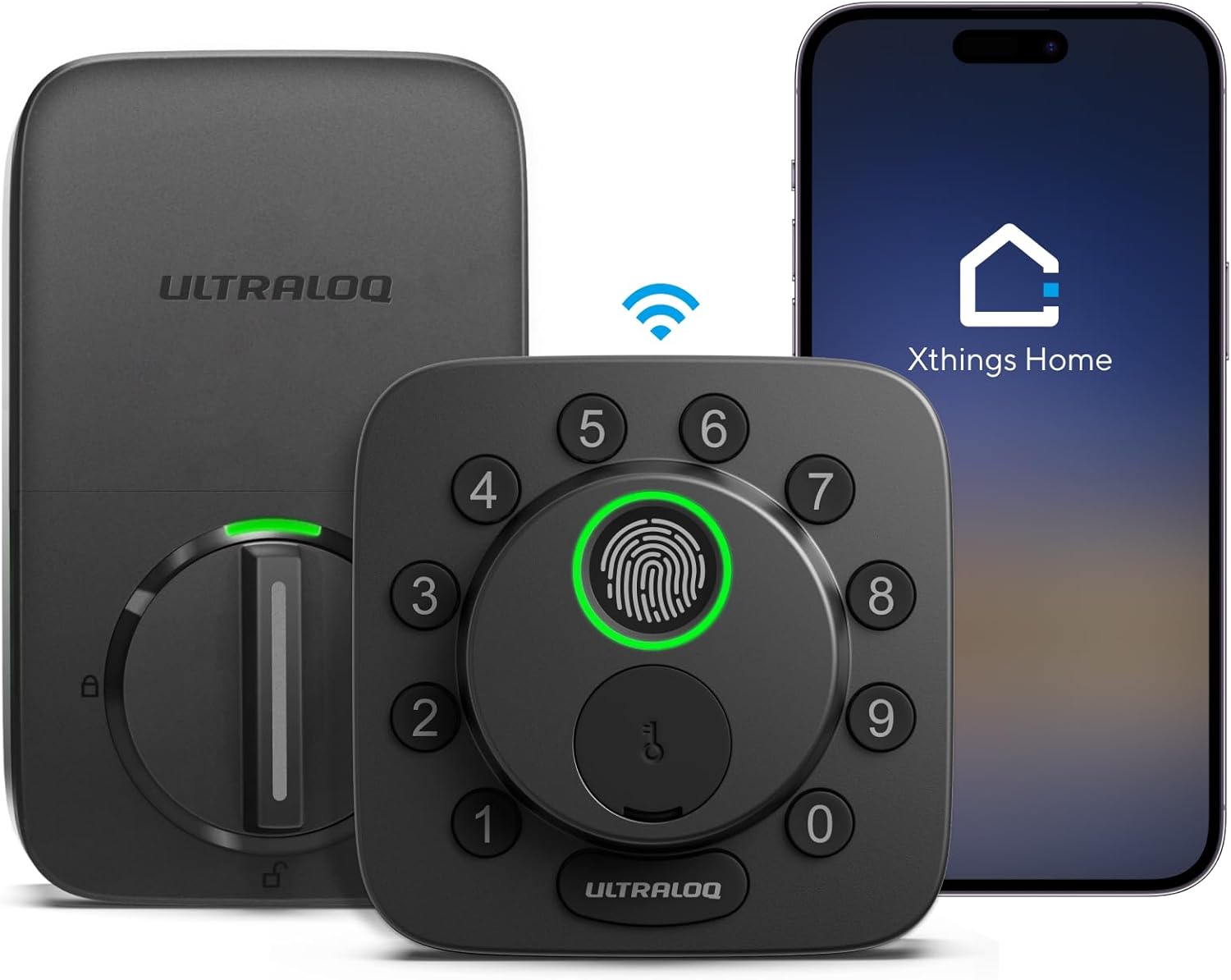
ULTRALOQ Bolt SE Wifi Smart Deadbolt Lock with Matter Support

Philips Wi-Fi Smart Deadbolt Lock With Keyless Entry
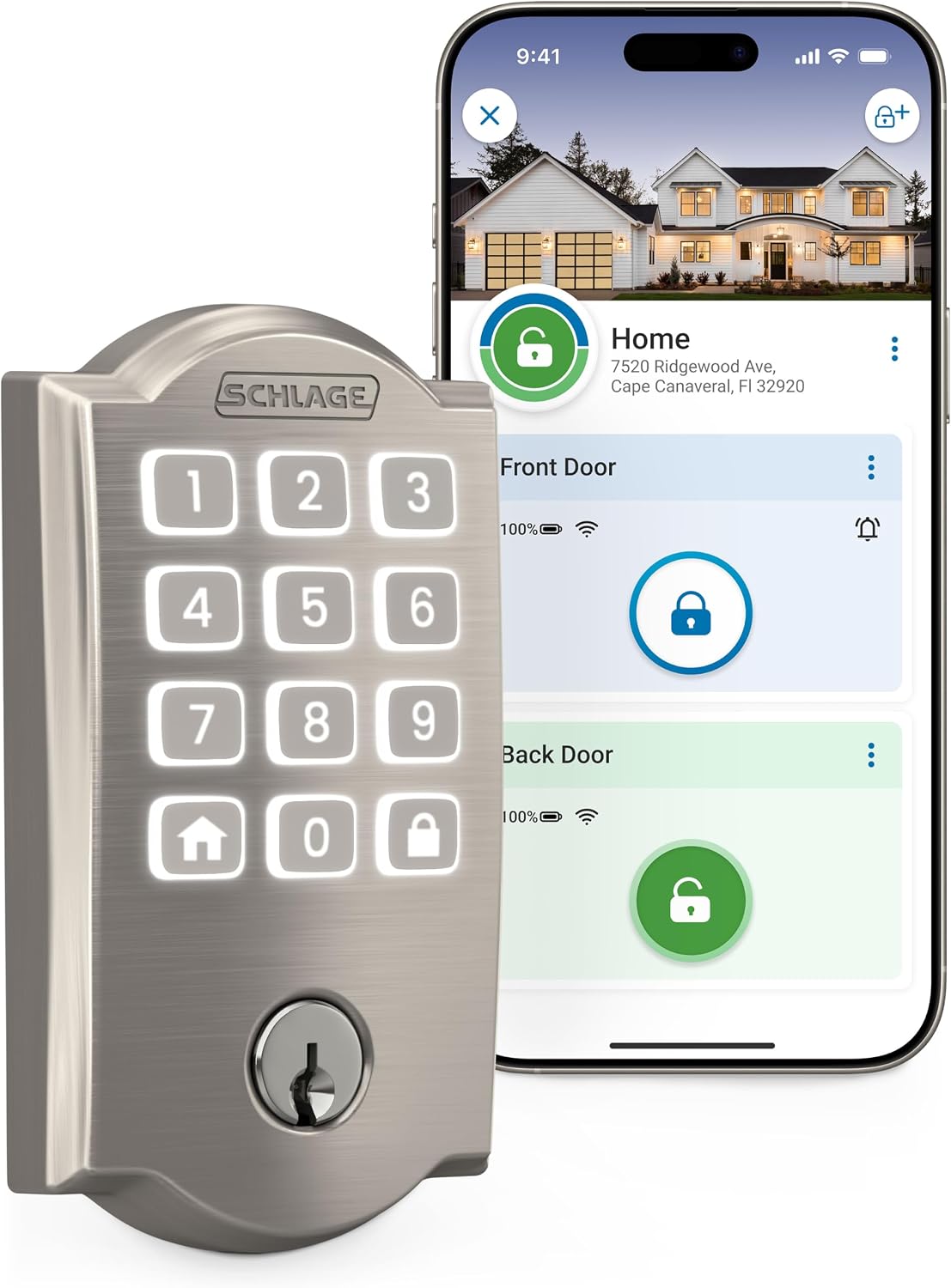
Schlage Arrive Smart WiFi Deadbolt Lock with Camelot Trim
Side-by-Side Specs for Each Lock
The table shows where these locks differ most: fingerprint support, access code capacity, Matter over Thread, and power or keypad details. Not listed means the manufacturer did not state that spec. The wider market for smart locks for home is covered in a separate roundup.
| Product | Fingerprint | Access codes | Matter over Thread | Power or keypad |
|---|---|---|---|---|
| Wyze Lock Bolt v2 | Scanner, 0.5 second unlock | Code entry, no count listed | Not listed | 8 AA batteries, USB-C backup |
| Schlage Encode | No scanner listed | Up to 100 codes | Not listed | Fingerprint-resistant touchscreen |
| ULTRALOQ Bolt SE | Up to 50 fingerprints | Up to 50 passcodes | Matter over Thread, hub required | Power source not listed |
| Philips Wi-Fi Deadbolt | Fingerprint, no count listed | Up to 100 passcodes | Not listed | Batteries not included |
| Schlage Arrive | No scanner listed | Up to 250 codes | Not listed | Backlit silicone push buttons |
Which Lock Suits Your Door Setup
Your entry point, the room where the lock goes, and how your household comes and goes all shape the right choice. These deciding factors separate the five models most clearly. Broader rankings of the best smart lock deadbolts for 2026 cover more models than this comparison.
- Unlock method: fingerprint, touchscreen or backlit keypad
- Smart home platform: Matter over Thread or Wi-Fi with voice control
- Install setup: screwdriver install, power source and door thickness
- Access code capacity for guests, cleaners or renters
Fast entry for a busy household
The Wyze Lock Bolt v2 suits households that want fingerprint unlocks, which its listing says take 0.5 seconds. Its 8 AA batteries are listed for up to 8 months, and a USB-C port accepts a power bank if they run down. The trade-off is that the listing does not state a code count.
Apple Home users with a Thread hub
The ULTRALOQ Bolt SE suits people who want Matter over Thread through Apple Home or another Matter app. It needs a compatible Thread Border Router, and its Wi-Fi needs a 2.4 GHz network with the router within 70 ft of the lock. Homes without these can choose a different model.
Entries with low light and renters
The Schlage Arrive suits a porch or side door where the keypad must be read in low light, since its push buttons are backlit. It lists up to 250 access codes, which suits renters or regular service visits. The trade-off is that no fingerprint scanner is listed.
Standard doors with a quick screwdriver install
The Schlage Encode suits standard doors between 1-3/8 in and 1-3/4 in thick, with a 2-3/8 in or 2-3/4 in backset. Its listing says installation takes minutes with only a screwdriver and no hardwiring. The trade-off is that its touchscreen is listed as fingerprint-resistant, with no fingerprint scanner.
How These Locks Were Grouped
This roundup compares the specs each manufacturer lists, including unlock methods, access code limits, Wi-Fi band and range, Matter over Thread requirements, power source, door thickness and backset, and the certifications named in the listings. The locks were grouped by fingerprint support, Matter support, keypad design and install setup so each type of buyer has a clear option. Nothing here reflects hands-on testing or owner experience.
Our Picks for Each Buyer Type
The picks below follow the order of the buyer types above. Each one is matched to the listed specs that set it apart from the others. Connected entry hardware follows similar logic, and a separate guide covers Wi-Fi front door locks in detail.
Fingerprint unlock speed: Wyze Auto-Lock Bolt v2 Smart Lock with AI: The Wyze Lock Bolt v2 suits households that want a fingerprint scanner with a listed 0.5 second unlock, plus app, code and key options. Choose another model if you need Matter over Thread, since its listing does not include it.
Screwdriver install: Schlage Encode Smart WiFi Deadbolt Lock with Century: The Schlage Encode suits standard doors within the listed thickness and backset range, and it installs without hardwiring. Choose another model if you need a fingerprint scanner or Matter support, which its listing does not include.
Matter over Thread support: ULTRALOQ Bolt SE Wifi Smart Deadbolt Lock with: The ULTRALOQ Bolt SE suits Apple Home users with a compatible Thread Border Router, and it lists up to 50 fingerprints and 50 passcodes. Choose another model if you have no Thread hub or cannot keep the router within 70 ft on a 2.4 GHz network.
Common Questions About Wi-Fi Deadbolts
Do Wi-Fi Deadbolts Need a Separate Hub?
Not for most of these models. The Wyze Lock Bolt v2, Schlage Encode, Philips Wi-Fi Deadbolt and Schlage Arrive each list built-in Wi-Fi, and the Philips listing says no extra hub is needed. The ULTRALOQ Bolt SE lists Wi-Fi control without a hub, but its Matter over Thread control requires a compatible Thread Border Router.
What Does a 2.4 GHz Network Requirement Mean?
Some listings say the lock supports only 2.4 GHz Wi-Fi. The ULTRALOQ Bolt SE lists this and suggests keeping the router within 70 ft. The Philips Wi-Fi Deadbolt lists the same network limit and suggests 65 ft. Most smart security devices connect over 2.4 GHz Wi-Fi, so check your router settings before installing and keep the lock within the listed distance.
How Long Do the Batteries Last?
The Wyze Lock Bolt v2 includes 8 AA batteries, which its listing says last up to 8 months. If they run down, its USB-C port accepts a common power bank. The Philips lock does not include batteries, so plan to buy them. The listings for the Schlage Encode, Schlage Arrive and ULTRALOQ Bolt SE do not state a battery life, so check their manuals.
Can I Still Open the Door With a Key?
On most of these models, yes, as the listings describe. The Wyze Lock Bolt v2 names physical keys as a backup, the Philips lock lists a physical key, and the ULTRALOQ Bolt SE includes 2 mechanical keys. The Schlage Encode and Schlage Arrive listings do not describe a key in their specs, so confirm this in the manual before you choose one.
Can a Lock App Replace Professional Monitoring?
No. The notifications and lock history these locks offer are features of the lock and its app. They do not replace professional monitoring or emergency services, and they do not replace a required smoke or CO alarm. Use them as one part of your home routine. Some lock apps also use phone location for automatic actions, a feature known as geofencing that varies by model in geofencing smart locks.





