
If you are replacing a standard deadbolt, the main question is how you want to unlock it and how the lock connects to your phone and smart home. Smart deadbolts differ on unlock methods, battery life, Wi-Fi and voice support, so the right model depends on your setup. Buyers often weigh several options, and a roundup of the best smart locks for home use covers many of them.
For fingerprint entry with a power bank backup, the Wyze Auto-Lock Bolt suits many doors. For Matter and Apple Home integration, the ULTRALOQ Bolt SE fits better. Renters and anyone wanting a screwdriver-only install may prefer the Schlage Encode.
The Five Smart Deadbolts Compared
Each card below lists one model with its brand, its listed rating and its key specs. Read the unlock methods, power details and connectivity notes together, since those decide how the lock fits your door and your daily routine.

Wyze Auto-Lock Bolt v2 Smart Lock with AI Learning Scanner
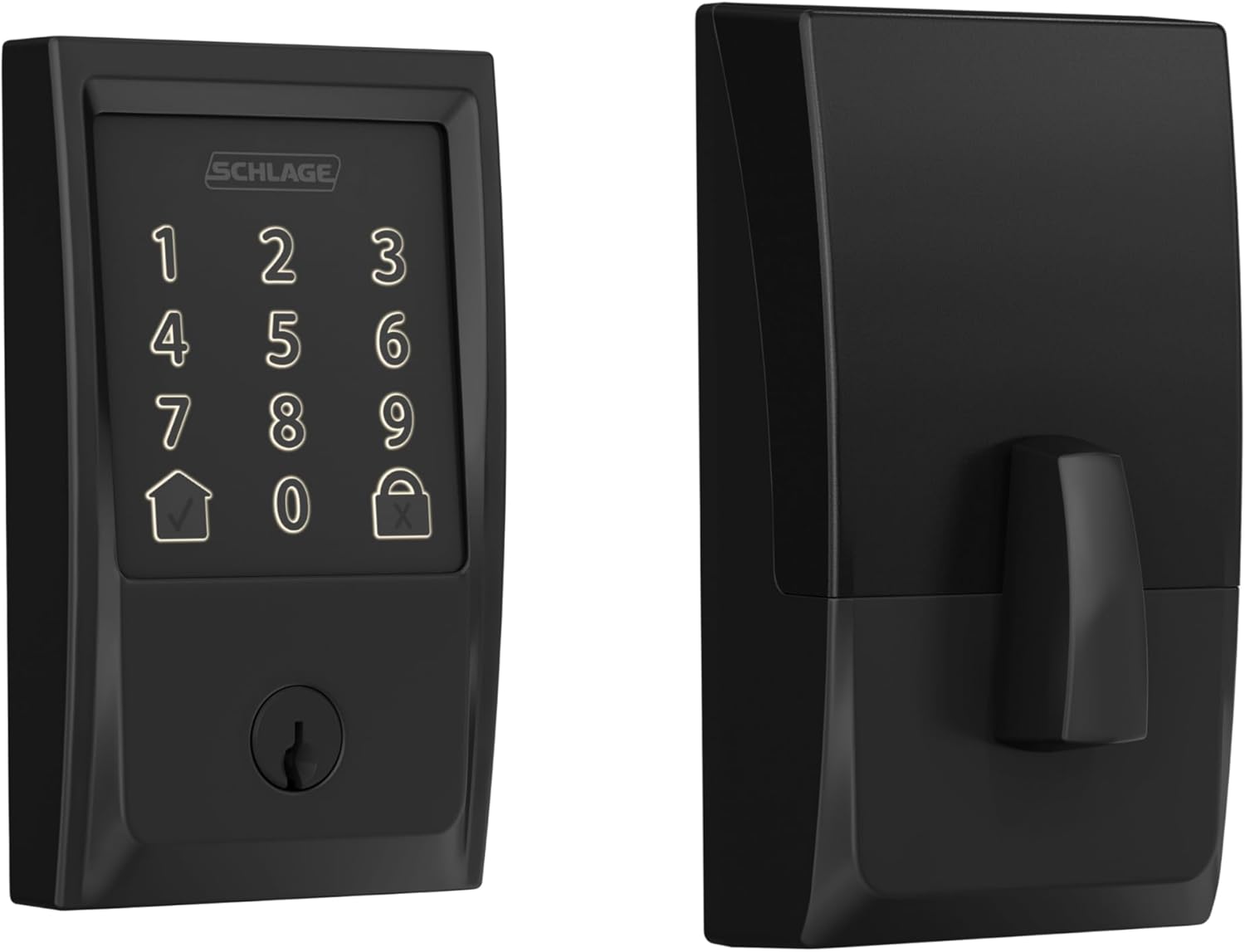
Schlage Encode Smart WiFi Deadbolt Lock with Century Trim
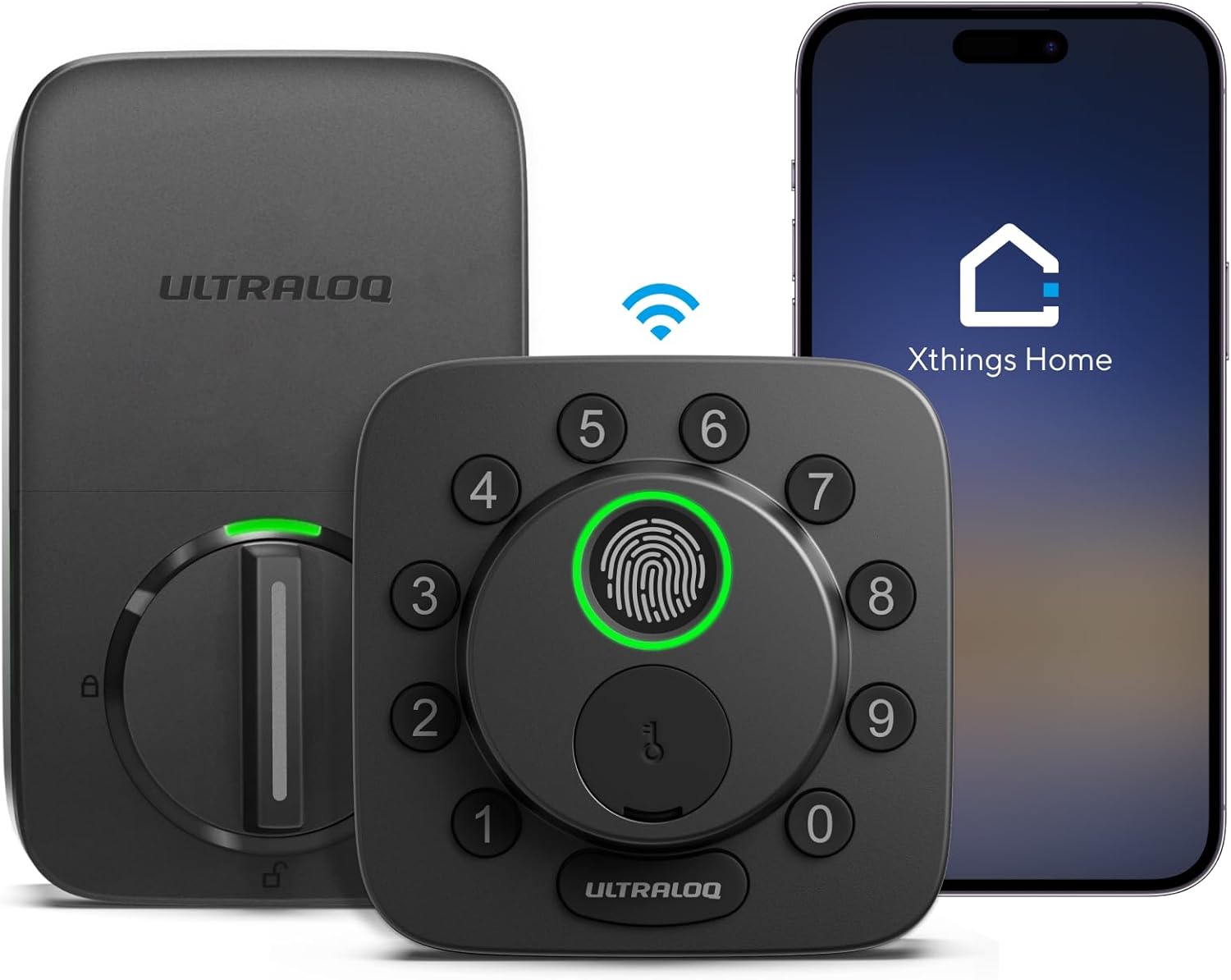
ULTRALOQ Bolt SE Wifi Smart Deadbolt Lock with Matter Support
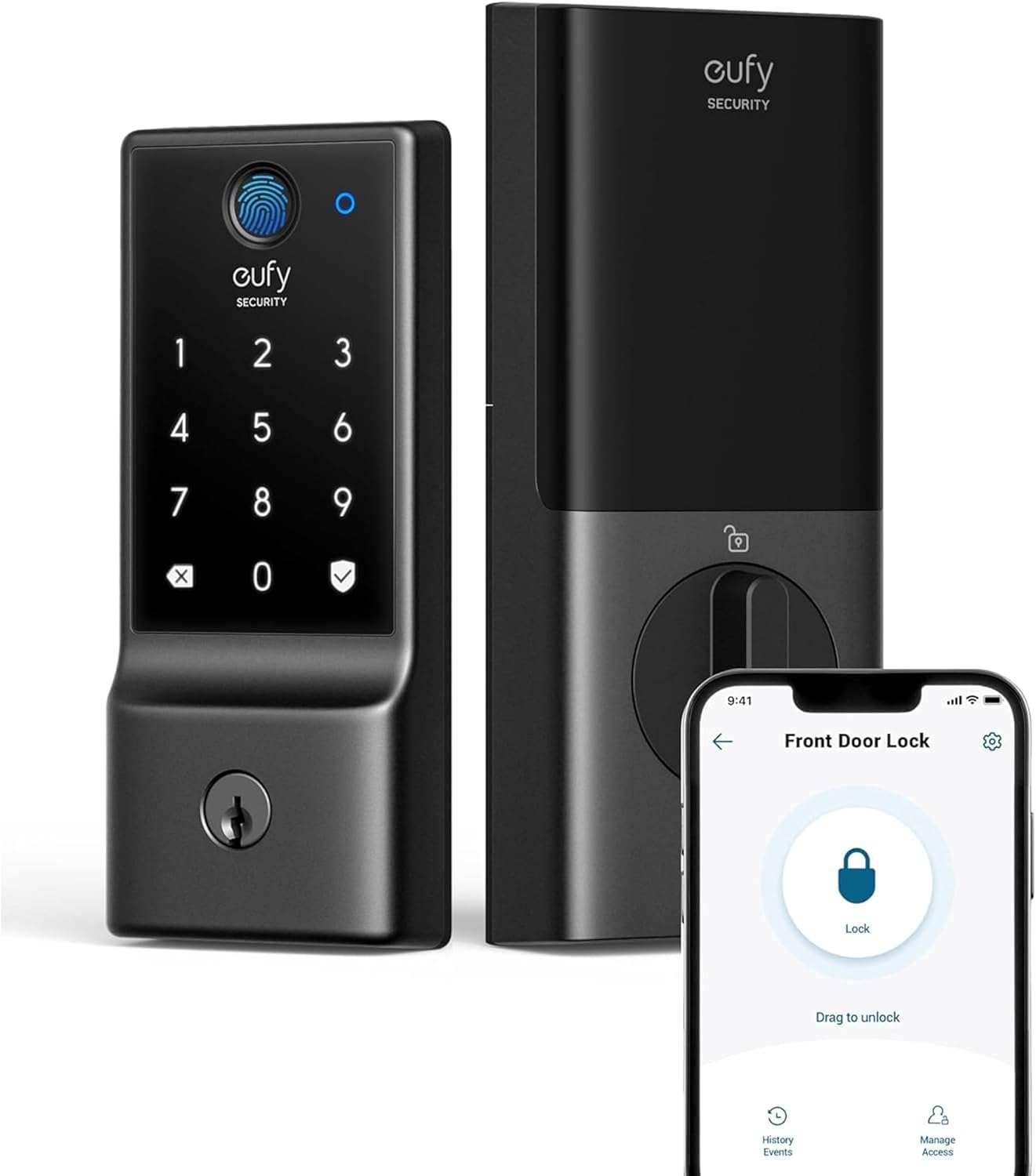
eufy Smart Lock C220 Fingerprint Keyless Entry

Philips WiFi Keypad Door Lock with App Control
Specs Side by Side
The table shows where these five deadbolts differ most: how they unlock, how they are powered, which smart home platforms they join and how many access codes they list. Blank-looking entries mean the spec sheet does not list that detail. Connected entry hardware more broadly is covered in a separate roundup of the best smart locks.
| Product | Unlock methods | Power | Smart home support | Access codes |
|---|---|---|---|---|
| Wyze Auto-Lock Bolt | Fingerprint, app, code, keys | 8 AA, USB-C power bank backup | Wyze app, doorbell feed | Code supported, count not listed |
| Schlage Encode | Touchscreen code, app | Not listed, no hardwiring | Alexa, Google Home | Up to 100 codes |
| ULTRALOQ Bolt SE | Fingerprint, passcode, app, eKey | Not listed | Matter over Thread, Siri, Alexa, Google | 50 fingerprints, 50 codes |
| eufy Smart Lock C220 | Fingerprint, keypad, app, key | 8 AA, about 8 months | Alexa, Google, eufy routines | Not listed |
| Philips Keypad Lock | Keypad, app, keys | 8 AA, up to 6 months at heavy use | Alexa, Google | Up to 100 passwords |
Which Smart Deadbolt Fits Your Door
Start with the entry methods you use daily, then check power, install needs and the platform you already run. The factors below separate these models most clearly. A wider range of front door smart locks is compared in our best front door smart locks roundup.
- Preferred unlock method, such as fingerprint, keypad or app
- Smart home platform, including Matter, Apple Home, Alexa or Google
- Power and battery planning for AA batteries
- Install setup, including screwdriver-only mounting and door thickness
Fingerprint Entry at the Front Door
The Wyze Auto-Lock Bolt suits buyers who want fingerprint unlocking, listed at 0.5 seconds. Its USB-C port accepts a common power bank if the batteries run out. The trade-off is that the spec sheet does not list voice assistant support, so check that before buying.
Matter and Apple Home Households
The ULTRALOQ Bolt SE suits homes already running Matter over Thread through Apple Home. It also lists fingerprints and passcodes for multiple users. The trade-off is that it needs a compatible Thread Border Router and supports 2.4 GHz Wi-Fi only, with the router within 70 ft.
Renters and Screwdriver-Only Installs
The Schlage Encode suits renters who want a tool-light install, since it uses a screwdriver and requires no hardwiring. It fits doors from 1-3/8 in to 1-3/4 in thick. The trade-off is that its battery life is not listed in the specs, so plan for upkeep with your own schedule.
Battery-Powered Doors with Keypad Entry
The Philips Keypad Lock suits buyers who prefer physical buttons and multiple passwords, with up to 100 passwords listed. Its auto lock can be set from 10 to 180 seconds. The trade-off is that battery life drops to up to 6 months at 20 to 30 uses a day.
How These Picks Were Grouped
We compared the listed specs for each model, including unlock methods, battery size and runtime, Wi-Fi and Matter support, voice assistant compatibility, access code counts, install requirements and the BHMA wording on the Schlage Encode. Models were then grouped by entry method, smart home platform and install setup so each buyer type can find a relevant match. Ratings are not used to rank the list.
Our Top Picks in Order
These three picks follow the buyer groups above. Each one is listed for the specs that stand out against the full set of five models. Connected entry is a separate category, and its wifi smart lock options are covered in their own comparison.
Fingerprint Unlock Speed: Wyze Auto-Lock Bolt v2 Smart Lock with AI: Wyze Auto-Lock Bolt suits buyers who want fast fingerprint entry, listed at 0.5 seconds, plus a USB-C port for emergency power from a common power bank. Choose another model if you need Matter support or a listed voice assistant feature, since those are not in its specs.
Matter Compatibility: Schlage Encode Smart WiFi Deadbolt Lock with Century: ULTRALOQ Bolt SE suits households using Apple Home or other Matter apps, and it is the only model in this list that lists Matter over Thread. Choose another model if you lack a Thread Border Router or your router runs 5 GHz only, since it supports 2.4 GHz Wi-Fi only.
Screwdriver-Only Install: ULTRALOQ Bolt SE Wifi Smart Deadbolt Lock with: Schlage Encode suits renters and buyers who want a tool-light setup, since it installs with a screwdriver and needs no hardwiring. It lists up to 100 access codes and a built-in alarm for door movement. Choose another model if you need listed battery life or Matter support, since those details are not in its specs.
Smart Deadbolt Questions Buyers Ask
Can I install a smart deadbolt without hardwiring?
Yes, several models in this list are battery powered and do not require hardwiring. The Schlage Encode installs in minutes with just a screwdriver, and its Snap n Stay design helps keep the lock on the door so both hands are free. Check your door thickness, which the Schlage Encode lists as 1-3/8 in to 1-3/4 in, and your backset of 2-3/8 in or 2-3/4 in before ordering.
How long do smart deadbolt batteries last?
Battery life varies by model. The Wyze Auto-Lock Bolt lists up to 8 months on 8 AA batteries, and the eufy Smart Lock C220 runs around 8 months under its listed conditions. The Philips Keypad Lock lists up to 6 months at 20 to 30 uses a day. Battery life depends on how often the lock is used.
Do I need a hub for a Wi-Fi smart deadbolt?
Several listed models connect directly over built-in Wi-Fi. The eufy Smart Lock C220 states no bridge is required, and the ULTRALOQ Bolt SE manages users without a hub over Wi-Fi. Matter over Thread control on the ULTRALOQ Bolt SE does require a compatible Thread Border Router, so check your smart home setup first. Smart locks for Apple HomeKit are a separate category from general Wi-Fi models.
Where should I place the Wi-Fi router for a smart lock?
Place the router within reach of the lock to keep the connection stable. The ULTRALOQ Bolt SE recommends keeping the router within 70 ft of the lock and supports 2.4 GHz Wi-Fi only. Most smart security devices connect over 2.4 GHz Wi-Fi, so check your router settings before setup if you use a dual-band network.
How do I keep my smart lock in good working order?
Replace batteries when the app or the lock sends a low battery alert, and keep spare AA batteries on hand. The Philips Keypad Lock beeps below 10 percent battery and sends low battery alerts in its app. Review access codes and remove unused users regularly, and test the lock manually to confirm it locks and unlocks as expected.





