
Finding a Best Smart Lock With Wifi can be hard because listings mix Wi-Fi details, unlock methods and power options. The right choice depends on how your household wants to unlock the door, whether your router is nearby and whether you want an alarm built into the lock. Households weighing these options often start with a broader roundup of the best smart locks for home.
Wyze Bolt v2 suits buyers who want a fingerprint lock with a USB-C power bank backup. Schlage Encode suits buyers who want a forced-entry alarm and up to 100 access codes. Philips Keypad Lock suits households that want the fastest listed fingerprint unlock.
How These Five Locks Differ
Start with the unlock methods each lock lists, then check the Wi-Fi band, voice assistant support and power details. Some specs are shared by several locks, so compare the rows below before deciding.

Wyze Auto-Lock Bolt v2 Smart Lock with AI Learning Scanner
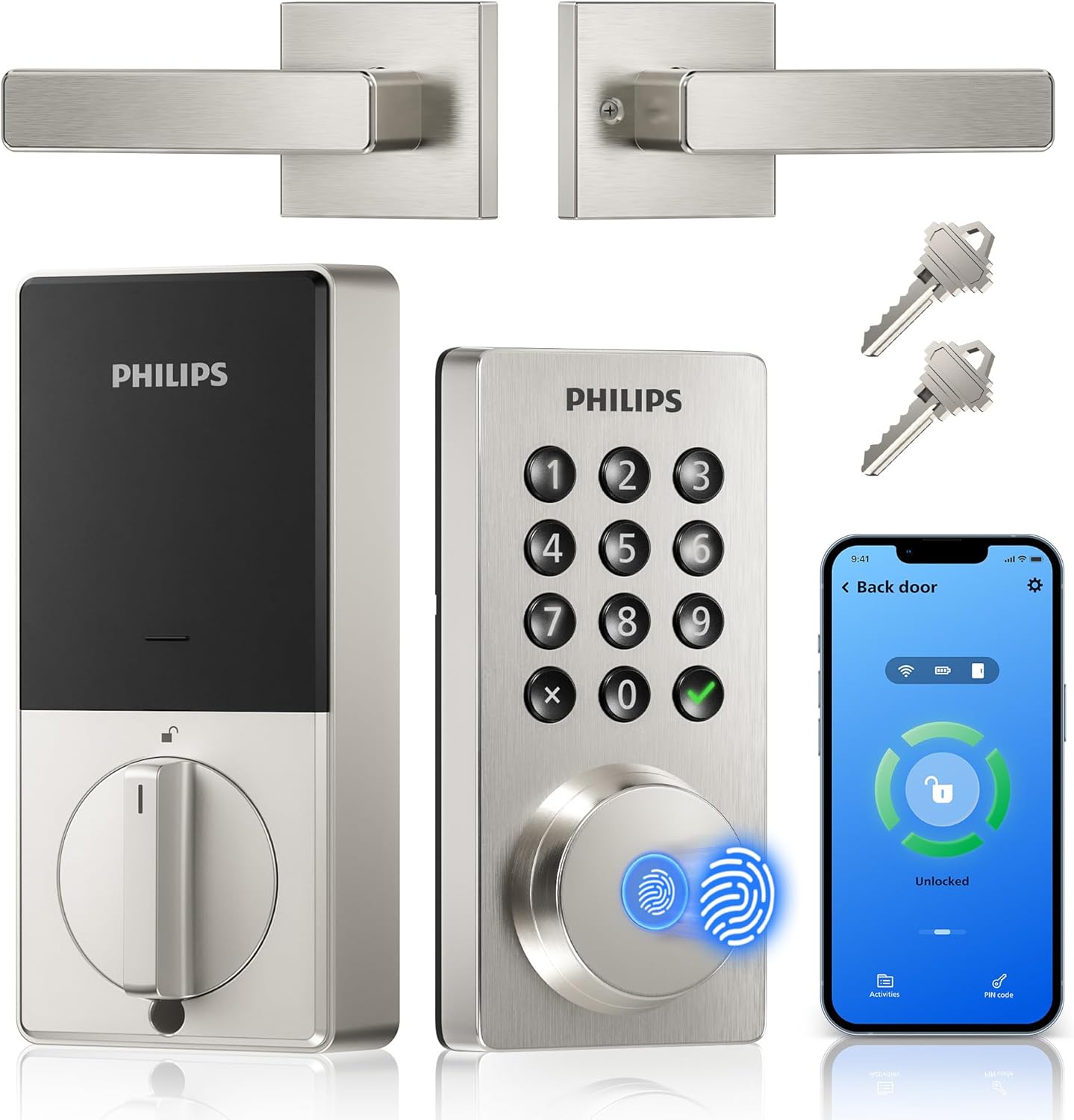
Philips WiFi Keypad Door Lock with Handle
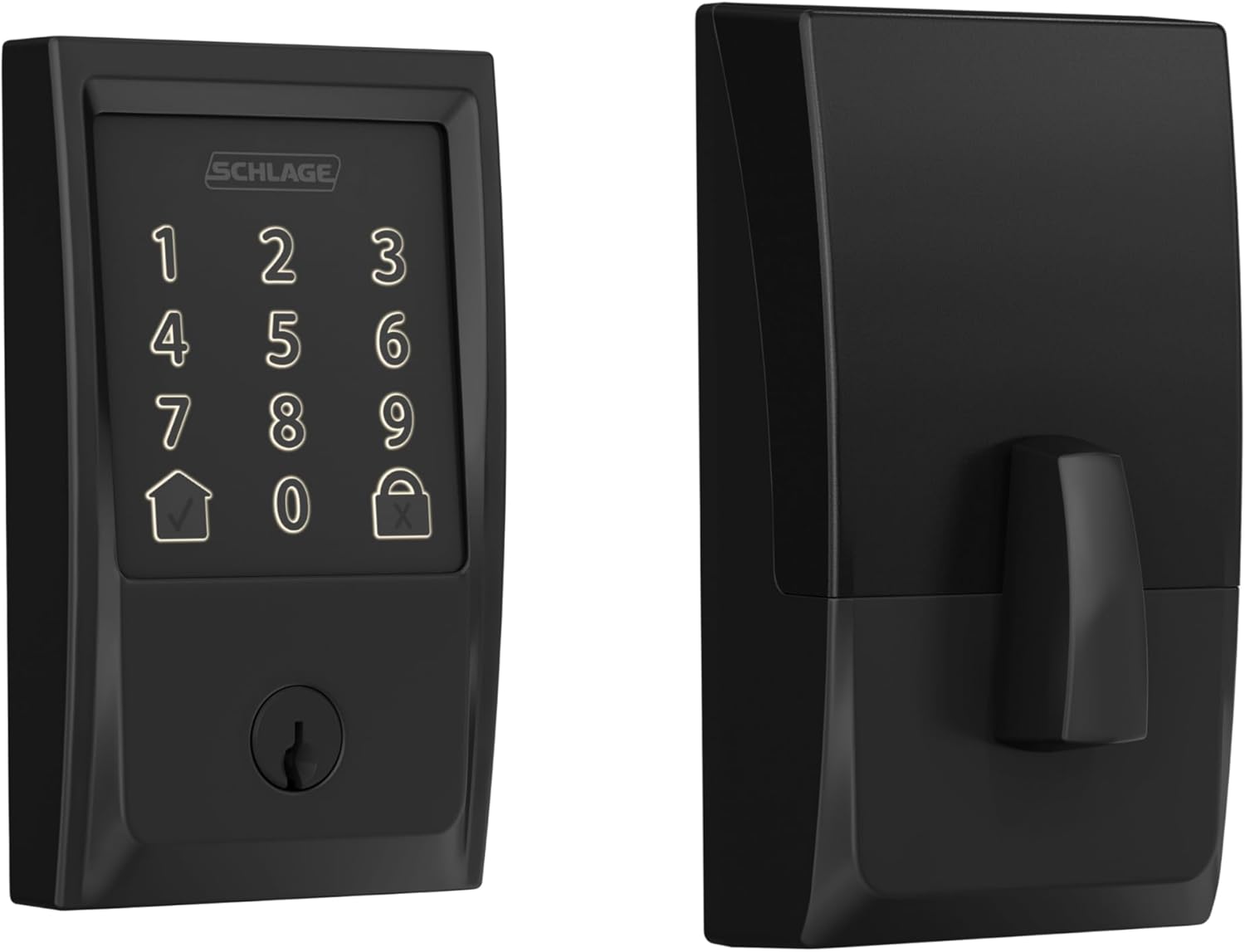
Schlage Encode Smart WiFi Deadbolt Lock with Century Trim
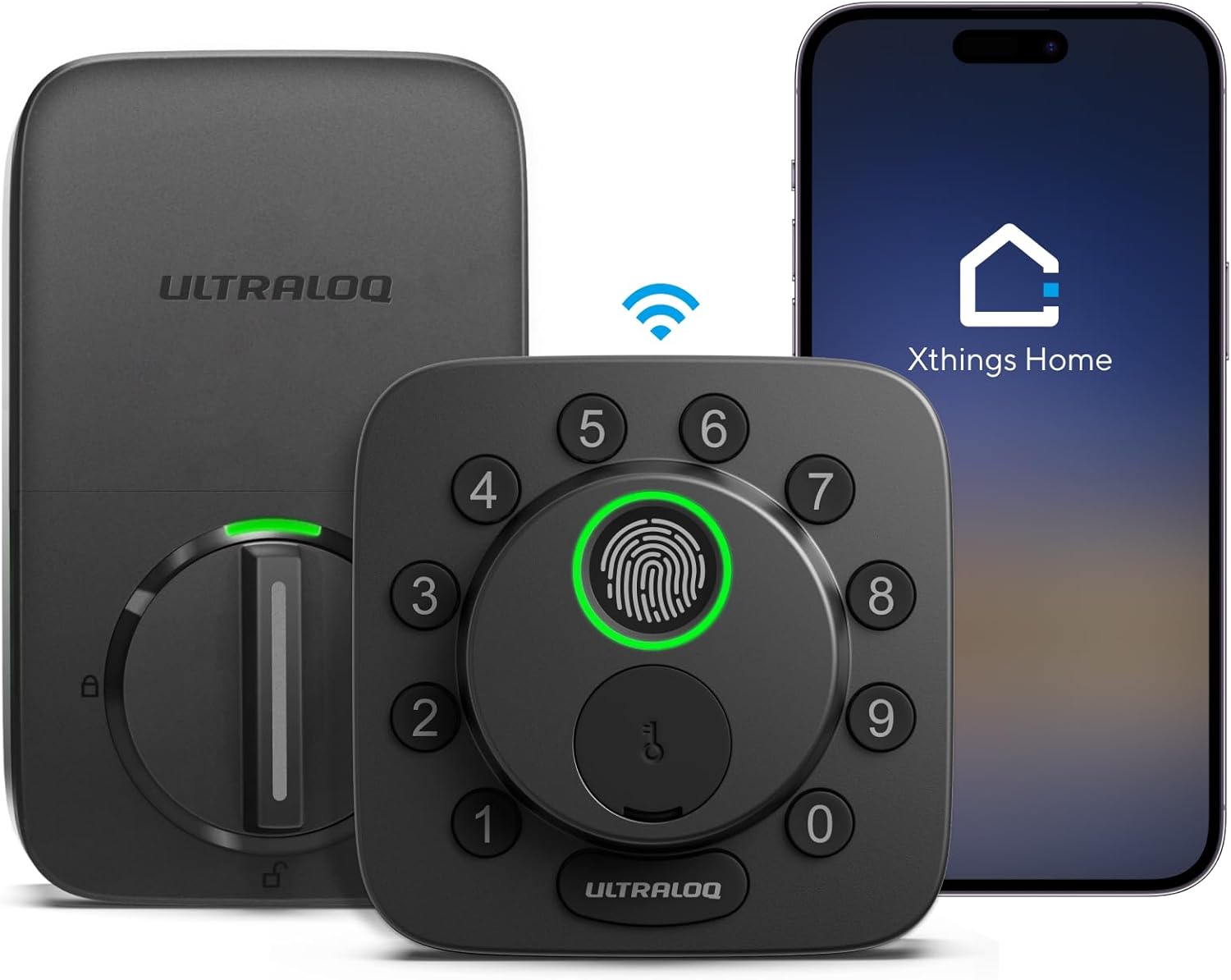
ULTRALOQ Bolt SE Wifi Smart Deadbolt Lock with Matter Support

Philips Wi-Fi Smart Deadbolt Lock With Keyless Entry
Side-by-Side Specs
This table lists the specs that vary most across the five locks. Each value comes from the manufacturer listing, and ‘Not listed’ means the listing does not mention that feature. Broader comparisons of the top smart lock deadbolts on the market cover more brands and features.
| Product | Fingerprint unlock | Wi-Fi details | Voice control | Standout spec |
|---|---|---|---|---|
| Wyze Bolt v2 | 0.5 s, smudge-resistant glass | Built-in Wi-Fi app | Not listed | 8 AA, power bank backup |
| Philips Keypad Lock | 0.3 s, multiple prints | 2.4 GHz, no hub needed | Alexa, Google Assistant | Access history log |
| Schlage Encode | Not listed | Wi-Fi, Schlage Home app | Alexa, Google Home | Forced-entry alarm |
| ULTRALOQ Bolt SE | Up to 50 prints | 2.4 GHz, 70 ft router range | Siri, Alexa, Google Assistant | Matter over Thread |
| Philips Deadbolt | Multiple prints | 2.4 GHz, 65 ft range | Alexa, Google Assistant | Batteries not included |
Which Lock Fits Your Door
Your entry point, power access and household habits matter more than any single feature. Check these factors before you compare product pages.
- Unlock method you will use daily
- Distance from your router, since several locks list a 2.4 GHz band and a maximum range
- Whether you already run a Matter or Thread hub
- Whether you want a built-in alarm or only access control
Renters and doors without a power outlet
Wyze Bolt v2 is a good fit for renters who want batteries included, with 8 AA batteries listed for up to 8 months of use. If the batteries run out, the USB-C port accepts any common power bank. Philips Deadbolt is an alternative, but its listing says batteries are not included, so budget for a set before installing it.
Homes with a Matter or Thread setup
ULTRALOQ Bolt SE fits households already running a Matter over Thread hub, since its listing names Apple Home and other Matter apps. The Wi-Fi app works without a hub, but Matter control needs a Thread Border Router. Philips Keypad Lock is the alternative if you do not own a hub, though it does not list Matter support.
Households that want an alarm on the lock
Schlage Encode is the only lock in this group listing a built-in, customizable alarm for door movement and forced-entry attempts. It installs with a screwdriver, without hardwiring, and fits doors 1-3/8 in to 1-3/4 in thick. Its listing does not mention fingerprint unlock, so Wyze Bolt v2 is the alternative for buyers who want fingerprint access.
Guest rentals and frequent visitors
Philips Keypad Lock suits households managing guests, cleaners or short-term rentals, since its listing includes permanent, one-time, periodic and recurring PIN codes. Its 0.3 s fingerprint unlock is the fastest listed here. Philips Deadbolt is the alternative for up to 100 passcodes, but it lists no recurring code schedules. Many hosts compare smart lock options for Airbnb before choosing a model for their rental.
How We Grouped These Locks
We compared the manufacturer specs listed for each lock, including unlock method and speed, Wi-Fi band and range, voice assistant support, passcode and fingerprint capacity, power source, door fit and built-in alarms. We grouped the locks by entry point, power access, Matter support and alarm features so each buyer situation points to the listing that matches it. This guide does not describe hands-on testing or owner experiences.
Our Picks in Order
Each pick below stands out on a spec the other locks do not match in the same way. Choose the one whose listed features match your entry point, power setup and household needs. Many households compare wifi smart lock options before choosing a model for their entry points.
Power bank backup: Wyze Auto-Lock Bolt v2 Smart Lock with AI: Wyze Bolt v2 suits renters and households who want batteries included and a USB-C port that accepts a common power bank. Choose Philips Keypad Lock instead if you need a no-hub Wi-Fi lock with voice commands and recurring codes. Its listing does not mention a power bank option.
Fastest fingerprint unlock: Philips WiFi Keypad Door Lock with Handle: Philips Keypad Lock suits households that want the quickest listed fingerprint unlock at 0.3 s, plus a keypad and recurring PIN codes for family or guests. Choose Schlage Encode instead if you want a built-in alarm for door movement. Its listing does not mention fingerprint unlock.
Forced-entry alarm: Schlage Encode Smart WiFi Deadbolt Lock with Century: Schlage Encode suits buyers who want a customizable alarm for door movement and forced-entry attempts, along with up to 100 access codes. It installs without hardwiring and fits standard doors. Choose Wyze Bolt v2 instead if fingerprint unlock matters more than an alarm.
Common Questions About Wi-Fi Smart Locks
Do these locks need a separate hub to connect to Wi-Fi?
Several locks in this guide do not need a separate hub for Wi-Fi control. Philips Keypad Lock and Philips Deadbolt both list direct connection to a 2.4 GHz home network with no hub. ULTRALOQ Bolt SE also lists app control over built-in Wi-Fi without a hub, but its Matter over Thread features require a compatible Thread Border Router. Wi-Fi control is one factor in choosing among the wider smart lock options on the market.
How long do the batteries last in these locks?
Wyze Bolt v2 includes 8 AA batteries and lists up to 8 months of use. Its USB-C port accepts a common power bank if the batteries run out. Philips Deadbolt does not include batteries, so check the listing for battery needs before you install it. Check battery levels in the app regularly, since the listings describe app management for each lock.
How far from the router should the lock be placed?
ULTRALOQ Bolt SE lists a router distance of up to 70 ft and supports 2.4 GHz Wi-Fi only. Philips Deadbolt lists 65 ft for better remote control. Measure the path between your router and the door before buying, especially if walls or floors sit between them. Keep in mind that all of these locks use the 2.4 GHz band.
Can I still use a physical key if the app or Wi-Fi stops working?
Yes, most locks in this guide include a physical key option. Wyze Bolt v2 lists physical keys as a backup unlock method. ULTRALOQ Bolt SE includes two mechanical keys, and Philips Deadbolt lists a physical key among its unlock options. Keep a key in a secure location so you can enter if your phone or network is unavailable.
Do these locks keep a record of who used them?
Several locks list an access history feature. Philips Keypad Lock lets you monitor access history in real time through its app, and Schlage Encode lets you view lock history. ULTRALOQ Bolt SE lists activity history with real-time notifications. Check each listing for exactly which events are recorded and how long the history is kept.





