
Choosing a Best Wifi Front Door Lock comes down to how you want to unlock your door and how the lock connects to your home network. Some models need a 2.4GHz network, some ask you to keep the router within a set distance, and others depend on batteries or on a built-in Wi-Fi connection. For a broader look at the category, a separate roundup of smart locks with Wi-Fi covers the full range of options.
Renters and people who want no wiring will look at the Schlage Encode Smart, while households that want quick fingerprint entry or a longer router distance may prefer one of the Philips models. The sections below explain which spec suits which buyer.
The Five Wi-Fi Front Door Locks Compared
Each card lists a Wi-Fi connection type, unlock methods and a few setup details. Start with the network requirements and power source, because those decide whether a lock fits your door and router.
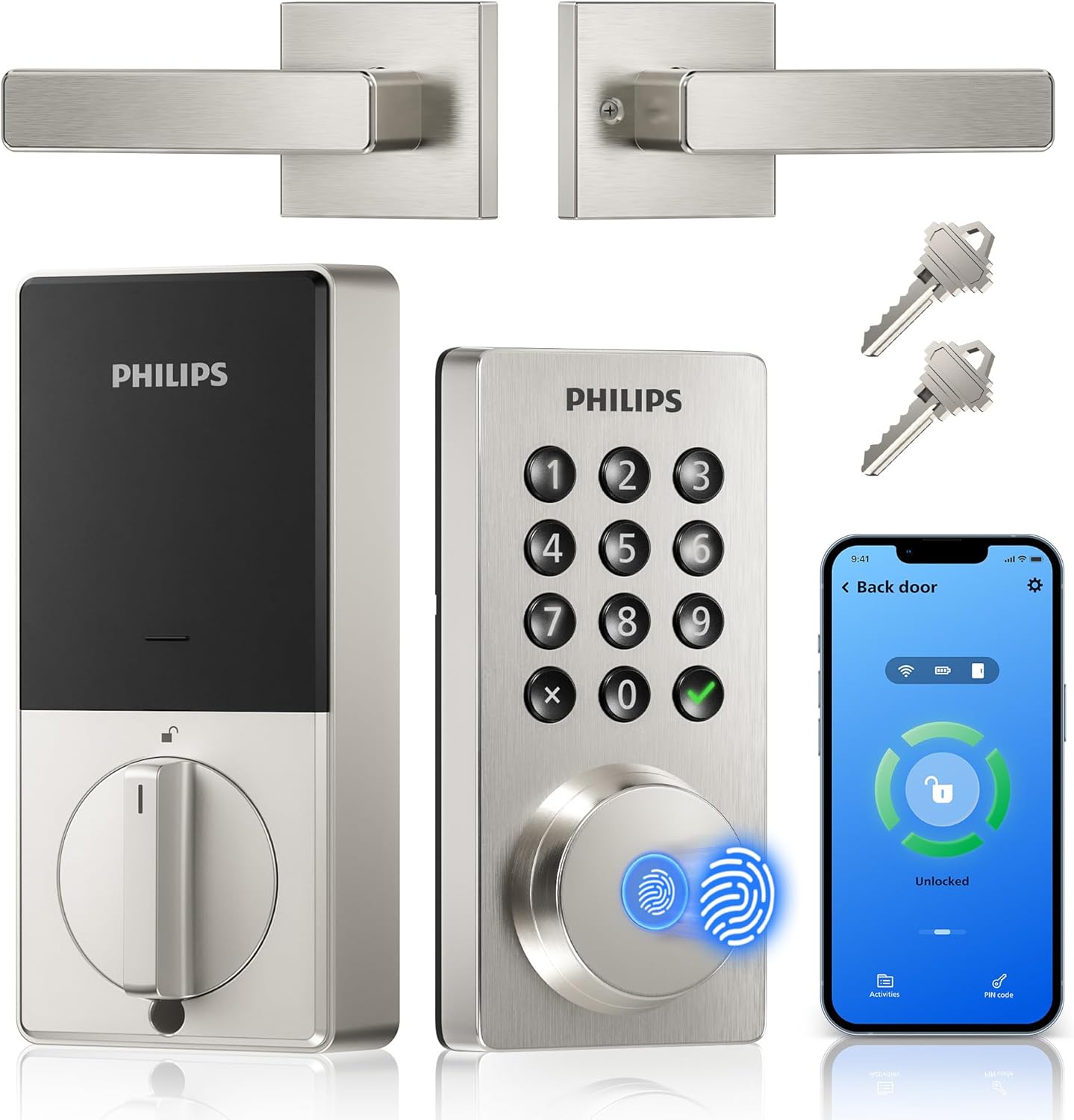
Philips WiFi Keypad Door Lock with Handle

Philips 4200 Series WiFi Keypad Deadbolt with Handle
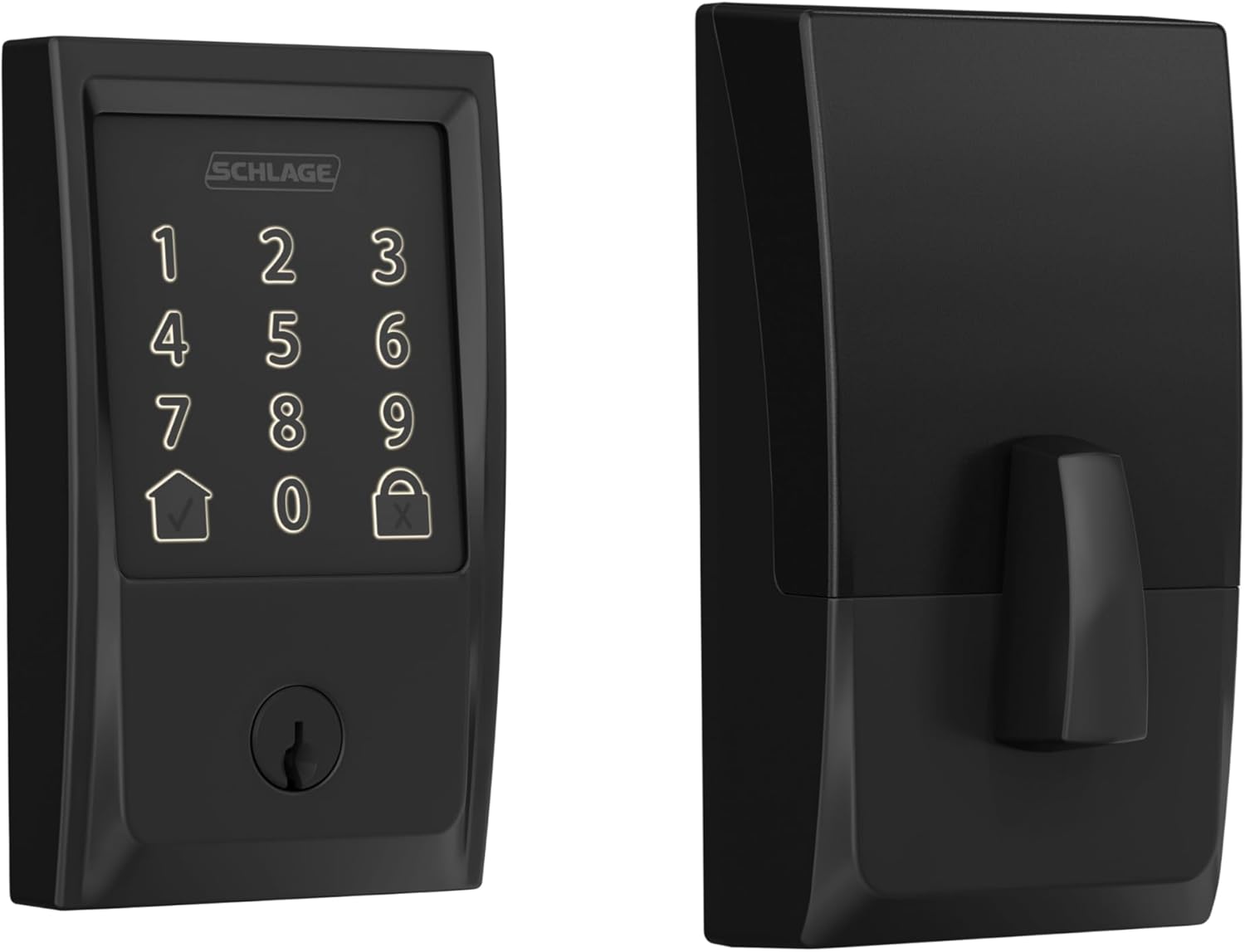
Schlage Encode Smart WiFi Deadbolt Lock with Century Trim

Philips Wi-Fi Smart Deadbolt Lock With Keyless Entry
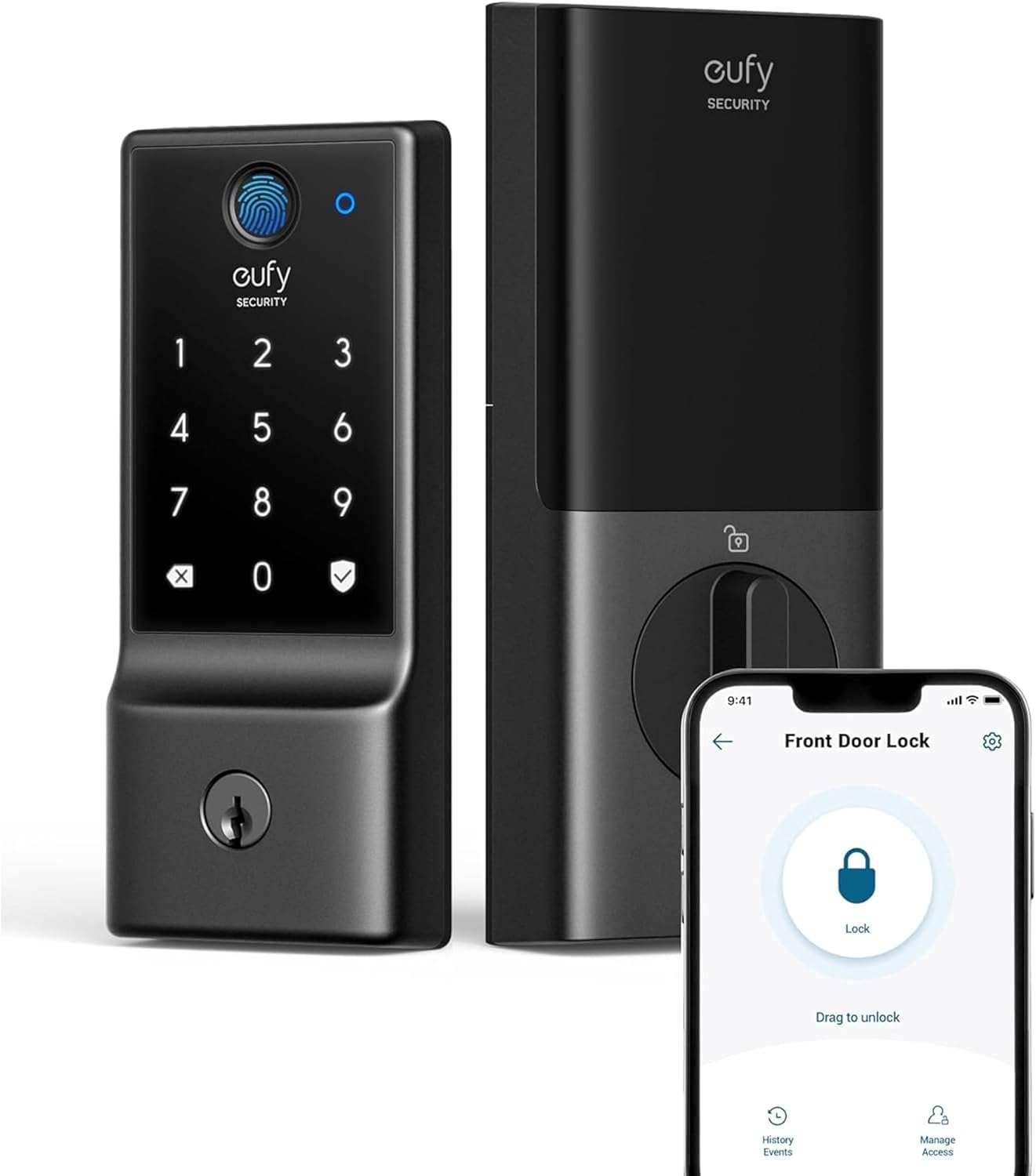
eufy Smart Lock C220 Fingerprint Keyless Entry
How the Five Locks Differ on Key Specs
The table below shows the four areas where these locks differ most, using only the values in each manufacturer’s listing. Where a spec is missing from a listing, the table says so. Many homeowners also compare smart locks for front doors when upgrading their entry.
| Product | Wi-Fi setup | Unlock options | Power and install | Alerts and access |
|---|---|---|---|---|
| Philips WiFi Keypad Lock | 2.4GHz, no hub needed | App, PIN, fingerprint, voice | Power not listed | Live status, access history |
| Philips 4200 Series Keypad | 2.4GHz, within 33 ft (10 m) | App, PIN, fingerprint, voice | Power not listed | Live status, access history |
| Schlage Encode Smart | Built-in Wi-Fi, Schlage Home app | Touchscreen codes, app, voice | Screwdriver install, no hardwiring | Door movement and forced-entry alarm |
| Philips Wi-Fi Smart Deadbolt | 2.4GHz, no hub, 65 ft | App, passcode, fingerprint, key, voice | Batteries not included | Remote lock and unlock |
| eufy Smart Lock C220 | Built-in Wi-Fi, no bridge | App, keypad, fingerprint, key, voice | 8 AA batteries, about 8 months | eufy Security app control |
Which Wi-Fi Lock Fits Your Door
Start with where the lock will be installed and how your home is set up. The differences below come from the listed specs. Models across the wider market are covered in a roundup of smart locks for home.
- Wi-Fi range from your router
- Power source and battery upkeep
- Unlock methods your household needs
- Guest or rental passcode needs
Renters who want no hardwiring
The Schlage Encode Smart fits this setup best, because its listing says it installs in minutes with a screwdriver and needs no hardwiring. It fits standard doors from 1-3/8 in to 1-3/4 in thick with a 2-3/8 in or 2-3/4 in backset. The eufy Smart Lock C220 is the alternative, with built-in Wi-Fi and no bridge, but it runs on 8 AA batteries for about 8 months, which varies with use.
Homes with the router far from the door
The Philips Wi-Fi Smart Deadbolt suits a longer distance, since its listing gives a 65 ft router distance. The Philips 4200 Series Keypad is the alternative, but its listing asks you to keep the lock within 33 ft (10 m) of the router. The trade-off is that the shorter distance leaves less room for walls or metal between the lock and router.
Households that want fingerprint entry
The Philips WiFi Keypad Lock fits households that use fingerprints, because its listing gives a 0.3S fingerprint unlock and supports storing multiple fingerprints. The eufy Smart Lock C220 is the alternative, with a fingerprint unlock of less than 1 second. Its battery life is the trade-off, since the Philips listing does not state a power source.
Hosts managing guest or rental codes
The Philips WiFi Keypad Lock fits hosts best, because its listing names permanent, one-time, periodic and recurring PIN codes. The Schlage Encode Smart is the alternative, with up to 100 access codes and an alarm for forced entry attempts. The Philips Wi-Fi Smart Deadbolt also supports up to 100 custom passcodes, so code count alone does not separate these models.
How We Compared These Locks
This guide compares only the manufacturer specs listed for each lock, including Wi-Fi band and range, unlock methods, passcode types, fingerprint speed, power source, battery life and listed alarms. The Schlage Encode Smart’s listing states it is certified by BHMA for the highest residential security, durability and finish level. Locks are grouped by setup need: renters, long router distances, fingerprint households and guest access.
Our Two Recommended Picks
These two picks are the Philips models best matched to fingerprint and passcode use. Each one’s label names a spec that stands out, and each reason explains who should choose a different lock. Buyers weighing fingerprint and passcode locks often start with a broader comparison of smart lock options.
0.3-second fingerprint: Philips WiFi Keypad Door Lock with Handle: The Philips WiFi Keypad Lock suits households that want fast fingerprint entry, since its listing gives a 0.3S unlock and multiple stored fingerprints. It also supports permanent, one-time, periodic and recurring PIN codes through the app. Choose the Schlage Encode Smart if you want a listed alarm for door movement and forced entry attempts, or the eufy Smart Lock C220 if you prefer a battery-powered lock.
Explicit 33 ft range: Philips 4200 Series WiFi Keypad Deadbolt with Handle: The Philips 4200 Series Keypad suits buyers who want clear placement guidance, since its listing states a 33 ft (10 m) router distance and advises keeping walls and metal away from the lock. It shares the 0.3S fingerprint unlock and app controls with the first pick. If your router is farther from the door, choose the Philips Wi-Fi Smart Deadbolt, which lists a 65 ft distance.
Frequently Asked Questions About Wi-Fi Front Door Locks
Do these Wi-Fi locks need a separate hub?
Four of the five listings say no hub, bridge or extra device is needed, since the lock connects directly to your home Wi-Fi network. The Schlage Encode Smart listing describes built-in Wi-Fi compatibility and does not mention a hub. Read the full listing before buying if a hub-free setup matters to you.
Which Wi-Fi band do these locks use?
Three listings, for the two Philips keypad models and the Philips Wi-Fi Smart Deadbolt, state that they connect to a 2.4GHz network. The Schlage and eufy listings do not name a band in the specs provided. Check your router settings so you know whether your network uses 2.4GHz.
How is each lock powered?
The eufy Smart Lock C220 uses 8 AA batteries and its listing says they last about 8 months, depending on use. The Philips Wi-Fi Smart Deadbolt lists batteries as not included. The Philips keypad and Schlage listings do not name a power source, so confirm it before you buy.
Can I give temporary codes to guests?
Yes, several of these locks support temporary codes. The Philips WiFi Keypad Lock lists one-time, periodic and recurring PINs, and the Philips Wi-Fi Smart Deadbolt lists unlimited one-time or scheduled codes. The Schlage Encode Smart lets you manage up to 100 access codes through the Schlage Home app. Some households prefer a biometric option, and fingerprint locks for front doors offer an alternative to keypad codes.
Does the Schlage alarm replace professional monitoring?
No. The Schlage Encode Smart has a customizable alarm for door movement and forced entry attempts, and it can send notifications through its app. That is a feature of the lock and does not replace professional monitoring or emergency services.





