
Many households want to stop carrying keys and still control who gets through the front door. The right Best Smart Lock depends on whether you want app control, whether your Wi-Fi reaches the door, and how you prefer to unlock it.
If you want remote control, the Philips 4200 Series and Schlage Encode Smart both connect to home Wi-Fi. If you want no app and no Wi-Fi at all, the Yale Digital Keypad is built around a keypad alone. The ULTRALOQ Bolt SE suits people who use Matter-compatible smart home systems.
Five Smart Deadbolts Compared by Their Specs
Each card below lists one lock with its main listed features. Read the connection type, the access methods and the power details first, since these shape daily use most.

Philips 4200 Series WiFi Keypad Deadbolt with Handle

Yale Digital Keypad Deadbolt Keyless Entry Door Lock
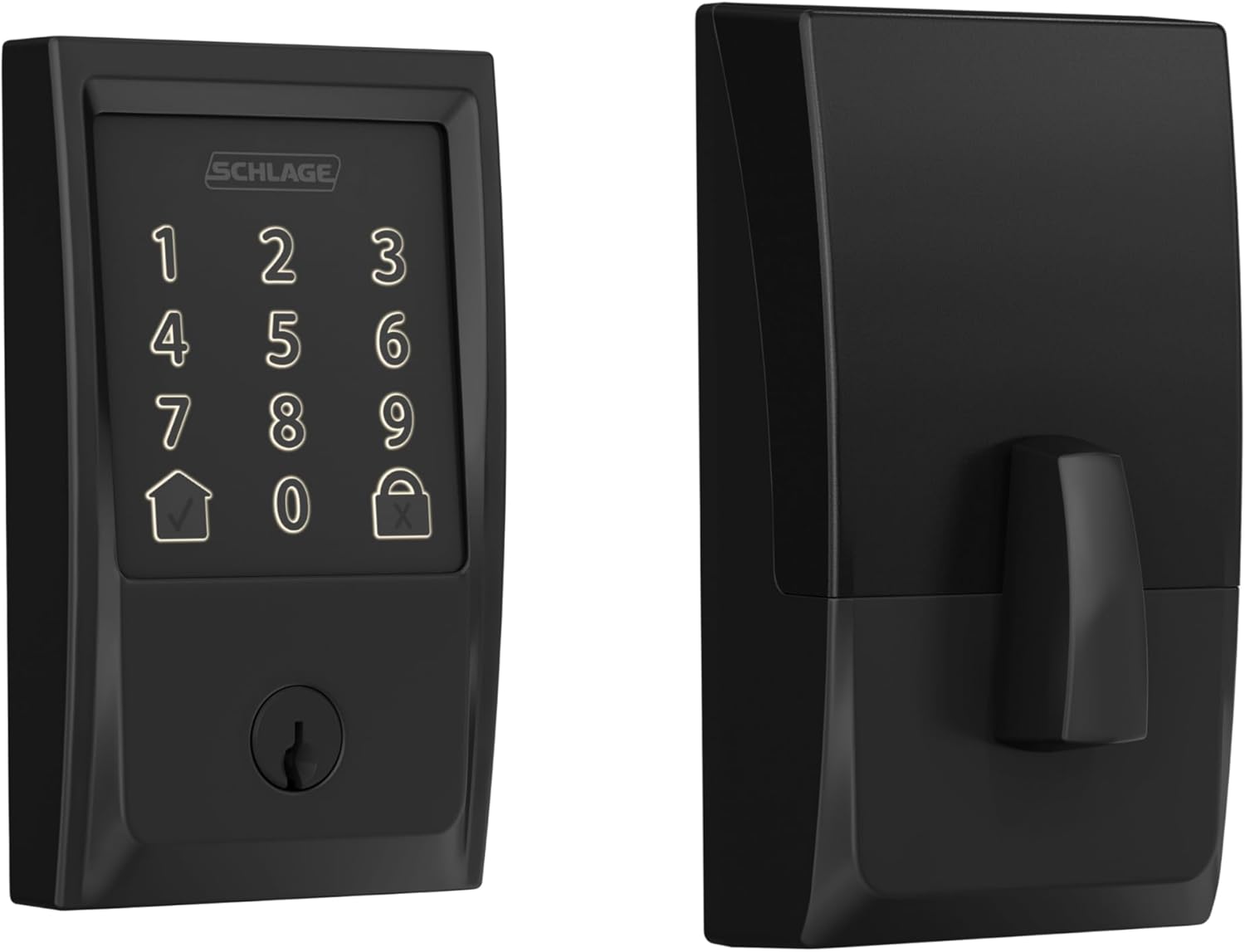
Schlage Encode Smart WiFi Deadbolt Lock with Century Trim
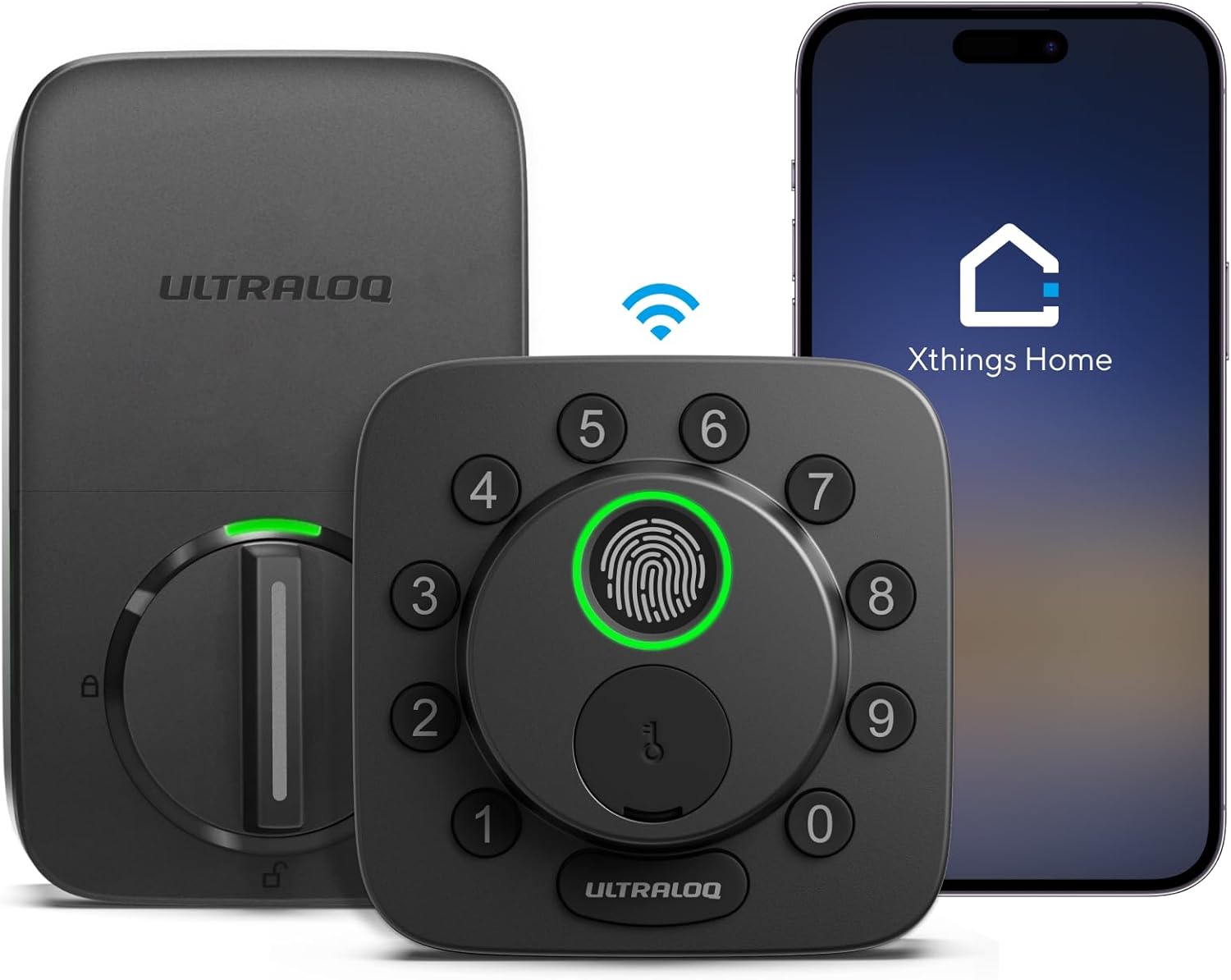
ULTRALOQ Bolt SE Wifi Smart Deadbolt Lock with Matter Support
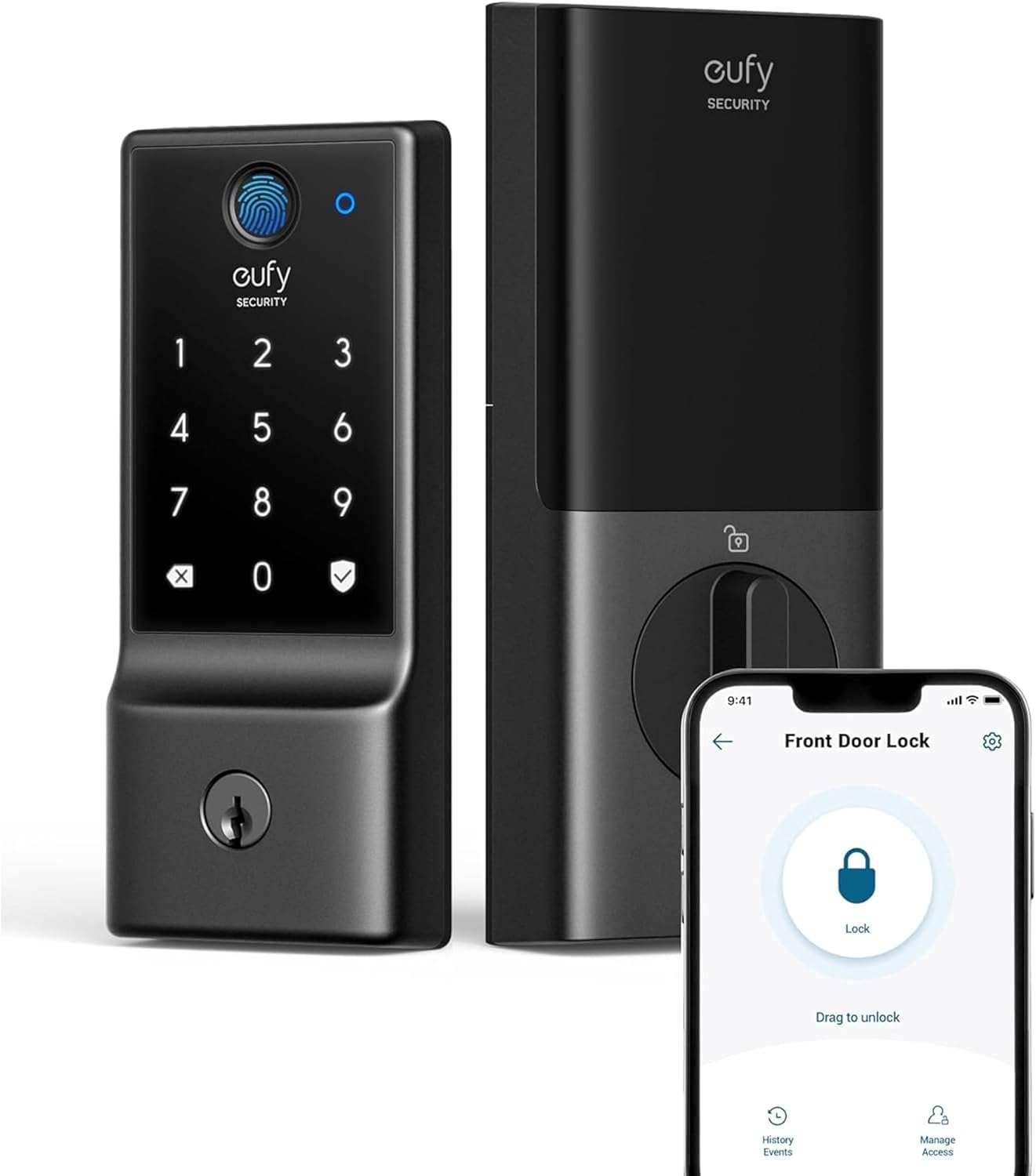
eufy Smart Lock C220 Fingerprint Keyless Entry
How the Five Locks Differ on Key Specs
The table sets out where these locks differ most on connectivity, access methods, voice control and listed extras. Values come directly from each manufacturer’s listing.
| Product | Connection | Access methods | Voice control | Listed extra |
|---|---|---|---|---|
| Philips 4200 Series | 2.4GHz Wi-Fi, no hub | PIN and fingerprint, 0.3 s unlock | Alexa or Google Assistant | Router range within 33 ft (10 m) |
| Yale Digital Keypad | No Wi-Fi, no app | Up to 20 codes, backup key | Not listed in specs | BHMA Grade 3, -22°F to 140°F |
| Schlage Encode Smart | Built-in Wi-Fi, Schlage Home app | Up to 100 access codes | Alexa or Google Home | Forced-entry attempt alarm |
| ULTRALOQ Bolt SE | 2.4GHz Wi-Fi or Matter over Thread | 50 fingerprints, 50 codes | Siri, Alexa or Google Assistant | Matter needs a Thread hub |
| eufy Smart Lock C220 | Built-in Wi-Fi, no bridge | Fingerprint, keypad, key or app | Alexa or Google Voice Assistant | 8 AA batteries, about 8 months |
Our Picks in Order
The picks below are listed in order, with the spec or feature that sets each lock apart and the buyer it suits best.
Scheduled passcode types: Philips 4200 Series WiFi Keypad Deadbolt with Handle: The Philips 4200 Series suits households that want Wi-Fi app control and several kinds of passcodes, including one-time, periodic and recurring PINs. It needs a router within 33 ft (10 m) of the lock. If your router is farther away, choose the ULTRALOQ Bolt SE.
No-app keypad setup: Yale Digital Keypad Deadbolt Keyless Entry Door Lock: The Yale Digital Keypad suits buyers who want codes and auto-lock without Wi-Fi or a phone app. It supports up to 20 codes and includes a backup key. Choose the Philips 4200 Series if you want remote lock control and access history.
Forced-entry attempt alarm: Schlage Encode Smart WiFi Deadbolt Lock with Century: The Schlage Encode Smart suits people who want Wi-Fi control, up to 100 access codes and an alarm that sounds for door movement and forced entry attempts. It installs with a screwdriver and no hardwiring. Choose the eufy Smart Lock C220 if you prefer fingerprint unlocking.
Smart Deadbolt Questions Buyers Ask
Do I need a hub for a Wi-Fi smart deadbolt?
It depends on the model. The Philips 4200 Series connects directly to 2.4GHz Wi-Fi without a hub, and the eufy Smart Lock C220 has built-in Wi-Fi with no bridge required. The ULTRALOQ Bolt SE supports Wi-Fi app control without a hub, but its Matter over Thread control does need a Thread Border Router. Check each listing before you buy.
How far can the lock be from my Wi-Fi router?
The Philips 4200 Series asks that the lock stay within 33 ft (10 m) of your router, with fewer walls and metal objects in between. The ULTRALOQ Bolt SE lists a router distance of 70 ft, and it supports 2.4 GHz Wi-Fi only. Your home layout will affect the real connection.
Can I still unlock the door if the batteries run out?
The Yale Digital Keypad includes a backup key and sends low-power alerts when batteries are running low. The eufy Smart Lock C220 can also be opened with its physical key, according to its listing. Keep spare batteries and a key in a known place, and test the lock regularly.
Can I give my dog walker or a neighbor temporary access?
Yes, several of these locks support this. The Yale Digital Keypad lets you create up to 20 unique codes on the keypad. The Schlage Encode Smart manages up to 100 access codes through its app, and the Philips 4200 Series supports one-time and periodic passcodes.
How often should I check my smart lock?
Check the lock’s battery level and test it after installation and on a regular schedule. Use the app’s lock history, where available, to confirm recent activity. A smart lock is a convenience feature and does not replace the physical checks your door hardware needs.
Which Smart Deadbolt Fits Your Door Setup
Your door location, your Wi-Fi coverage and your comfort with apps all change which lock fits. Start with these deciding factors.
- Distance from your Wi-Fi router to the door
- Whether you want an app or a keypad only
- How many people need their own access codes or fingerprints
- Whether you already use a Matter or Thread smart home system
Front door within Wi-Fi range
The Philips 4200 Series fits a front door within 33 ft (10 m) of your router, since it connects directly to 2.4GHz Wi-Fi without a hub. If your router is farther away, the ULTRALOQ Bolt SE lists a 70 ft router distance, but it also supports 2.4 GHz Wi-Fi only. Its trade-off is a shorter listed range for the Philips lock.
Door without Wi-Fi or app use
The Yale Digital Keypad suits a household that wants codes without an app or phone setup. Auto-Lock and a backup key are included. The trade-off is that remote lock control and access history are not listed in its specs.
Renters or doors with limited wiring
The Schlage Encode Smart installs with a screwdriver and does not require hardwiring. It fits doors from 1-3/8 in to 1-3/4 in thick. The eufy Smart Lock C220 is also battery powered, running about 8 months on 8 AA batteries, though its battery life varies with use.
Smart home built on Matter
The ULTRALOQ Bolt SE is the choice for people building a Matter over Thread home. Matter control requires a compatible Thread Border Router hub. Without that hub, you can still use its 2.4 GHz Wi-Fi app control, which is a different path.
How These Locks Were Grouped and Compared
This roundup compares the listed specifications of five locks: Wi-Fi type and range, hub needs, access code and fingerprint counts, voice assistant support, power source, door thickness range, BHMA grade, and operating temperature range. Locks were grouped by connection style, from Wi-Fi app control to keypad-only use, so that you can match a model to your router, door and household. This guide reports manufacturer specifications only.





