
A Best Fingerprint Lock For Front Door has to do two jobs: open quickly when your hands are full, and let you control who gets in without handing out a physical key. The picks below fall into three groups: app-first Wi-Fi sets, fingerprint-first deadbolts and a keypad deadbolt. If you want remote control from your phone, start with a Wi-Fi set. If you want fingerprint or passcode access and no app is listed in the specs, look at the Veise models. Many households also weigh smart locks for front doors against traditional keyed hardware.
Front Door Locks Compared Side by Side
Start with how you plan to unlock, then check identification speed, battery type and whether the lock needs Wi-Fi. Those listed specs differ most across these products.

Philips Wi-Fi Front Lock Set with 2 Handles
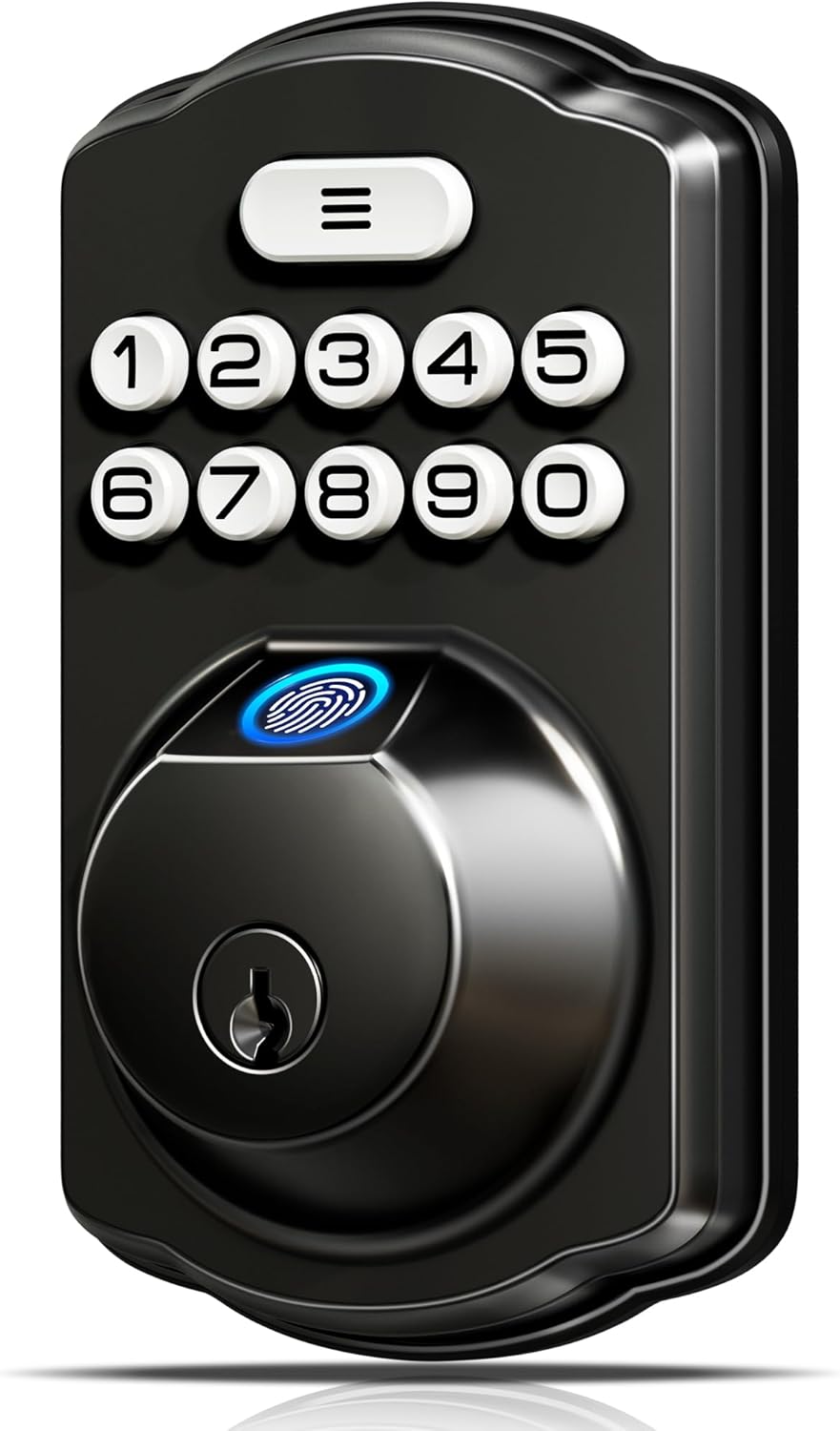
Veise KS02A Fingerprint Door Lock with Self-Learning AI

Veise KS02B Fingerprint Door Lock with Quick Unlock

Philips 4200 Series WiFi Keypad Deadbolt with Handle
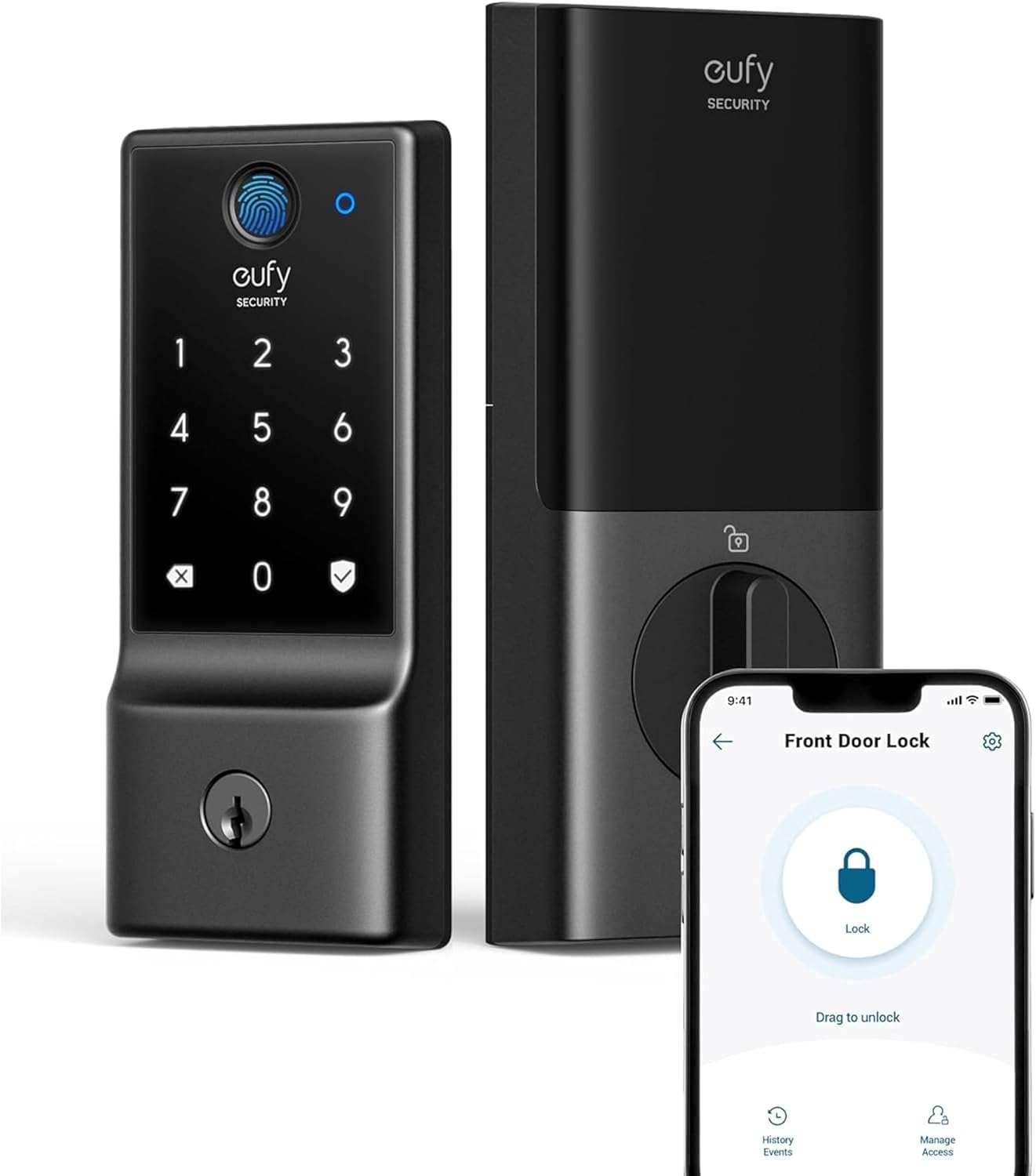
eufy Smart Lock C220 Fingerprint Keyless Entry
Key Specs at a Glance
The table lists each pick’s stated specs. A value marked Not listed means the manufacturer’s specs do not state that figure, so check the full listing before you buy. Keyless entry for doors is a related topic, and a separate roundup covers fingerprint door locks in more detail.
| Product | Fingerprint speed | Battery life | Wi-Fi setup | Weather and grade |
|---|---|---|---|---|
| Philips Wi-Fi Front Set | Not listed | Not listed | Built-in Wi-Fi, app control | Not listed |
| Veise KS02A | 0.2 s identification | 365+ days, 4 AA | No Wi-Fi listed | Not listed |
| Veise KS02B | 0.3 s identify, 1 s unlock | Not listed | No Wi-Fi listed | IP54, ANSI Grade 3 |
| Philips 4200 Keypad | 0.3 s unlock | Not listed | 2.4 GHz, no hub | Not listed |
| eufy C220 Lock | Under 1 s unlock | About 8 months, 8 AA | Built-in Wi-Fi, no bridge | Not listed |
Which Lock Fits Your Door
Your remote control needs, your entry habits and your door’s exposure to weather narrow the choice more than any single feature.
- Whether you want to lock and unlock from a phone app
- How you plan to unlock: fingerprint, passcode or key
- How exposed the door is to rain and outdoor conditions
- How much you want to manage battery replacement
Households Wanting Remote Access
The Philips Wi-Fi Front Set suits a home where you want to lock, unlock and check door status from a phone. Its specs list real-time notifications, access history and an auto-lock timer of 30 to 180 seconds. The alternative is the Veise KS02A, which lists no Wi-Fi. It trades remote control for a 0.2 s fingerprint identification time and a battery life of 365+ days on 4 AA alkaline batteries.
Doors Exposed to Weather
The Veise KS02B suits a door that faces rain or outdoor conditions. Its specs list IP54 water protection, an operating range of -31°F to 158°F, and ANSI/BHMA Grade 3 certification. The alternative is the Philips 4200 Keypad, which lists no weather resistance and needs to stay within 33 ft (10 m) of your Wi-Fi router.
Rentals and Frequent Guests
The Philips 4200 Keypad suits a rental where you hand out temporary access, since it lists permanent, one-time, periodic and recurring PIN codes. The alternative is the Veise KS02A, which lists 20 passwords and one-time codes that auto-delete after use, plus an anti-peeping feature. Its trade-off is that its battery life depends on 4 AA alkaline batteries, which are not included.
Homes Already Using eufy Devices
The eufy C220 suits a home that already has a eufy doorbell, since its specs describe adding the lock to eufy routines. It runs on 8 AA batteries for around 8 months, and the listing notes this may vary. The alternative is the Veise KS02B, which lists 20 fingerprints and 2 physical keys but no Wi-Fi.
Keypad entry varies widely across brands, and a wider range of models is covered in our guide to front door locks with keypad.
How These Picks Were Grouped
We compared the listed specs: unlock methods, identification and unlock times, user code counts, battery type and life, Wi-Fi requirements, auto-lock range, weather resistance and ANSI/BHMA grade. We grouped the picks into app-first Wi-Fi sets, fingerprint-first models and a keypad deadbolt, so each buyer can start from the entry point that fits their door. Where a spec is missing from a listing, we say so rather than fill it in.
Our Picks in Order
Each pick below is placed by the spec where it stands out against the full list, so you can see which strength matches your door. Comparing unlock methods is another way to narrow down smart locks with keys for your door.
Up to 100 codes: Philips Wi-Fi Front Lock Set with 2 Handles: The Philips Wi-Fi Front Set suits a household that wants app control, notifications and many user codes, since its specs list up to 100 user codes and unlimited one-time PINs. Choose a different pick if you want a listed fingerprint speed or weather grade, because neither is stated for this set.
0.2 s identification: Veise KS02A Fingerprint Door Lock with Self-Learning AI: The Veise KS02A suits a household that wants the fastest listed fingerprint identification, at 0.2 s with 20 fingerprints stored. Choose the Philips Wi-Fi Front Set if you need remote control, since no Wi-Fi is listed for this lock.
IP54, ANSI Grade 3: Veise KS02B Fingerprint Door Lock with Quick Unlock: The Veise KS02B suits a door exposed to weather, since it is the only pick whose specs list both IP54 water protection and ANSI/BHMA Grade 3 certification. Choose the Veise KS02A if you want longer listed battery life, because its specs state 365+ days on 4 AA batteries.
Common Questions About Smart Front Door Locks
What do I need to set up a Wi-Fi lock like these?
The Philips 4200 Keypad connects directly to a 2.4 GHz Wi-Fi network, with no hub or bridge listed. Keep it within 33 ft (10 m) of your router and reduce walls and metal objects in between. The eufy C220 has built-in Wi-Fi and no bridge, and it is controlled through the eufy Security app. Check each listing for the app and Wi-Fi details before you buy. Smart locks vary widely in setup needs, and the broader market is covered in our list of the best home key smart locks.
What powers these locks?
The Veise KS02A uses 4 AA alkaline batteries, which are not included, and it shows a red LED alert when power is low. The eufy C220 uses 8 AA batteries and runs around 8 months, which may vary with use. The specs for the Philips and Veise KS02B locks do not list a battery type, so confirm this in the listing before you buy.
Where should I place a keypad deadbolt?
The Philips 4200 Keypad should sit within 33 ft (10 m) of your Wi-Fi router. The specs advise minimizing walls, metal objects and interference sources for a stronger connection. Test the signal at the door before you finish installing the deadbolt, and keep the router area in mind if you use the lock with outdoor-facing doors.
How do I keep the access codes on my lock organized?
Use the app of your chosen lock to review user codes and fingerprints. The Philips 4200 Keypad lets you manage codes and see access history in real time. The Veise KS02A generates one-time passwords that expire after use. Review your codes whenever a guest, cleaner or family member’s access changes, so old entries do not remain on the lock.
Does a Wi-Fi lock record who comes in and out?
Some models list access history in their app. The Philips Wi-Fi Front Set lists access history and real-time notifications, and the Philips 4200 Keypad lists monitoring of access history in real time. The eufy C220 and Veise models do not list access history in their specs, so check the listing if you need that feature.





