
When you look for a Best Smart Lock For Front Door, the first question is how you want to unlock. Some households want a matching handle set, others want a keypad deadbolt, and others want fast fingerprint entry. Comparing Wi-Fi smart lock options is one way to narrow down unlock methods.
The products here differ most in connection type, unlock methods and installation. A keypad deadbolt suits a door close to your Wi-Fi router, a fingerprint model suits frequent touch access, and a handle set suits buyers who want a coordinated look.
Compare the Locks in This Roundup
Each card lists the manufacturer’s specs for one smart lock. Compare the connection type, unlock methods, code limits and fingerprint speed first, then check door thickness and power.

Philips Wi-Fi Front Lock Set with 2 Handles

Philips 4200 Series WiFi Keypad Deadbolt with Handle
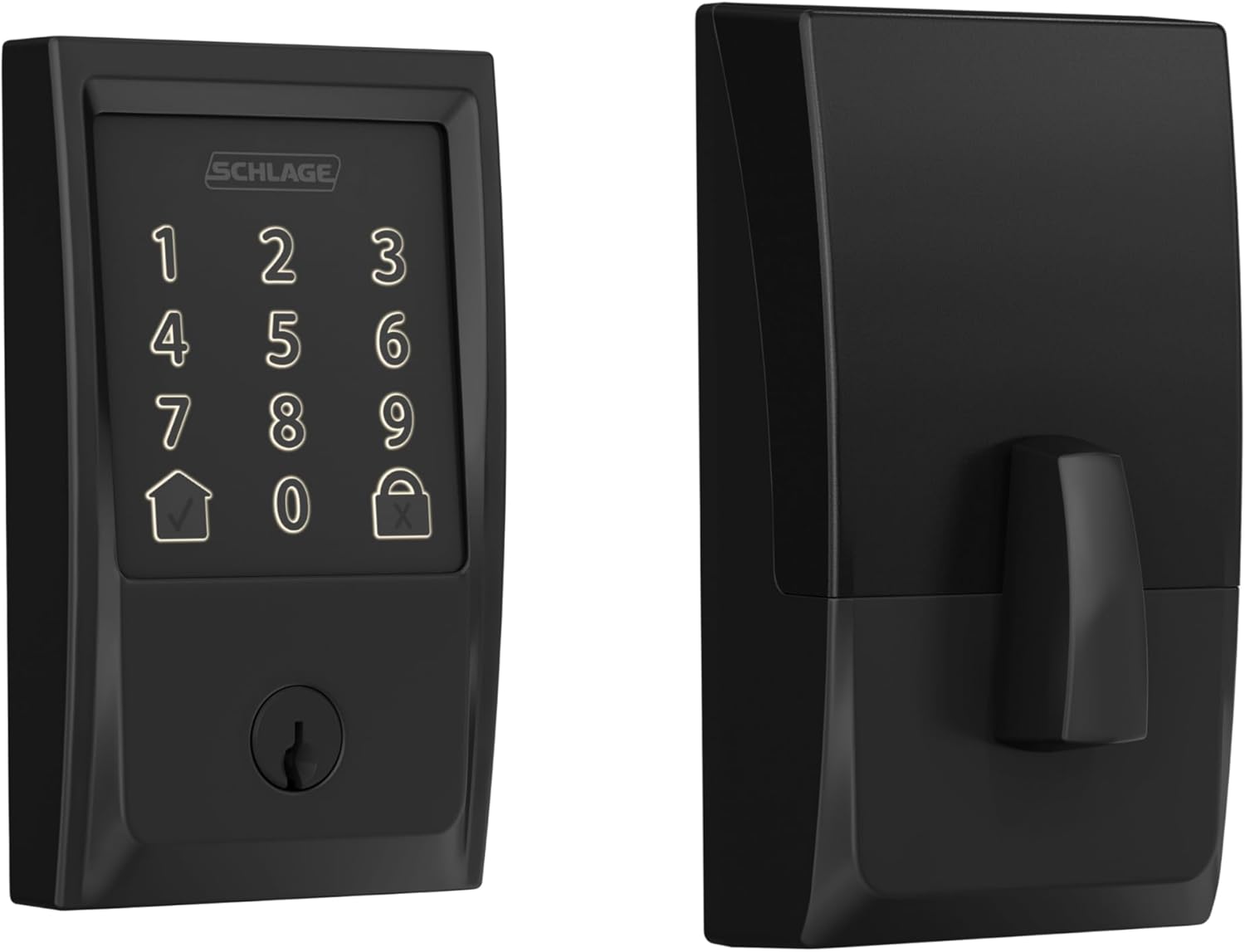
Schlage Encode Smart WiFi Deadbolt Lock with Century Trim
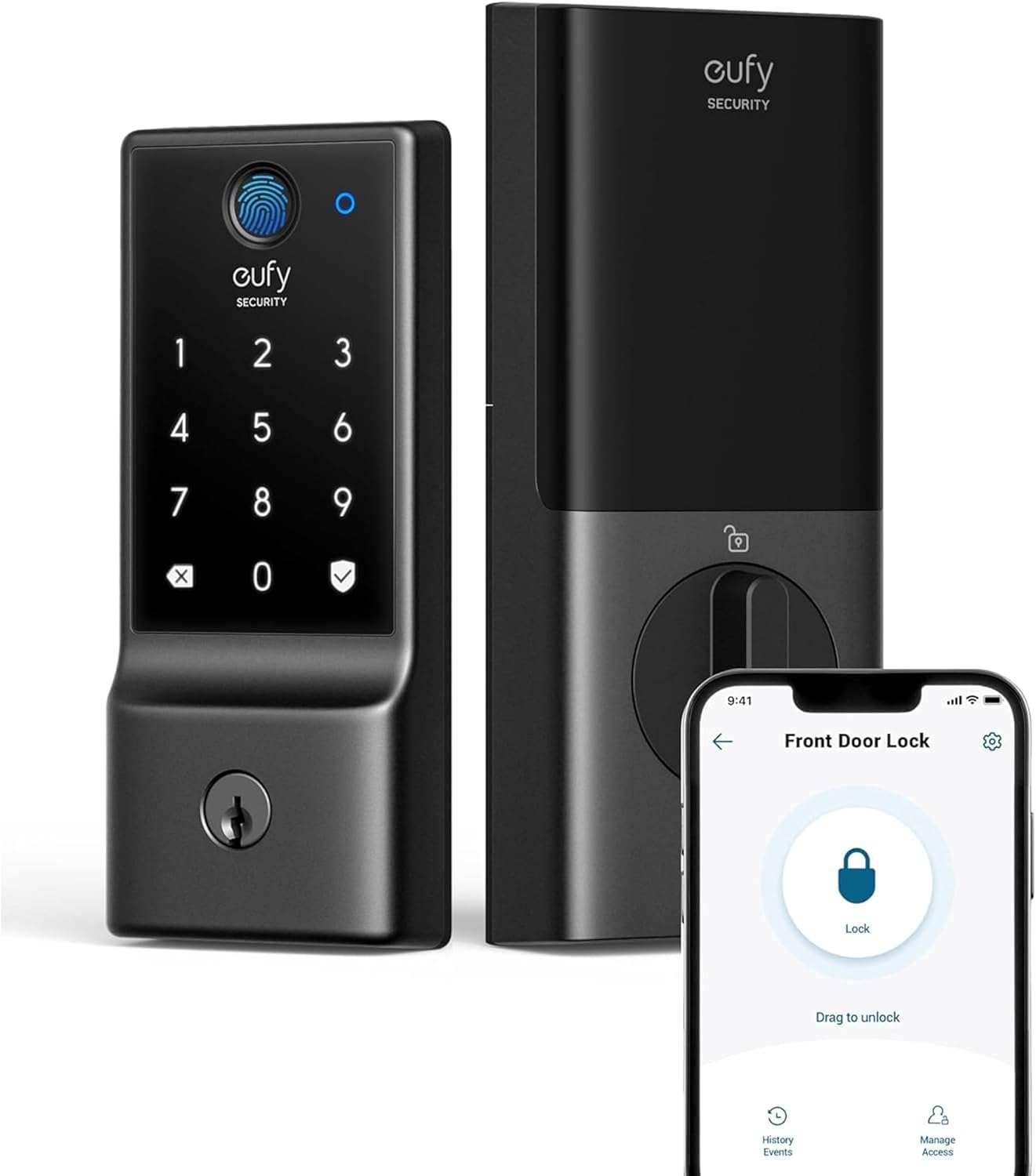
eufy Smart Lock C220 Fingerprint Keyless Entry
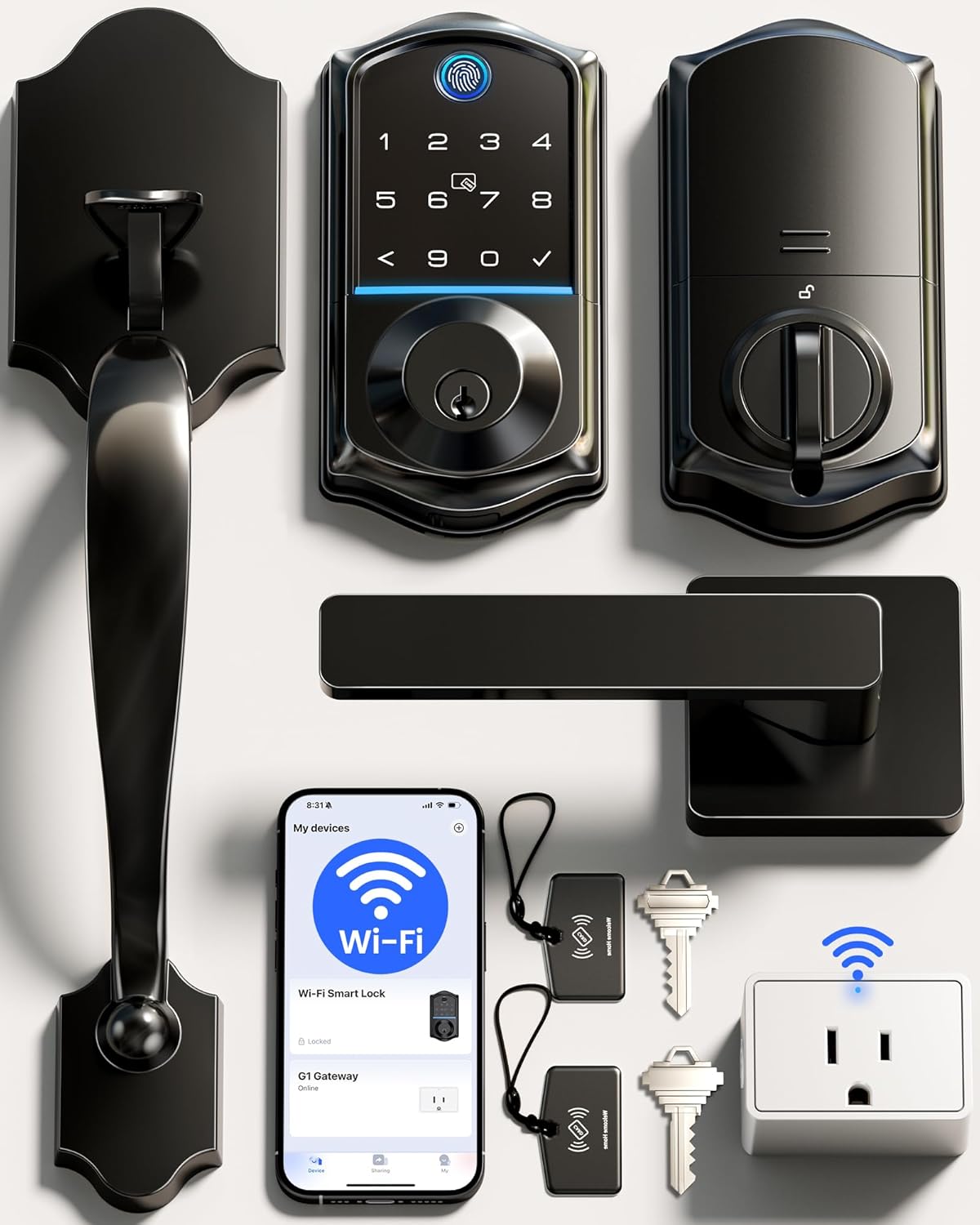
Veise VE017G-H Wi-Fi Smart Door Lock Deadbolt with Handle Set
Side-by-Side Specs of the Locks Compared
The table shows where these locks differ most: how they connect, how fast their fingerprint reader responds, how many PIN codes they store and what powers them. Where a spec is not listed, the cell says so. The wider market for smart locks is broad and varied.
| Product | Connection | Fingerprint speed | PIN code limit | Power source |
|---|---|---|---|---|
| Philips Front Lock Set | Wi-Fi with app | Not listed | Up to 100 user codes | Not listed |
| Philips 4200 Keypad | 2.4GHz Wi-Fi, no hub | 0.3 seconds | Not listed | Not listed |
| Schlage Encode Deadbolt | Built-in Wi-Fi | Not listed | Up to 100 access codes | Not listed |
| eufy Smart Lock C220 | Built-in Wi-Fi, no bridge | Under 1 second | Not listed | 8 AA batteries, around 8 months |
| Veise VE017G-H Lock | Wi-Fi with gateway | 0.2 seconds | 100+ codes, unlimited one-time | Not listed |
Which Smart Lock Fits Your Door Setup
Your entry point, your household and your door setup decide which lock fits. Start with these factors. Choosing among smart locks for home use starts with the same basic questions.
- Distance from your Wi-Fi router
- Unlock methods your household will use
- Door thickness and backset
- Power source and battery upkeep
Front door far from the router
Philips 4200 Keypad suits a door that can stay within 33 ft (10 m) of your Wi-Fi router, since it connects directly to 2.4GHz Wi-Fi with no hub. If the router is farther away, choose Philips Front Lock Set, though its listing does not state a Wi-Fi range.
Renters and simple installs
Schlage Encode Deadbolt suits a home where you want to avoid wiring, because it installs with just a screwdriver and no hardwiring. It fits doors from 1-3/8 in to 1-3/4 in thick with a 2-3/8 in or 2-3/4 in backset. Choose eufy Smart Lock C220 if you prefer battery power, noting that its listing says battery life may vary.
Busy household with many guests
Veise VE017G-H Lock suits a household that grants access often, since it lists 20+ fingerprints, 100+ customized codes and unlimited one-time codes. Its fingerprint reader is listed at 0.2 seconds. Choose Philips Front Lock Set if you want handles and five unlock methods, since its listing does not state a fingerprint count or speed.
Handle set with automatic locking
Philips Front Lock Set suits a buyer who wants a matching handle set and an auto-lock timer that locks the door after 30 to 180 seconds. Choose Schlage Encode Deadbolt if you want a customizable alarm for door movement and forced entry attempts, which the Philips listing does not include.
How These Locks Were Grouped
We compared the listed specs for each lock: Wi-Fi connection type, unlock methods, fingerprint speed, PIN code limits, auto-lock timing, battery details, alarm features, the BHMA rating listed for Schlage, and door thickness and backset. We grouped the locks by entry point, household size and installation setup, so each one sits where its listed specs fit best. Where a spec is missing from a listing, the guide says so rather than filling the gap.
Our Picks for Front Door Smart Locks
Both picks are Philips models, and each suits a different setup. Read the labels first, then match the reason to your door and household. Keyed, Wi-Fi, and keypad designs are all common front door lock types.
Auto-lock timer: Philips Wi-Fi Front Lock Set with 2 Handles: Philips Front Lock Set suits buyers who want a handle set paired with the lock and an auto-lock timer set between 30 and 180 seconds. It also lists five unlock methods and up to 100 user codes. Choose Veise VE017G-H Lock if you need a listed fingerprint count of 20+ or a 0.2 second reader.
0.3-second fingerprint: Philips 4200 Series WiFi Keypad Deadbolt with Handle: Philips 4200 Keypad suits buyers who want a keypad deadbolt that connects directly to 2.4GHz Wi-Fi with no hub and unlocks by fingerprint in 0.3 seconds. Keep it within 33 ft (10 m) of the router, as the listing advises. Choose Philips Front Lock Set if you want a handle set or need the lock farther from the router.
Smart Lock Questions Buyers Ask
How do I choose between a Wi-Fi lock set and a keypad deadbolt?
Start with router distance and whether you want handles. Philips Front Lock Set includes handles and offers app, fingerprint, PIN, key and voice unlocking. Philips 4200 Keypad connects to 2.4GHz Wi-Fi without a hub and suits a door within 33 ft (10 m) of the router. Measure your door thickness and backset before you decide. Many buyers also compare a wide range of keypad door locks before deciding.
Do I need a hub for these smart locks?
Not for every model. The Philips 4200 Keypad connects directly to your home Wi-Fi with no extra hub or bridge, and the eufy Smart Lock C220 lists built-in Wi-Fi with no bridge required. The Schlage Encode Deadbolt lists built-in Wi-Fi compatibility. Check each listing for connection details before you set up the lock.
How often will I need to replace batteries?
Battery details appear in the eufy Smart Lock C220 listing. It runs on 8 AA batteries for around 8 months, and the manufacturer notes this may vary with how often the lock is used. The other listings do not state battery life, so check the manufacturer documentation for power details. Keeping spare batteries on hand is a practical habit.
Can I see who unlocked my door and when?
Several of these locks describe access records in their apps. Philips Front Lock Set lists access history, Schlage Encode Deadbolt lists lock history, and Philips 4200 Keypad lets you monitor access history in real time. Veise VE017G-H Lock lists instant activity logs. Review each app’s settings and the people who have account access during setup.
What should I check before installing a smart lock on my front door?
Measure the door thickness and backset first. Schlage Encode Deadbolt fits doors from 1-3/8 in to 1-3/4 in thick with a 2-3/8 in or 2-3/4 in backset. Confirm that your Wi-Fi signal reaches the door, and note that Philips 4200 Keypad is listed for use within 33 ft (10 m) of the router.





