
If you are looking for a Best Wifi Door Lock, the first question is how the lock reaches your network and who needs to unlock it. Several of the five locks here connect straight to home Wi-Fi without a separate hub, while the ULTRALOQ Bolt SE needs a Thread hub for its Matter features. Wi-Fi connectivity is also a central factor across smart locks with Wi-Fi for most homes.
Households that want fingerprint and keypad entry on one lock suit the Philips 4200 Series Keypad Deadbolt. Renters who want a screwdriver install may prefer the Schlage Encode, and homes already running a Matter over Thread hub may prefer the ULTRALOQ Bolt SE.
Five Wi-Fi Door Locks Side by Side
Each card below is a Wi-Fi deadbolt or keypad lock from its manufacturer’s listing. Compare the Wi-Fi band, router distance, unlock options and passcode limits before choosing.

Philips 4200 Series WiFi Keypad Deadbolt with Handle
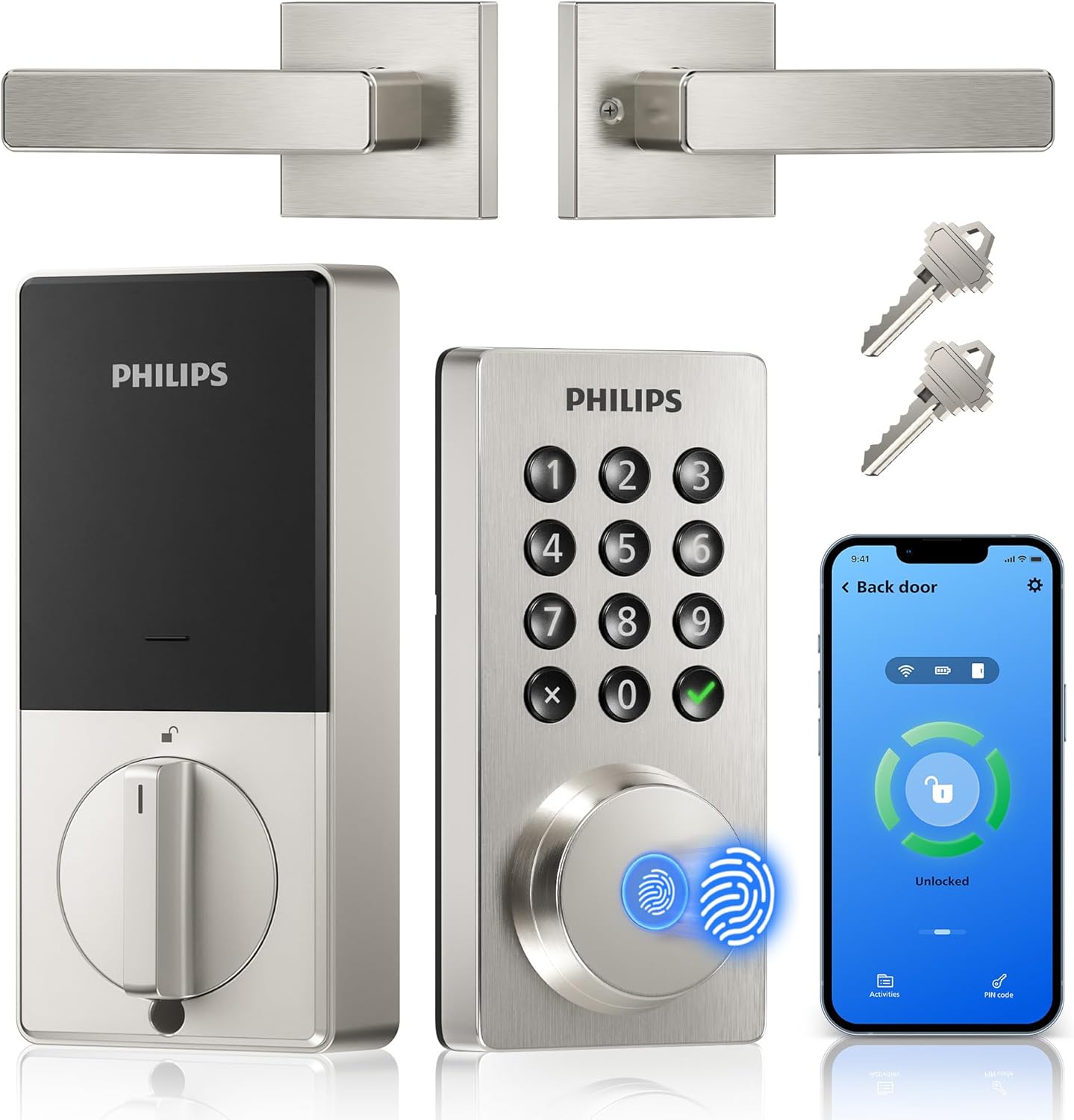
Philips WiFi Keypad Door Lock with Handle
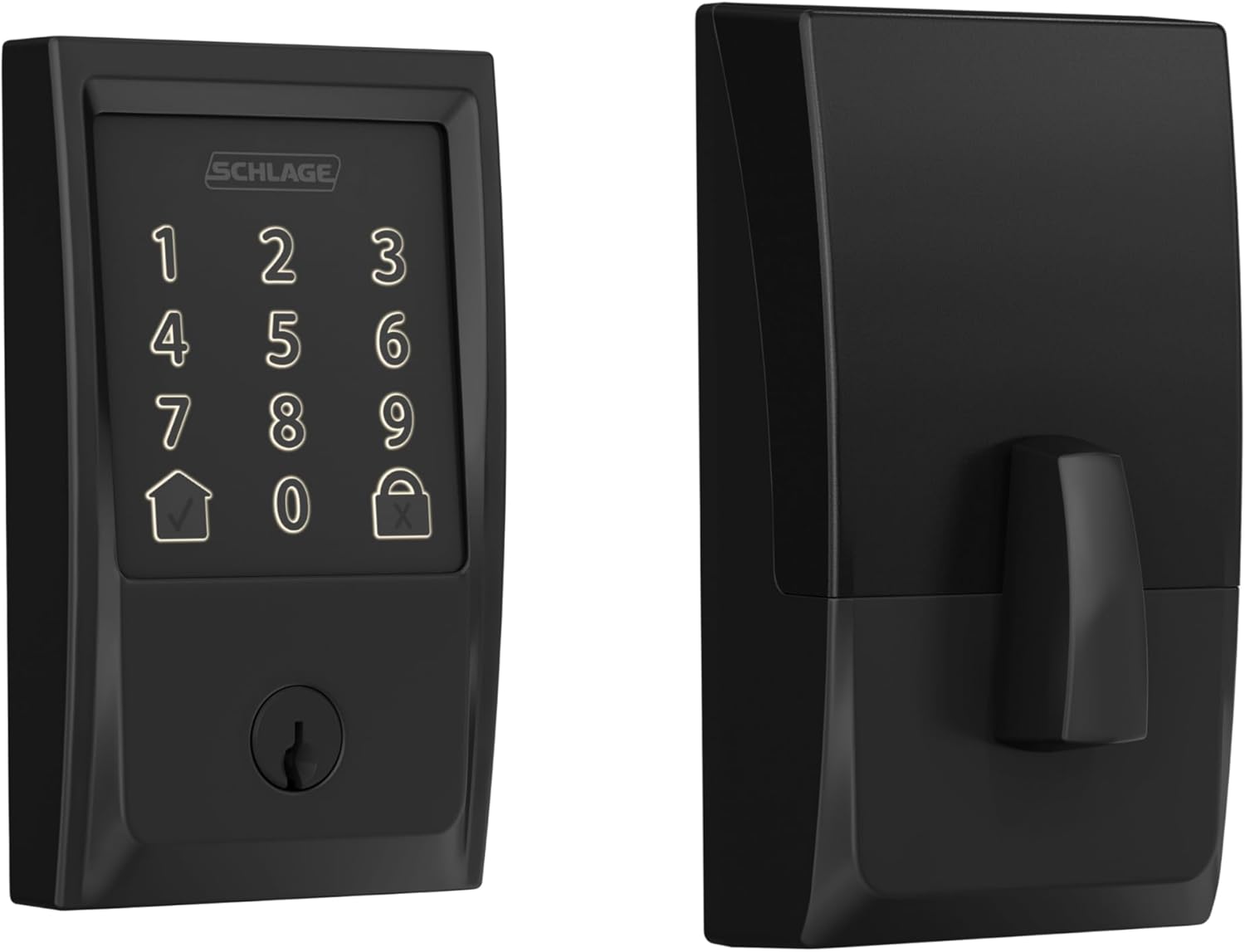
Schlage Encode Smart WiFi Deadbolt Lock with Century Trim
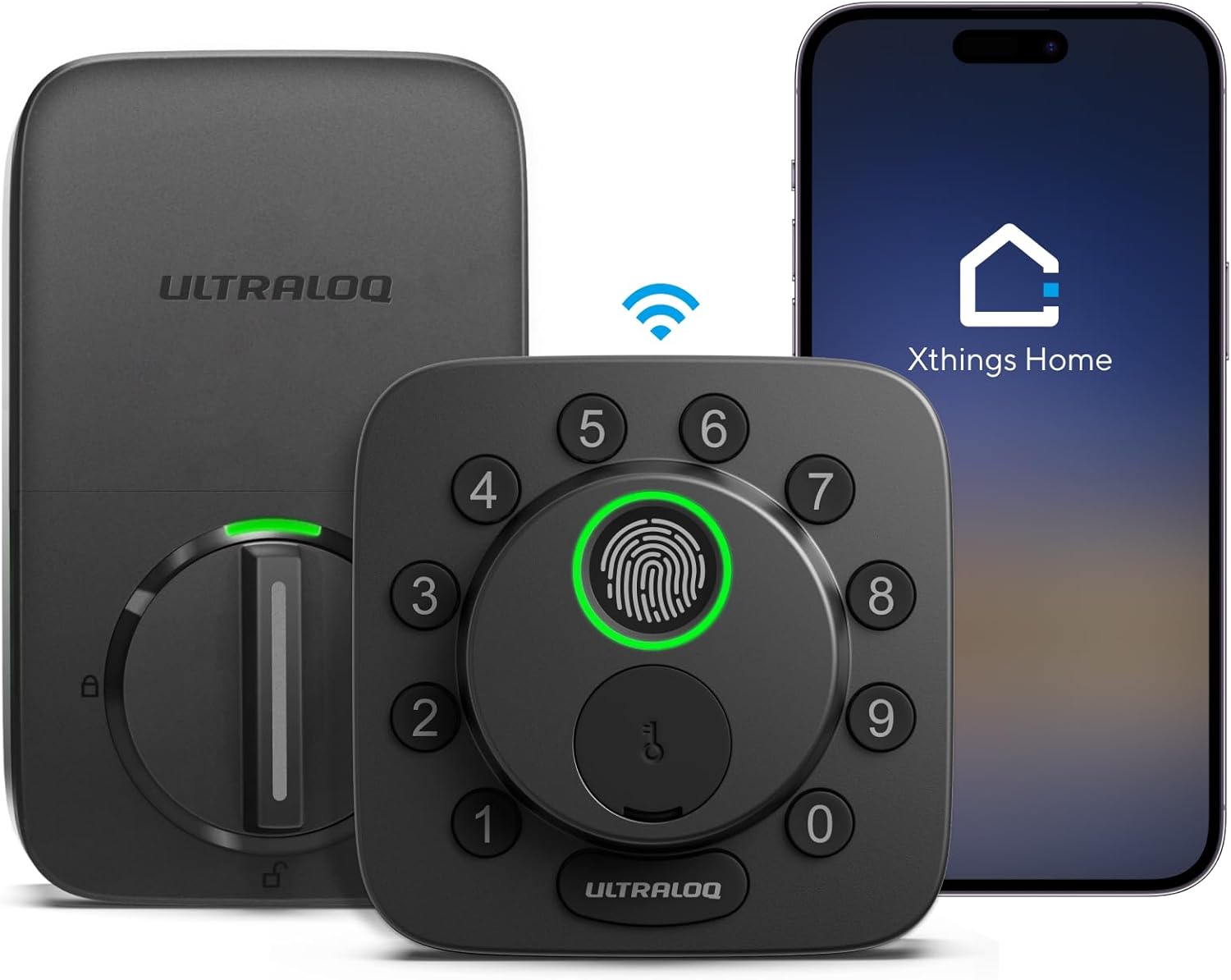
ULTRALOQ Bolt SE Wifi Smart Deadbolt Lock with Matter Support

Philips Wi-Fi Smart Deadbolt Lock With Keyless Entry
How the Five Locks Compare on Key Specs
The table shows where these locks differ most: how they join Wi-Fi, which unlock methods they list, how many passcodes they store and one standout spec. Values come directly from each listing. Keyless entry at home often comes down to choosing among Wi-Fi smart deadbolt locks.
| Product | Wi-Fi setup | Unlock methods | Passcodes | Standout spec |
|---|---|---|---|---|
| Philips 4200 Series | 2.4GHz, no hub | Keypad, fingerprint, app, voice | Permanent, one-time, periodic, recurring | 0.3 s fingerprint unlock |
| Philips Keypad Lock | 2.4GHz, no hub | Fingerprint, keypad, app, voice | Permanent, one-time, periodic, recurring | 0.3 s fingerprint unlock |
| Schlage Encode | Built-in Wi-Fi | Touchscreen, app, voice | Up to 100 codes | Built-in forced-entry alarm |
| ULTRALOQ Bolt SE | 2.4GHz, Thread hub for Matter | Fingerprint, passcode, app, voice | Up to 50 passcodes | Matter support |
| Philips Smart Deadbolt | 2.4GHz, 65 ft range | App, passcode, fingerprint, key | Up to 100 passcodes | Physical key unlock |
Which Wi-Fi Lock Fits Your Door and Household
Start with the door and the people who will use it. The factors below separate these locks most clearly. Choosing among Wi-Fi front door locks starts with the same questions about your door and household.
- Distance from the door to your Wi-Fi router
- Whether you already own a Matter over Thread hub
- Install method, door thickness and power source
- How many people or visitors will receive access codes
Renters who want a tool-only install
The Schlage Encode suits renters because it installs in minutes with just a screwdriver and needs no hardwiring. It fits doors 1-3/8 in to 1-3/4 in thick with a 2-3/8 in or 2-3/4 in backset. The Philips Keypad Lock is an alternative with no hardwiring stated, but its listing does not give door or backset sizes, so measure first.
Homes with a Matter over Thread hub
The ULTRALOQ Bolt SE suits homes that already run a compatible Matter over Thread hub, since it adds Apple Home and other Matter app control. Its Wi-Fi band is 2.4 GHz only, with a 70 ft router distance. The Philips 4200 Series is an alternative for homes without a hub, but its router distance is shorter at 33 ft (10 m).
Entry through a fingerprint and keypad
The Philips 4200 Series Keypad Deadbolt suits households that want fingerprint entry in 0.3 s alongside a keypad. Its 33 ft (10 m) router limit means the lock should sit close to the router. The Philips Keypad Lock offers the same unlock methods with a handle, though its listing does not state a router distance.
Hosts with guests, cleaners or rentals
The Philips Smart Deadbolt suits hosts because it lists up to 100 passcodes, including one-time and scheduled codes. It also supports a physical key and a 65 ft router range. Its listing includes no built-in alarm, so choose the Schlage Encode if you want one.
How These Locks Were Grouped
We compared the listed specs for Wi-Fi band, router distance, hub requirements, unlock methods, passcode limits, alarm features, the BHMA grading for the Schlage Encode, and installation details. Locks were grouped by the buyer’s entry point, whether they have a hub, and who needs access, so each group reflects what the listings state.
Our Top Three Picks
These three picks cover fingerprint and keypad entry, a Philips option with a listed router distance, and a lock with a built-in alarm. Read each card against your door and network before you decide. Many homeowners compare smart locks for home across a wider range of brands and features.
Fingerprint and keypad: Philips 4200 Series WiFi Keypad Deadbolt with Handle: The Philips 4200 Series Keypad Deadbolt suits buyers who want fingerprint and keypad entry on one lock, with a 0.3 s fingerprint unlock and a listed 33 ft (10 m) router limit. Choose the Schlage Encode instead if you want a built-in alarm for door movement and forced entry attempts.
Keypad with handle: Philips WiFi Keypad Door Lock with Handle: The Philips Keypad Lock offers the same fingerprint, app and voice features as the 4200 Series, and it includes a handle. Its listing does not state a router distance, so choose the Philips 4200 Series if you want that 33 ft (10 m) figure in writing, or the ULTRALOQ Bolt SE if you need Matter support.
Built-in alarm: Schlage Encode Smart WiFi Deadbolt Lock with Century: The Schlage Encode suits households that want a built-in, customizable alarm for door movement and forced entry attempts, the only alarm listed among these five locks. It installs with a screwdriver and no hardwiring, on doors 1-3/8 in to 1-3/4 in thick. Choose the ULTRALOQ Bolt SE if you already run a Matter over Thread hub.
Frequently Asked Questions About Wi-Fi Door Locks
How Far Can the Lock Sit From My Router?
The Philips 4200 Series Keypad Deadbolt lists a limit of 33 ft (10 m) from the Wi-Fi router, and its specs advise minimizing walls and metal objects. The Philips Smart Deadbolt lists 65 ft, and the ULTRALOQ Bolt SE lists 70 ft. The Philips Keypad Lock and the Schlage Encode do not list a router distance in their specs, so check their manuals before installing.
Do These Locks Need a Separate Hub?
Most of the listed locks connect directly to home Wi-Fi. The Philips 4200 Series, Philips Keypad Lock and Philips Smart Deadbolt state that no hub is needed. The ULTRALOQ Bolt SE controls app functions without a hub, but its Matter over Thread features require a compatible Thread Border Router hub. The Schlage Encode listing does not mention a hub.
What Powers These Smart Locks?
The Philips Smart Deadbolt listing states that batteries are not included, so plan to buy them separately. The other listings do not state a power source in their specs. Confirm the battery type, life and any wiring needs in each manual before you install the lock on your door.
Should I Still Keep a Physical Key?
The ULTRALOQ Bolt SE includes two mechanical keys, and the Philips Smart Deadbolt lists a physical key as one of its unlock methods. The other listings do not mention a mechanical key. An app or voice command is a convenience, so store a spare key with someone you trust and test the lock manually after setup. Broader comparisons of top-rated smart lock models help anyone choosing a keyless entry system.





