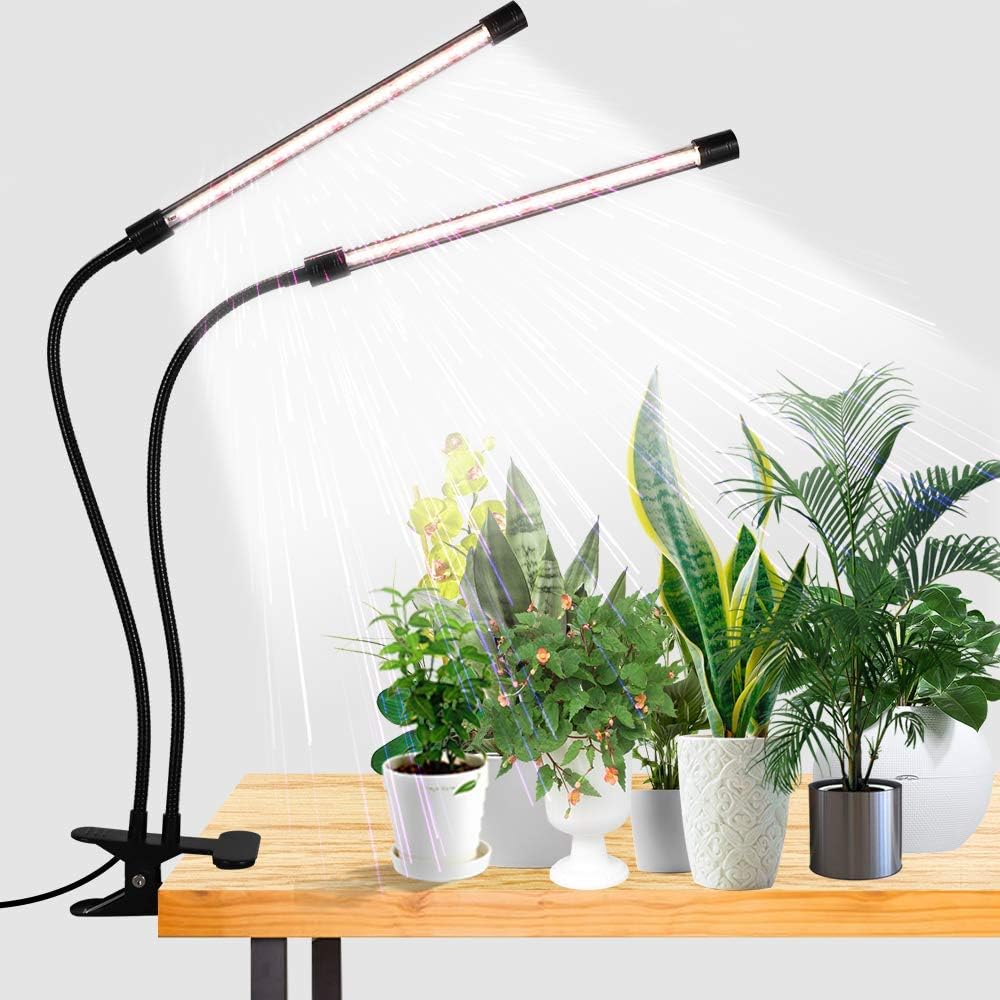
When you look pale, tired or shadowy on Zoom calls, the problem is usually missing light or light coming from the wrong angle. Best Video Conference Lighting put even, flattering light on your face so you appear professional and alert during remote meetings, streaming, or content creation.
If your desk is tight, a clip-on ring light works fast. For a more powerful look or multiple camera angles, a dual-light kit or stand-mounted light with a larger head gives you more control. For a cluttered desk, a monitor light bar mounted on top of the screen lights your face without taking up workspace.
How These Lights Compare
These products differ most in how much light they deliver, how precisely they render skin tones, how far you can adjust the color temperature, and whether they mount on a stand or clip to your monitor.

2 Packs Video Conference Lights for Zoom Meeting, Ring Light for Computer
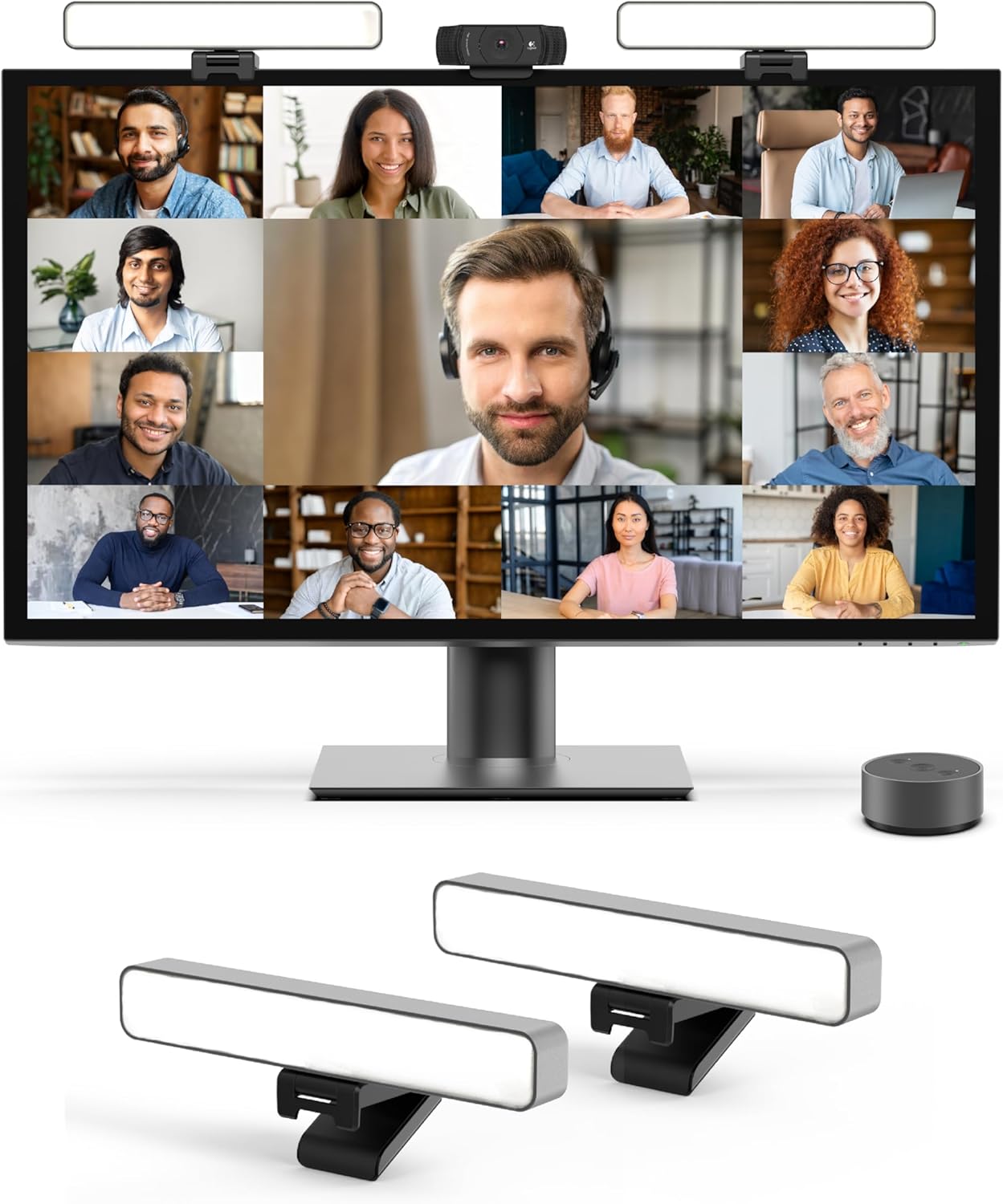
HumanCentric Premium Video Conference Lighting for Video Calls, Zoom

Video Conference Lighting Kit, Ring Light for Monitor Clip On

Logitech for Creators Litra Glow Premium LED Streaming Light - Graphite

Video Conference Lighting for Zoom with Stand, 30 Modes, CRI>98
Which Light Fits Your Situation
Pick the light that matches how you work and where you work. These products serve different needs:
- How portable your setup needs to be
- Whether you want one light or two
- How much desktop space you have
- How precise your color matching needs to be
Tight Desk Space, Single Light
The Cyezcor Ring Clip clips directly to your monitor edge, takes up no desk space, and delivers a 3200–6800K range across 5 brightness steps. If you need sharper color accuracy, the LitONES 2-Pack stands behind your laptop instead and offers CRI 97.8, though it requires clear desk room from 22.5 to 32.5 inches tall. An ultrawide screen often needs a curved monitor light bar to cover its full width evenly.
Professional Setup, Two Lights
The HumanCentric HighBeam Pro is a dual-light kit that delivers up to 1000 lumens and CRI over 94 with wireless control. It comes with monitor and laptop mounts built in. A single LitONES with Stand offers higher CRI (>98) and 30 customizable modes, but you get only one light source.
Home Office, Full Control
The LitONES with Stand includes a memory function to save your ideal settings, a 7×7-inch square light head for wider coverage, and stand height adjustment from 20.5 to 28.5 inches. It combines diffusion and edge-lighting technology to reduce eye strain during long sessions. The HumanCentric HighBeam Pro offers wireless adjustment without touching the lights if you prefer hands-free control.
Streaming or Content Creation
The Logitech Litra Glow features TrueSoft technology for full-spectrum, cinematic color, a frameless diffuser, and passed UL testing for all-day streaming safety. The LitONES with Stand matches this with CRI >98 and a 4-layer optical soft panel that blocks glare, both designed for extended on-camera work.
Our Top Picks
These three products represent the clearest choices for different video conference setups. These setups often benefit from a monitor light bar that softens glare on a curved or ultrawide screen.
Best 2-Pack Value: 2 Packs Video Conference Lights for Zoom Meeting: The LitONES 2-Pack gives you two lights, CRI 97.8, and a 3000–6500K range in one purchase. It suits anyone who wants a second light source for balanced face lighting or larger setups. If you need even higher color accuracy and 30 preset modes, choose the LitONES with Stand instead, though you get one light.
Most Versatile Kit: HumanCentric Premium Video Conference Lighting for Video: The HumanCentric HighBeam Pro delivers dual lights, 1000 lumens brightness, and wireless dial control without needing to adjust the fixtures themselves. It fits remote professionals and streamers who want a complete kit with multiple mounting options. Those who prefer a memory-save function and simpler adjustment should consider the LitONES with Stand.
Most Portable: Video Conference Lighting Kit: The Cyezcor Ring Clip clamps onto your monitor in seconds, needs no stand, and offers a wide 3200–6800K range. It suits frequent travelers or shared workspaces where you can’t set up permanent equipment. If portability matters less and CRI accuracy does, the LitONES 2-Pack’s 97.8 CRI is higher.
Questions About Video Conference Lighting
What does CRI mean and why does it matter?
CRI (Color Rendering Index) measures how accurately a light shows skin tones and colors on camera. A CRI of 80 is standard; 90 or higher is considered high-quality. The LitONES with Stand offers CRI >98, the LitONES 2-Pack 97.8, and the HumanCentric HighBeam Pro over 94. Higher CRI helps you look natural instead of washed out or discolored during video calls. The same CRI principles also apply to lighting for photos, especially portrait and product shots.
What color temperature range should I look for?
Color temperature sets whether light looks warm (yellow) or cool (blue), measured in Kelvin. Warm light is 2700–3000K, neutral is 3500–4100K, and daylight is 5000K and up. The Cyezcor spans 3200–6800K (widest range), the LitONES with Stand spans 2700–6500K, and the LitONES 2-Pack spans 3000–6500K. Wider range means more control to match your skin tone and room lighting.
Do I need a powerful power adapter to use these lights?
The LitONES 2-Pack requires a 10W USB power adapter (not included) for optimal brightness. The Cyezcor Ring Clip works with any USB port on your display, laptop, power bank, or phone charger. The HumanCentric HighBeam Pro includes a wall plug and USB-C power cable. Check your available USB ports or outlets before you buy.
Which light is best for preventing eye strain during long meetings?
The LitONES with Stand uses a 4-layer optical soft panel with diffusion and edge-lighting to block harsh glare and reduce eye fatigue. The LitONES 2-Pack features edge-illuminated LED technology for soft, even light. The Logitech Litra Glow passed UL testing for all-day streaming safety. All three use gentle diffusion rather than bare LEDs.
Can I adjust the light’s angle while I’m in a meeting?
Yes. Both LitONES options (2-Pack and with Stand) allow the light head to rotate 360 degrees. The Cyezcor clip rotates to adjust angle. The HumanCentric HighBeam Pro has a wireless dial controller so you can adjust brightness and temperature without touching the lights. The Logitech Litra Glow’s 3-way mount allows height, tilt, and rotation adjustment.