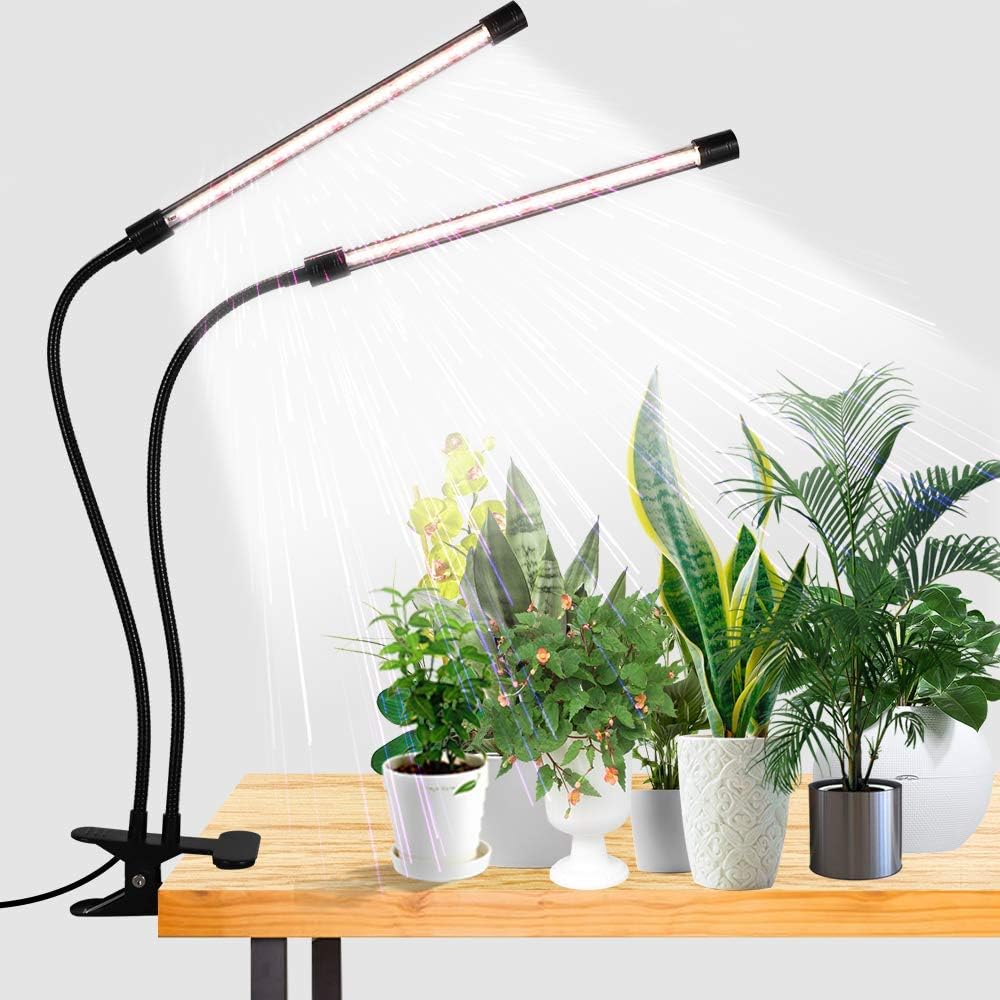
A Best Computer Monitor Light Bar positions light above your screen to illuminate your desk and keyboard while keeping glare off your monitor. Specs that matter most are brightness measured in lux, color accuracy shown by CRI rating, and how easily you can adjust color temperature and dimming.
If you use a large curved monitor, look for a light bar designed to follow that curve. For smaller setups or budget-conscious buyers, a compact flat bar with USB power works well. Gamers and night workers will appreciate RGB modes or low-blue-light settings for late sessions.
What to Compare in Best Computer Monitor Light Bar
These products differ most in coverage area, peak brightness, color rendering index, and how you control them. Check whether your monitor size and thickness fit the clamp range, and decide if you want auto-dimming or manual controls.

Quntis Curved Monitor Light Bar 15 RGB Backlight for 34"+ Screens, Computer Bar Lights Fol...
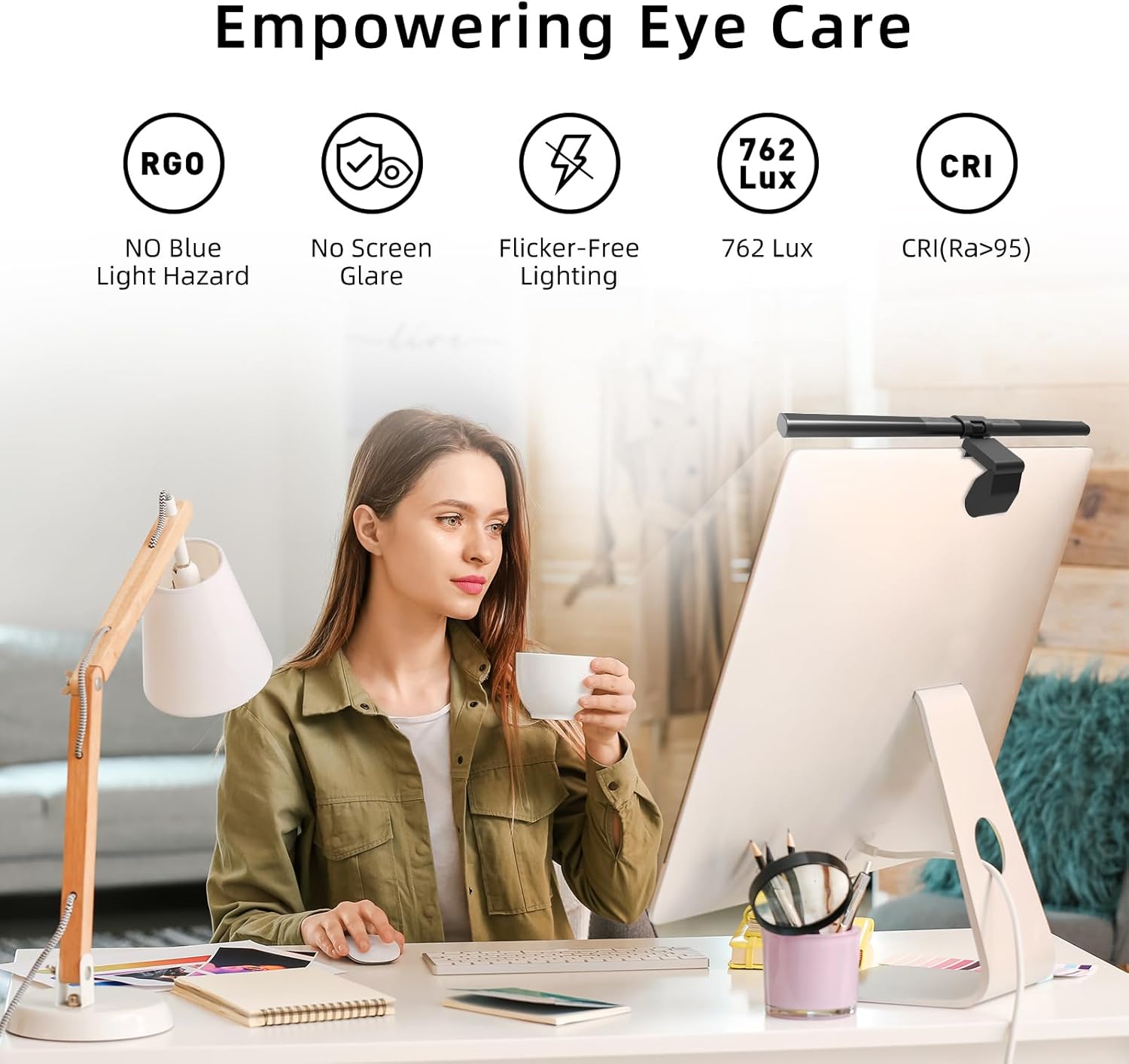
Thunderobot L1 Computer Monitor Lamp, Ra95 Light for Eye Caring, Asymmetric Light Source,...

Monitor Light Bar, Eye-Care USB Computer Monitor Lamp for Home Office Gaming, 15.7'' Ultra...

3000 Lumen Ultra Bright Architect Desk Lamp with Clamp, 36W Tall Overhead Led Desk Light f...

Pzloz Led Desk Lamp for Office Home - Eye Caring Architect lamp with Clamp,Dual Screen Com...
Which Light Bar Fits Your Setup?
Your monitor size, desk depth, and lighting priorities determine the best choice. Consider whether you sit close or far from your screen, how long you work at night, and whether you edit colors or just read and code. Your evening routine and room brightness also shape whether a monitor light bar is the right fit.
- Ultrawide curved monitors over 34 inches
- Color-critical design and creative work
- Long gaming or coding sessions after dark
- Compact desks with limited space
Ultrawide Curved Monitor Setup
The Quntis Curved Bar is designed to follow curved monitors over 34″ with curvature from 800R to 3000R. Its foldable dual light design adjusts to flexible angles, and the patented clamp fits screens up to 3.35″ thick. Choose this if your monitor’s curve is a major part of your workspace. If you have a large flat screen instead, the SAMPHON Monitor Bar covers a 35″x25″ area with its 15.7″ length.
Color-Accurate Creative Work
The Quntis Curved Bar leads with an ultra-high RA98 CRI, which means colors render more accurately than on the other two models. This matters most for photo editing, design, and video work where your eyes need to trust what they see. If you work in a smaller space, the Thunderobot L1 offers Ra≥95 color rendering plus six color temperature options in a more compact footprint.
Late-Night Gaming and Focus
The Quntis Curved Bar includes 15 RGB backlight modes for immersive gaming and bias lighting that softens the harsh contrast between your monitor and the room. It also has an auto-sensor that adjusts brightness as ambient light changes, letting you stay focused without fiddling with controls. The Thunderobot L1 pairs flicker-free technology with low-blue-light protection and is a good alternative if you want 10-level manual dimming instead of auto-adjustment.
Minimal Desk Setup
The SAMPHON Monitor Bar uses USB power and a simple mechanical switch with no separate remote or adapter needed. Its counterweight clip installs in seconds without tools and fits any monitor from thin to thick. Pick this if your desk is tight on space and you value quick setup and straightforward control over RGB modes or advanced sensors.
Our Top Picks
These three models represent the range of Best Computer Monitor Light Bar approaches. Each has a 4+ rating and excels at different tasks. Check which one matches your monitor type and work style. Curved monitor light bars suit late-night work in dim rooms.
Best for Curved Ultrawide: Quntis Curved Monitor Light Bar 15 RGB Backlight: The Quntis Curved Bar extends up to 26 inches and is engineered specifically for curved monitors over 34 inches with curvatures from 800R to 3000R. Its foldable dual design, 1400 lux peak brightness, RA98 color accuracy, and 15 RGB backlight modes make it ideal for creative work and late-night gaming on large setups. Choose the Thunderobot L1 if you need a more compact light with Ra≥95 color rendering instead.
Best Color Rendering & Consistency: Thunderobot L1 Computer Monitor Lamp: The Thunderobot L1 delivers Ra≥95 color rendering with asymmetric light distribution to eliminate dark spots and shadows across your entire workspace. Flicker-free technology and low-blue-light protection reduce eye strain during long sessions. Its ten-level dimming and six color temperature options let you dial in precisely the light you need. Pick the Quntis Curved Bar if you work on a very large curved monitor.
Best Simple, Compact Setup: Monitor Light Bar: The SAMPHON Monitor Bar is the most straightforward option: 15.7 inches long, USB-powered, mechanical switch control, and a counterweight clip that needs no tools to install. Its 45-degree asymmetric design puts light on your desk, not your screen, and delivers 900 lux central brightness across a 35-by-25-inch area. Choose the Quntis Curved Bar if your monitor is larger than 34 inches or curves significantly.
Questions About Monitor Light Bars
What does lux mean, and how much brightness do I need?
Lux measures brightness at a specific distance. The Quntis Curved Bar reaches 1400 lux at its center, while the SAMPHON Monitor Bar delivers 900 lux. For general desk work like reading and email, 500 to 700 lux is comfortable. For detail-oriented tasks like editing or drafting, aim for 1000 lux or higher. All three picks let you dimmer down for relaxation. The same brightness principles apply to lighting for photos taken at your desk.
What’s the difference between CRI and color temperature?
Color temperature (measured in Kelvin) controls whether light looks warm or cool: 3000K is warm white, 6500K is daylight. CRI, or Color Rendering Index, measures how accurately colors appear under that light. A CRI of 80 is standard; 90+ is high. The Quntis Curved Bar has RA98 CRI, the Thunderobot L1 has Ra≥95, so both render colors very accurately.
Can I use a monitor light bar on any monitor size?
Most monitor light bars clamp to the top of your screen. The Quntis Curved Bar fits curved monitors over 34 inches and screens up to 3.35 inches thick. The SAMPHON Monitor Bar and Thunderobot L1 fit most standard monitors from thin to thick. Check your monitor’s top bezel depth and whether it’s curved or flat before buying.
Do I need blue light protection in a monitor light bar?
Blue light protection reduces eye strain during evening and night work by lowering the amount of cool-spectrum light reaching your eyes. The Quntis Curved Bar carries IEC/TR 62778 anti-blue-light certification (RG0), and the Thunderobot L1 includes low-blue-light technology. If you work late or game at night, these features help, though dimming warm light (3000K) also helps.
How do I control brightness and color on these bars?
The Quntis Curved Bar uses an auto-sensor that adjusts to ambient light plus stepless manual dimming. The Thunderobot L1 offers ten-level dimming across six color temperatures. The SAMPHON Monitor Bar uses a mechanical switch: short press for on/off and color, long press for brightness. All three have memory functions that restore your last settings after power-off.