
If you are looking for Best Smart Lock With Key, the real choice is how you want people to get in: a phone app, a fingerprint, a PIN, or a traditional key. This group spans an app-first kit with a bundled Wi-Fi gateway, two Philips Wi-Fi sets, and a no-drill eufy lock.
Renters and people who want to keep their existing handles will likely land on different picks, so match the lock to your door and household first. Keyless entry for the home is covered in depth in a separate roundup of home key smart lock options.
Models Worth Comparing
Each card lists a short name, brand and the features its listing emphasizes. Focus on unlock methods, Wi-Fi requirements, auto-lock range and power, because those are the details that differ most between these locks.
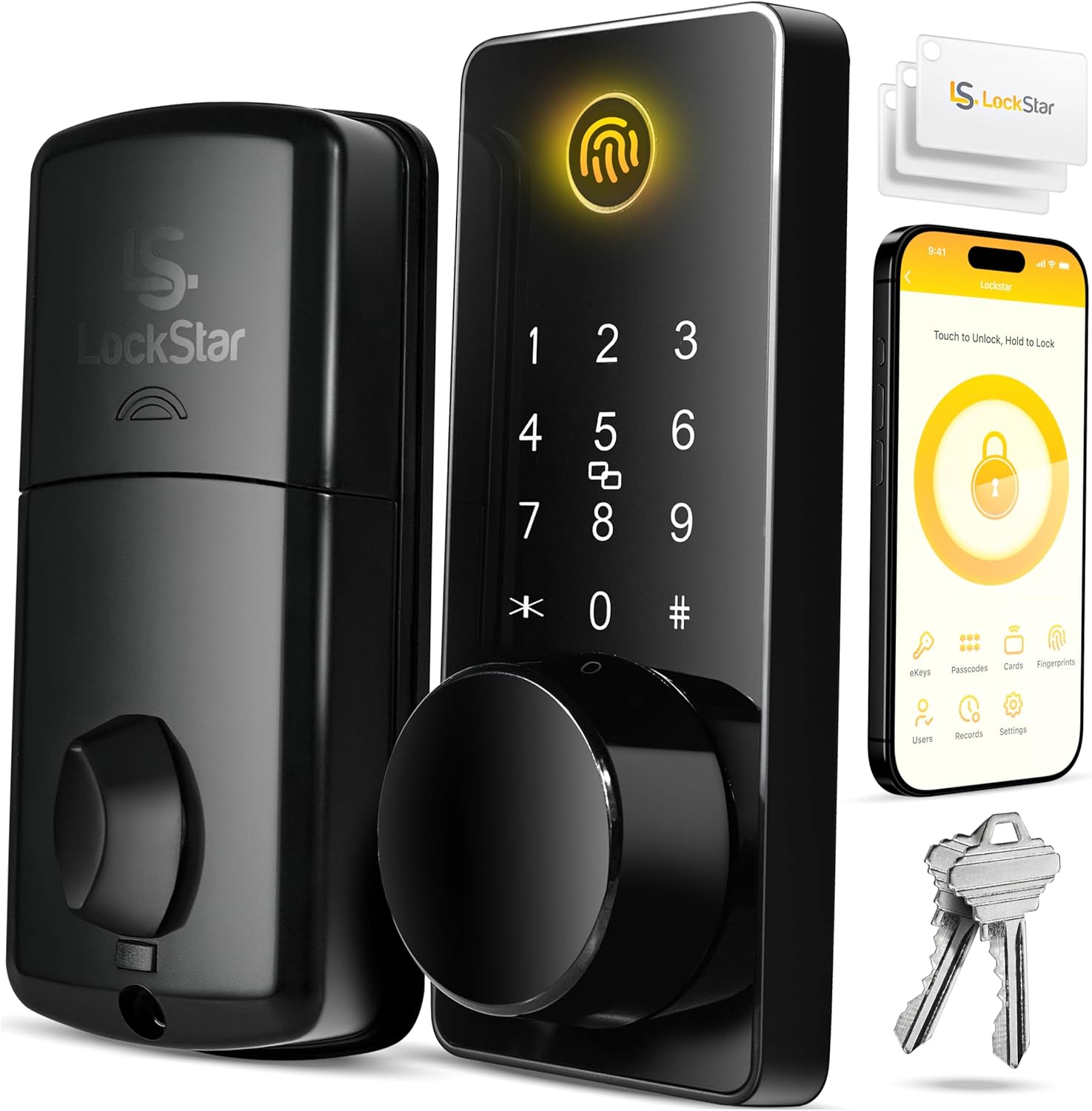
LOCKSTAR Smart Door Lock with Multiple Entry Methods

Philips Wi-Fi Front Lock Set with 2 Handles

Philips 4200 Series WiFi Keypad Deadbolt with Handle
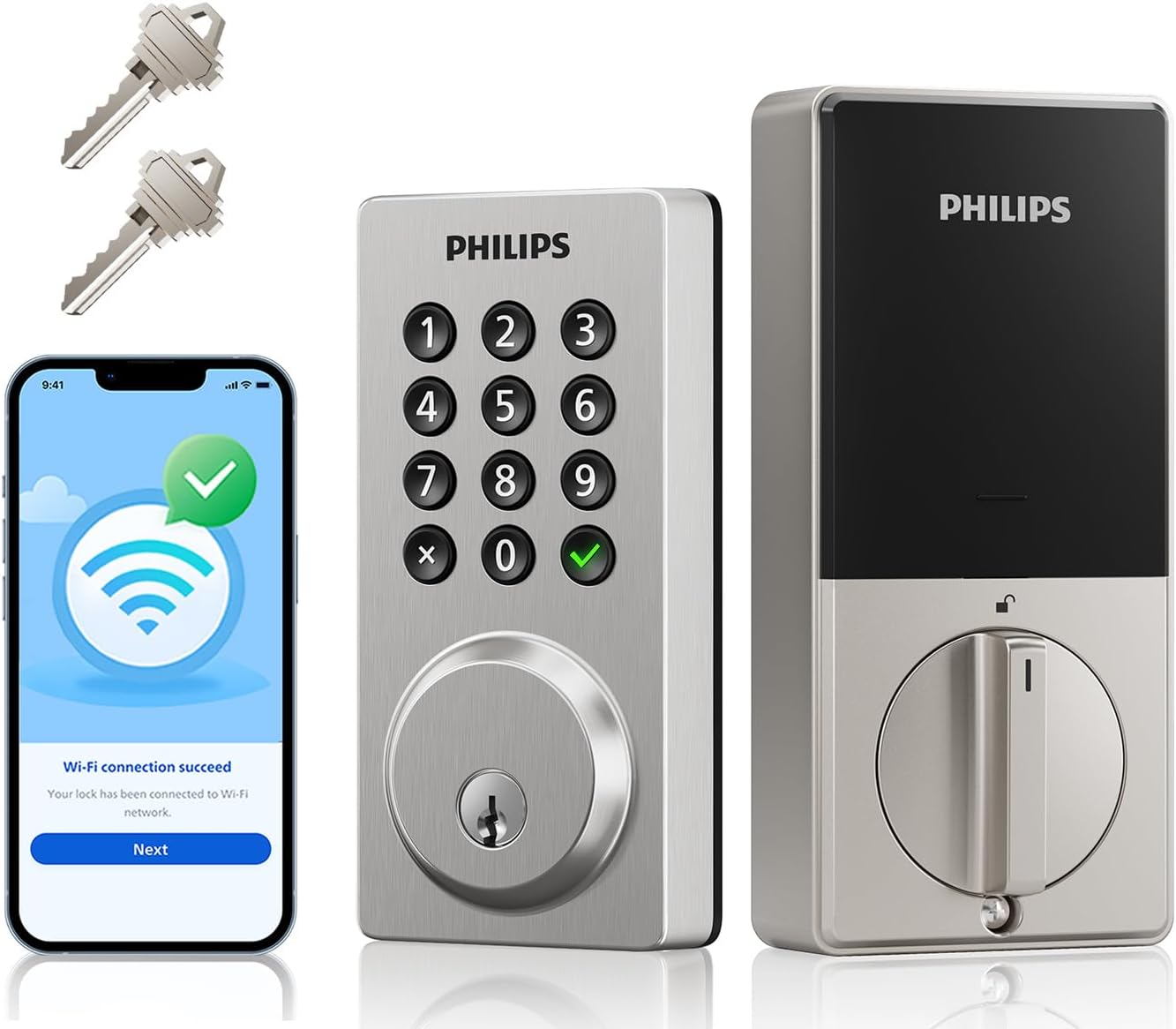
Philips WiFi Smart Keypad Deadbolt with No Hub Needed

Eufy Smart Lock C33 Keypad Door Lock With Built-in Wi-Fi
Side-by-Side Specs
The table below shows what each manufacturer states for unlock methods, Wi-Fi, auto-lock and passcode capacity. Where a listing is silent on a detail, the cell says Not listed. Choosing a smart lock for front doors involves comparing features beyond the basic specifications listed here.
| Product | Unlock methods | Wi-Fi connection | Auto-lock timer | Passcode capacity |
|---|---|---|---|---|
| LOCKSTAR Smart Lock | App, fingerprint, keypad, fob, key | Gateway included | Locks when door closes | Not listed |
| Philips Front Lock Set | App, fingerprint, PIN, key, voice | Built-in Wi-Fi | 30 to 180 seconds | Up to 100 user codes |
| Philips 4200 Deadbolt | App, fingerprint, PIN, voice | 2.4 GHz, no hub | Not listed | Permanent, one-time, recurring |
| Philips Keypad Deadbolt | App, PIN, key, voice | Direct Wi-Fi, no hub | 10 to 180 seconds | Up to 100 passwords |
| eufy C33 Keypad Lock | Fingerprint, keypad, app | Built-in Wi-Fi | Not listed | Not listed |
Which Lock Fits Your Setup
Your door, your wiring and your household shape the choice more than any single feature. Start with these four deciding factors. Keyed, Wi-Fi and keypad designs are another way to compare the best front door locks for 2026.
- Whether you can drill a new hole
- How far the lock sits from your Wi-Fi router
- How many guest, cleaner or temporary codes you need
- Whether you want to keep your current handles
Renting or Avoiding Drilling
Best fit: LOCKSTAR Smart Lock, whose listing positions it for rental properties and includes a WiFi gateway and a drill piece for doors without an existing lock hole. Alternative: eufy C33 Keypad Lock, which lists a 15-minute installation with no drilling required. Trade-off: the eufy runs on 8 AA batteries, so keep a supply on hand.
Replacing a Set With Handles
Best fit: Philips Front Lock Set, which comes with 2 handles so the handles and smart lock are sold together. Alternative: Philips 4200 Deadbolt, which includes a handle. Trade-off: the Front Lock Set auto-locks from 30 to 180 seconds, a narrower range than the 10 to 180 seconds in the Keypad Deadbolt listing.
Door Far From the Router
Best fit: LOCKSTAR Smart Lock, which includes a WiFi gateway and does not state a router distance in its listing. Alternative: Philips 4200 Deadbolt, which connects directly to 2.4GHz Wi-Fi when kept within 33 ft (10 m) of the router. Trade-off: the LOCKSTAR setup adds a separate gateway to place.
Households Sharing Many Codes
Best fit: Philips Keypad Deadbolt, which allows up to 100 custom passwords with permanent, one-time and timed codes. Alternative: Philips Front Lock Set, which allows unlimited one-time PINs and up to 100 user codes. Trade-off: the Keypad Deadbolt needs 8 AA batteries, not included, and lists up to 6 months of life at 20 to 30 uses a day.
How These Locks Were Grouped
This comparison uses the listed unlock methods, Wi-Fi requirements, auto-lock timer ranges, passcode capacity, power source and installation notes for each of the five locks. Models are grouped by fit: an app-first kit, Philips handle and deadbolt sets, and a no-drill option. None of these listings states an ANSI/BHMA grade or other certification, so none is named here.
Our Recommended Picks
These five picks appear in order below, each with the spec from its listing that stands out across the group. Buyers often start with Wi-Fi smart lock comparisons before deciding which features matter most.
Broadest Unlock List: LOCKSTAR Smart Door Lock with Multiple Entry Methods: LOCKSTAR Smart Lock suits buyers who want the most unlock options in one kit, since its listing names six: app, fingerprint, touch ID, keypad code, card fob and traditional key. It also includes a WiFi gateway, a screwdriver and a drill piece. Choose another pick if you want a handle set included or a fingerprint speed figure.
Handles Included: Philips Wi-Fi Front Lock Set with 2 Handles: Philips Front Lock Set suits buyers who want a matching handle set with app, fingerprint, PIN, key and voice unlocking listed. Its auto-lock runs from 30 to 180 seconds, and one-time PINs expire once used. Choose another pick if you want a deadbolt only or a 10-second auto-lock setting.
0.3-Second Fingerprint: Philips 4200 Series WiFi Keypad Deadbolt with Handle: Philips 4200 Deadbolt suits buyers with a router within 33 ft (10 m) who want fingerprint access, which its listing puts at 0.3 seconds. It also supports permanent, one-time, periodic and recurring PIN codes. Choose another pick if the door sits farther from the router or you want a wider auto-lock range.
Common Questions About Smart Locks With Keys
Do I need a hub for these locks?
Two Philips deadbolts state a direct Wi-Fi connection with no hub or bridge needed. The LOCKSTAR Smart Lock includes a WiFi gateway in its package, and the eufy C33 lists built-in Wi-Fi. Before you buy, check your router’s band, since the Philips 4200 Series specifies 2.4GHz Wi-Fi.
How long do the batteries last?
The Philips Keypad Deadbolt lists 8 AA batteries, not included, and up to 6 months at 20 to 30 uses a day. It beeps below 10% charge and sends a low-battery alert in the app. The eufy C33 also runs on 8 AA batteries. The other listings do not state battery life, so check their manuals.
Can I install a lock on any door?
The LOCKSTAR listing says it works on virtually any door and needs a single screwdriver, with a drill piece for doors lacking an existing lock hole. The eufy C33 lists installation in 15 minutes, with no drilling, on left- and right-hand doors. Measure your existing hole and backset before ordering, because these listings do not give fitting dimensions. Fitting a smart lock with handle depends on that hardware and the door’s backset.
Will the lock lock itself after I leave?
Several listings describe automatic locking. The Philips Front Lock Set locks 30 to 180 seconds after the door closes, based on your timer. The Philips Keypad Deadbolt sets auto-lock from 10 to 180 seconds in the app. LOCKSTAR locks when you close the door. Choose a timer that fits your routine, and remember that a lock is one part of your door hardware.
Who can see the access history?
The app holds the access records in these listings. LOCKSTAR lists event history with real-time notifications showing who opened the lock and when. The Philips and eufy listings also describe access history in their apps. Share app access only with people you trust, and review the history after guests or cleaners visit.





