
If you are shopping for a Best Smart Lock For Short Term Rental, the central question is how guests get in and how you manage their codes. Some models use Bluetooth, others connect straight to your Wi-Fi network, and the listed power and installation details differ too.
Hosts whose door has no nearby Wi-Fi may prefer Bluetooth control, while hosts who want remote management and many guest codes may look at the Wi-Fi models. The three picks below cover those setups.
Five Smart Locks Compared by Connection and Access
Each card lists the connection type, unlock methods, passcode features and installation details from the manufacturer specs. These are the details that matter most when a door is used by different guests over time.

SifelySmartLocks Fingerprint Smart Door Lock with Handle & Keypad

Philips 4200 Series WiFi Keypad Deadbolt with Handle
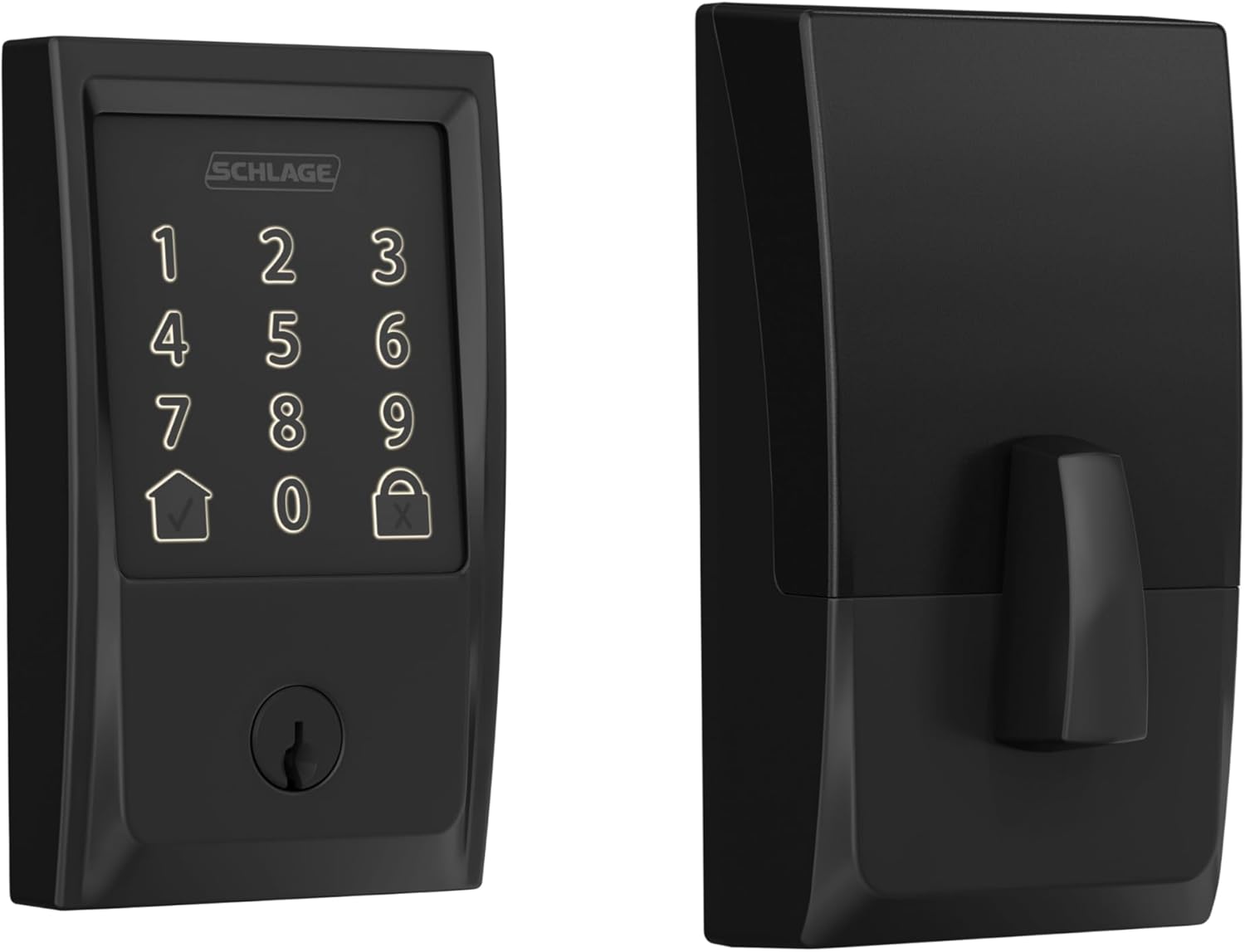
Schlage Encode Smart WiFi Deadbolt Lock with Century Trim

SifelySmartLocks Fingerprint Smart Door Lock with Handle & Keypad
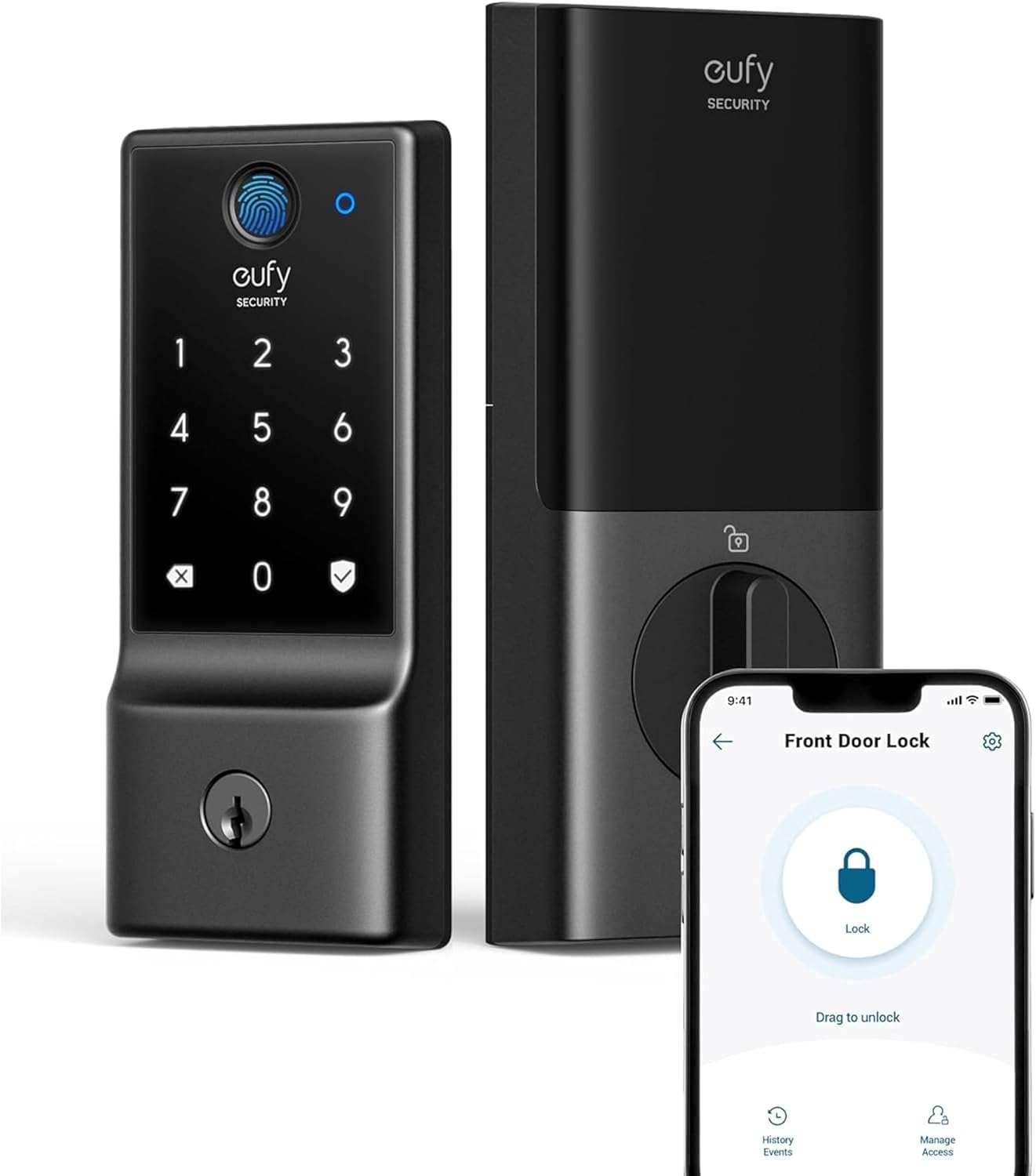
eufy Smart Lock C220 Fingerprint Keyless Entry
How the Five Models Differ on Key Specs
The table lines up connection, unlock methods, power and installation, and access features as stated in each listing. Where a spec is not listed, the table says so. Many households also weigh entry hardware, and a separate roundup covers the best door smart locks on the market.
| Product | Connection | Unlock Methods | Power and Install | Access Features |
|---|---|---|---|---|
| Sifely Fingerprint Knob | Bluetooth, no Wi-Fi | Fingerprint, code, app, FOB | Power not stated | App codes and logs |
| Philips 4200 WiFi Keypad | Wi-Fi, no hub needed | Fingerprint, PIN, app | Within 33 ft of router | Four PIN types |
| Schlage Encode WiFi Deadbolt | Built-in Wi-Fi | Touchscreen, app | Screwdriver install | Up to 100 codes |
| Sifely Rental Fingerprint Lock | Bluetooth, optional gateway | Fingerprint, keypad, app, FOB | No extra drilling | Guest codes via app |
| eufy C220 Fingerprint Lock | Built-in Wi-Fi, no bridge | Fingerprint, keypad, app, key | 8 AA batteries | Self-learning fingerprint |
Which Smart Lock Fits Your Rental Setup
Start with the door itself. Check whether Wi-Fi reaches it, whether you can run power, and how many guest codes you expect to issue. Compare the options in this smart lock deadbolt models roundup.
- Wi-Fi coverage at the door
- Number and type of guest passcodes
- Battery or wiring requirements
- Door thickness and installation method
Rental Doors Without Wi-Fi Nearby
The Sifely Fingerprint Knob fits a rental where you want local access from your phone over Bluetooth without a Wi-Fi network at the door. The listing describes Bluetooth control rather than remote Wi-Fi control, so remote unlocking from far away is not part of this setup. The Sifely Rental Fingerprint Lock is the alternative, with remote access available through an optional WiFi Gateway sold separately.
Hosts Issuing Changing Guest Codes
The Philips 4200 WiFi Keypad suits hosts who issue frequent guest codes, since it lists permanent, one-time, periodic and recurring PIN types. It connects directly to 2.4 GHz Wi-Fi without a hub. The trade-off is placement: the listing recommends keeping the lock within 33 ft (10 m) of the router. The Schlage Encode WiFi Deadbolt is the alternative, with up to 100 access codes.
Owners Who Want Alerts and Lock History
The Schlage Encode WiFi Deadbolt suits owners who want lock history and customizable notifications in the Schlage Home app, along with a built-in alarm for door movement and forced entry attempts. The trade-off is a touchscreen rather than a fingerprint sensor. The eufy C220 Fingerprint Lock is the alternative, with built-in Wi-Fi and no bridge, but it runs on 8 AA batteries for about 8 months, so battery changes are part of upkeep.
Quick Installs With No Drilling
The Sifely Rental Fingerprint Lock is listed with no extra drilling required and a reversible handle for left or right doors, which suits a fast swap in a rental. The Schlage Encode WiFi Deadbolt is the alternative, installed with just a screwdriver and no hardwiring, but it fits doors 1-3/8 in to 1-3/4 in thick with a 2-3/8 in or 2-3/4 in backset, so measure first.
How These Picks Were Grouped
This roundup compares the manufacturer specs for connection type, Wi-Fi placement, unlock methods, passcode types, battery or wiring details, installation requirements and listed certifications, such as the BHMA rating for the Schlage Encode. The products are grouped by connection and install setup, so you can match each model to a specific door and household.
Our Three Picks for Rental Doors
These three models stand out for different setups. Each pick below names the spec that sets it apart and who should consider a different model. Choosing a smart lock for front doors often comes down to how it connects and unlocks.
Bluetooth Without Wi-Fi: SifelySmartLocks Fingerprint Smart Door Lock with Handle: Sifely Fingerprint Knob suits rentals where you want local phone access over Bluetooth, with no Wi-Fi network at the door. It lists fingerprint, passcode, app, FOB and mechanical key unlocking, plus auto-lock and low-battery alerts. Choose another product if you need remote control from far away, since this listing describes Bluetooth control.
Wi-Fi Without a Hub: Philips 4200 Series WiFi Keypad Deadbolt with Handle: Philips 4200 WiFi Keypad connects straight to a 2.4 GHz Wi-Fi network, and its app shows door status and access history in real time. Its four PIN types suit hosts who change guest codes often. Check placement first if the door is farther than the 33 ft (10 m) the listing recommends from your router.
Door Movement Alarm: Schlage Encode Smart WiFi Deadbolt Lock with Century: Schlage Encode WiFi Deadbolt lists a built-in, customizable alarm for door movement and forced entry attempts, plus up to 100 access codes and lock history in the Schlage Home app. It installs with a screwdriver and no hardwiring. Choose another product if you want fingerprint unlocking, since this listing describes a touchscreen.
Smart Lock Questions for Rental Owners
How Do I Set Up Guest Codes Between Stays?
Most listed models in this roundup let you create codes in their companion app. The Philips 4200 WiFi Keypad lists permanent, one-time, periodic and recurring PINs. The Schlage Encode WiFi Deadbolt lists up to 100 access codes. The Sifely Rental Fingerprint Lock lists guest codes generated via the app or web. Check each app’s listing before you buy to confirm the code types you need. A wider comparison of the best smart lock options for 2026 covers keypad, fingerprint and Wi-Fi designs.
Does a Smart Lock Need Batteries or Wiring?
It depends on the model. The Schlage Encode WiFi Deadbolt installs with a screwdriver and no hardwiring. The eufy C220 Fingerprint Lock uses 8 AA batteries, which the listing says run about 8 months depending on use. The listings for the other models do not state a power source, so check the manual before choosing.
Where Should I Place a Wi-Fi Smart Lock?
Place it where your Wi-Fi signal is steady. The Philips 4200 WiFi Keypad listing recommends staying within 33 ft (10 m) of the router and minimizing walls, metal objects and interference sources. Most smart security devices connect over 2.4 GHz Wi-Fi, so check that your network broadcasts that band.
Can a Smart Lock Replace a Smoke Alarm?
No. A smart lock does not replace a smoke alarm. Smoke alarms are certified to UL 217, and the NFPA recommends alarms in every bedroom, outside each sleeping area and on every level. The NFPA also recommends testing alarms once a month and replacing them every 10 years.





