
Choosing a Best Electronic Front Door Lock means deciding how you want to unlock your door, how far the lock must sit from your router, and whether you need a built-in alarm. Each listed model handles those points differently. Fingerprint and app-based smart lock keyless entry picks offer another set of choices for the same decisions.
If you want a lock that pairs with a handle set and offers many unlock methods, the Philips and Veise sets are the closer fits. If you rent, want no wiring, or host guests often, the Schlage Encode and the Philips 4200 Series keypad deadbolt are worth a closer look.
Five Front Door Locks Compared by Specs
Start with the unlock methods, the Wi-Fi router range, the number of access codes and whether the lock has a door alarm. These four specs separate the models most clearly in the listings.

Philips Wi-Fi Front Lock Set with 2 Handles

Veise VE06-H Smart Front Door Lock Handle Set With App Control

Philips 4200 Series WiFi Keypad Deadbolt with Handle
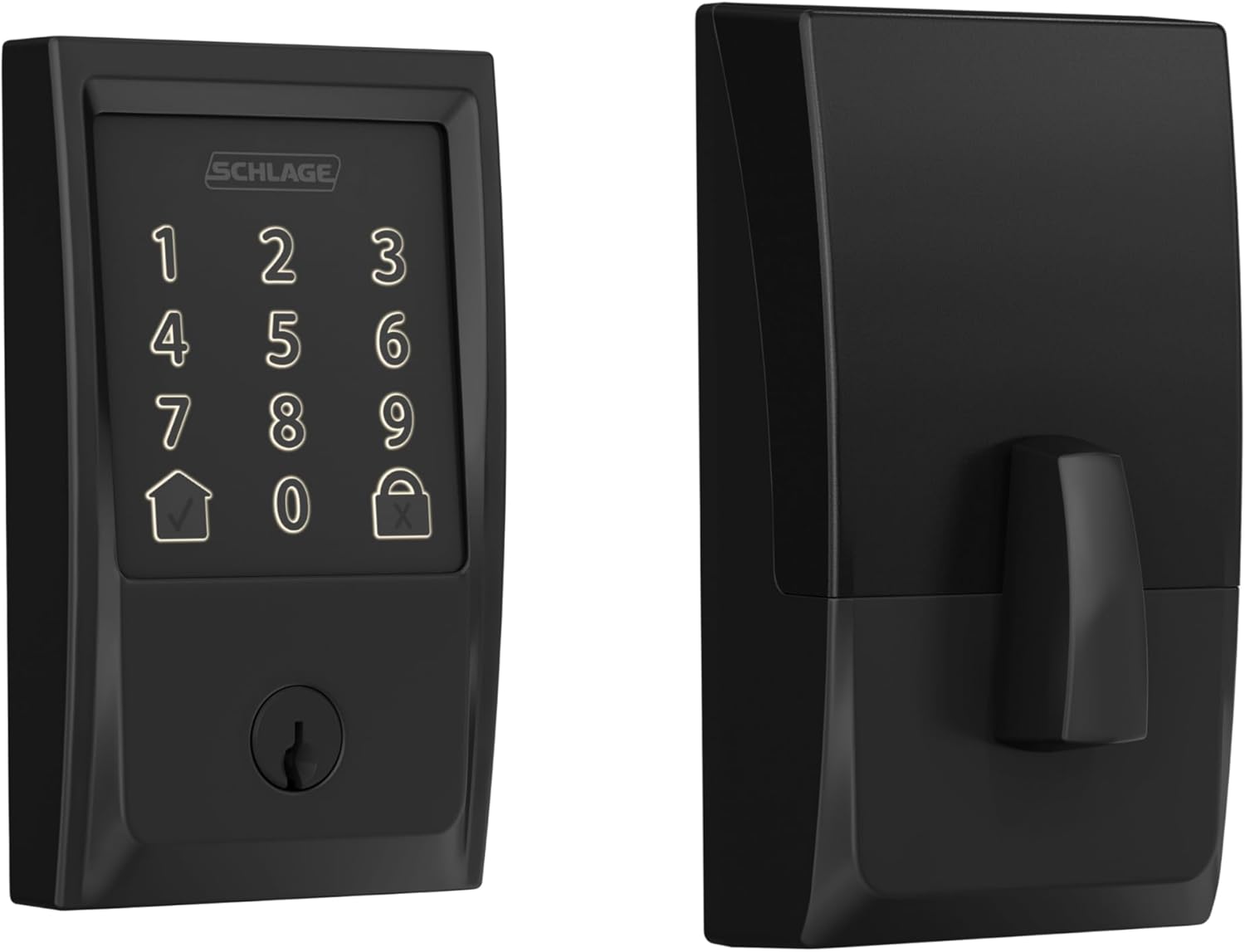
Schlage Encode Smart WiFi Deadbolt Lock with Century Trim
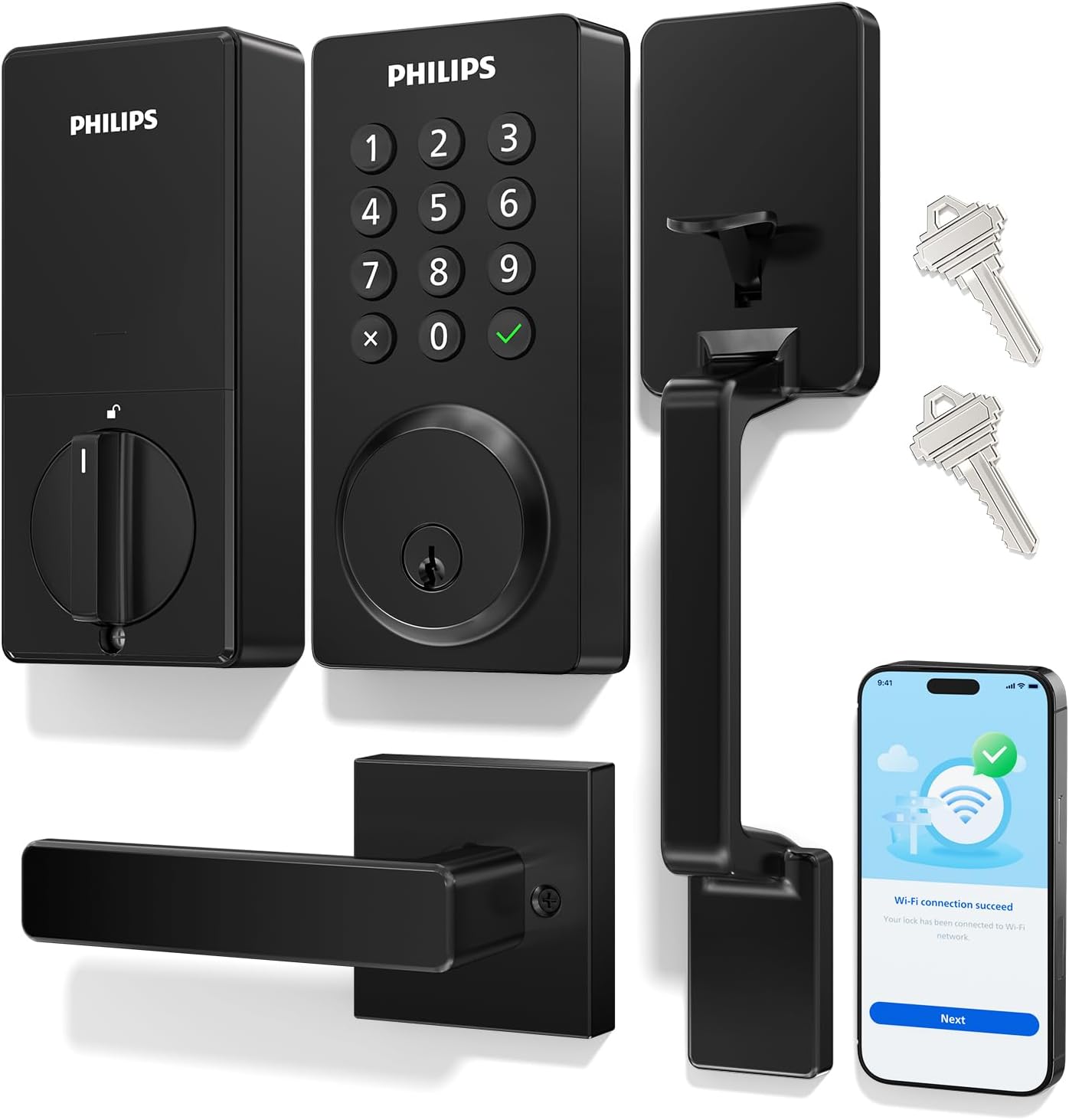
Philips Wi-Fi Smart Front Door Lock Set with Handle
How the Five Models Differ on Key Specs
The table below uses only the figures and features printed in each manufacturer’s specs. Where a spec is not listed, the table says so. Interest in smart locks with handles has grown as more households automate their front doors.
| Product | Unlock methods | Wi-Fi router range | Access codes | Door alarm |
|---|---|---|---|---|
| Philips Front Lock Set | Five methods listed | Not listed | Up to 100 user codes | Not listed |
| Veise VE06-H | Five ways listed | Not listed | 250+ user codes | Not listed |
| Philips 4200 Keypad | Fingerprint, PIN, app, voice | Within 33 ft (10 m) | Periodic and recurring PINs | Not listed |
| Schlage Encode | App, code, voice | Not listed | Up to 100 codes | Movement and forced entry |
| Philips Smart Door Set | Voice, password, key, app | Within 65 feet | Up to 100 passwords | Not listed |
Which Front Door Lock Fits Your Setup
Your entry point, your room layout and your install setup will narrow the list quickly. Use these factors as a checklist before you compare individual models. Compatibility with Home Assistant is a separate factor to weigh, and this roundup of smart locks for Home Assistant covers that topic.
- Distance from your Wi-Fi router, in feet or metres
- Whether you can run wiring or need a battery-powered install
- How many access codes you need for guests or cleaners
- Whether you want a built-in alarm for door movement
Renters and Tool-Free Installs
The Schlage Encode suits renters because its listing says it installs in minutes with just a screwdriver and needs no hardwiring. Its trade-off is that its Wi-Fi range is not listed, and it fits doors 1-3/8 in to 1-3/4 in thick. The Philips 4200 Series keypad is an alternative if you want fingerprint unlocking, but it needs to stay within 33 ft (10 m) of your router.
Doors Far From the Router
The Philips Smart Door Set suits a door that sits farther from your router, since its listing gives a 65-foot range for a 2.4GHz network. Its trade-off is that it lists batteries as not included. The Philips Front Lock Set is an alternative for households that want handles matched to the lock, though its router range is not listed.
Households Sharing Many Access Codes
The Veise VE06-H suits households or hosts that issue many codes, since its listing shows 250+ user codes. Its trade-off is that the Alexa and Google Home link requires the Veise G2 gateway, which is sold separately. The Philips Front Lock Set offers up to 100 user codes plus unlimited one-time PINs, which is an alternative for smaller groups.
Doors Where Tamper Alerts Matter
The Schlage Encode suits a door where you want an alert for door movement or forced entry attempts, because its listing includes a customizable alarm for both. Its trade-off is that the alarm is a feature of the lock, not a monitoring service. The Veise VE06-H is an alternative with privacy mode and low battery alerts, but its listing does not include a door alarm.
How These Picks Were Chosen
These picks are based only on the manufacturer specs for each lock, including unlock methods, Wi-Fi requirements, router distance, access code limits, door alarm features, door thickness fit and listed BHMA certification for the Schlage Encode. The models were grouped by the entry point, room and install setup they suit, so each buyer can compare like with like.
Our Recommended Front Door Locks
The three picks below are grouped by the spec that stands out for each. Read each reason to see which buyer it suits and which alternative may fit better. Choosing among front door smart locks often comes down to the same specs.
Five unlock methods: Philips Wi-Fi Front Lock Set with 2 Handles: The Philips Front Lock Set suits buyers who want a handle set paired to a smart lock, with app, fingerprint, PIN, key and voice unlocking listed. Choose the Veise VE06-H instead if you need a higher number of user codes. The Veise listing shows 250+ codes, compared with up to 100 user codes here.
250+ user codes: Veise VE06-H Smart Front Door Lock Handle Set: The Veise VE06-H suits households or short-stay hosts who issue many one-time and scheduled codes. It also lists privacy mode, passage mode and a low battery alert. Choose a different model if you need Alexa or Google Home control without buying the separately sold Veise G2 gateway.
Fingerprint unlocking: Philips 4200 Series WiFi Keypad Deadbolt with Handle: The Philips 4200 Series keypad deadbolt suits buyers who want a fingerprint option that unlocks in 0.3 seconds and connects directly to 2.4GHz Wi-Fi without a hub. Choose the Schlage Encode instead if you want a built-in door alarm, since the Philips listing does not include one.
Front Door Lock Questions Buyers Ask
Do I need a hub for a Wi-Fi front door lock?
Not for every model. The Philips 4200 Series keypad deadbolt connects directly to a 2.4GHz home network with no hub or bridge. The Philips Smart Door Set also lists no extra hub needed. The Veise VE06-H needs the separately sold Veise G2 gateway for Alexa and Google Home compatibility, so check the listing before you buy. A broader comparison of the best front door locks covers keyed, Wi-Fi and keypad options.
What power source do these smart locks use?
The Philips Smart Door Set lists batteries as not included, so you will need to supply them. The Veise VE06-H lists a low battery alert, which indicates it runs on batteries. The listings for the other models do not state a power type, so check the product page for the battery or wiring details before installing.
How far can the lock be from my Wi-Fi router?
Distances vary by model. The Philips 4200 Series asks that the lock stay within 33 ft (10 m) of the router, and the Philips Smart Door Set lists a 65-foot range on a 2.4GHz network. Walls and metal objects can weaken the connection, so keep obstacles to a minimum.
How often should I test a smoke alarm near my new lock?
A smart lock does not replace a smoke alarm. The NFPA recommends testing smoke alarms once a month and replacing them every 10 years. Smoke alarms in every bedroom, outside each sleeping area and on every level are also recommended, so test your own alarms on that schedule.





