
Best Electronic Door Lock can replace a key with a fingerprint, a passcode or a phone, but the right model depends on how you plan to get in and where the lock will sit. Some buyers want the fastest fingerprint read, others need a lock that works with a doorbell camera or a door far from the router. Some homes with a strong router signal suit wifi deadbolt smart locks that connect directly to home internet.
For quick fingerprint entry, the Philips 4200 Series lists the shortest unlock time at 0.3 seconds. For a screwdriver install and a built-in door alarm, the Schlage Encode is the one listed with that alarm. The sections below explain each difference.
Compare the Five Locks in This Guide
Start with the unlock method you will use every day, then check power, Wi-Fi distance and door fit. Each card lists the main specs as the manufacturer describes them, so you can line up the differences before choosing.

Wyze Auto-Lock Bolt v2 Smart Lock with AI Learning Scanner

Philips 4200 Series WiFi Keypad Deadbolt with Handle
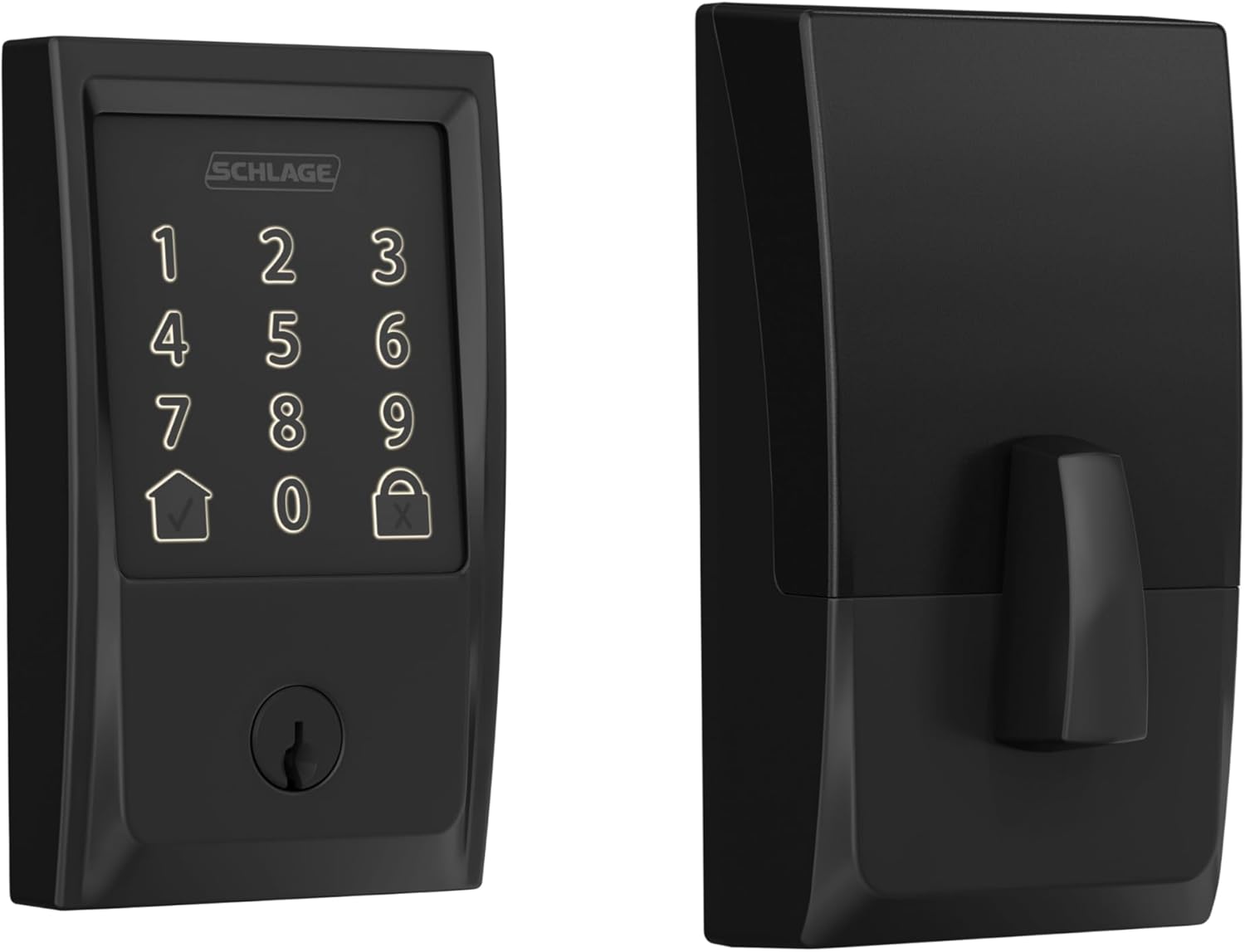
Schlage Encode Smart WiFi Deadbolt Lock with Century Trim

Philips Wi-Fi Smart Deadbolt Lock With Keyless Entry
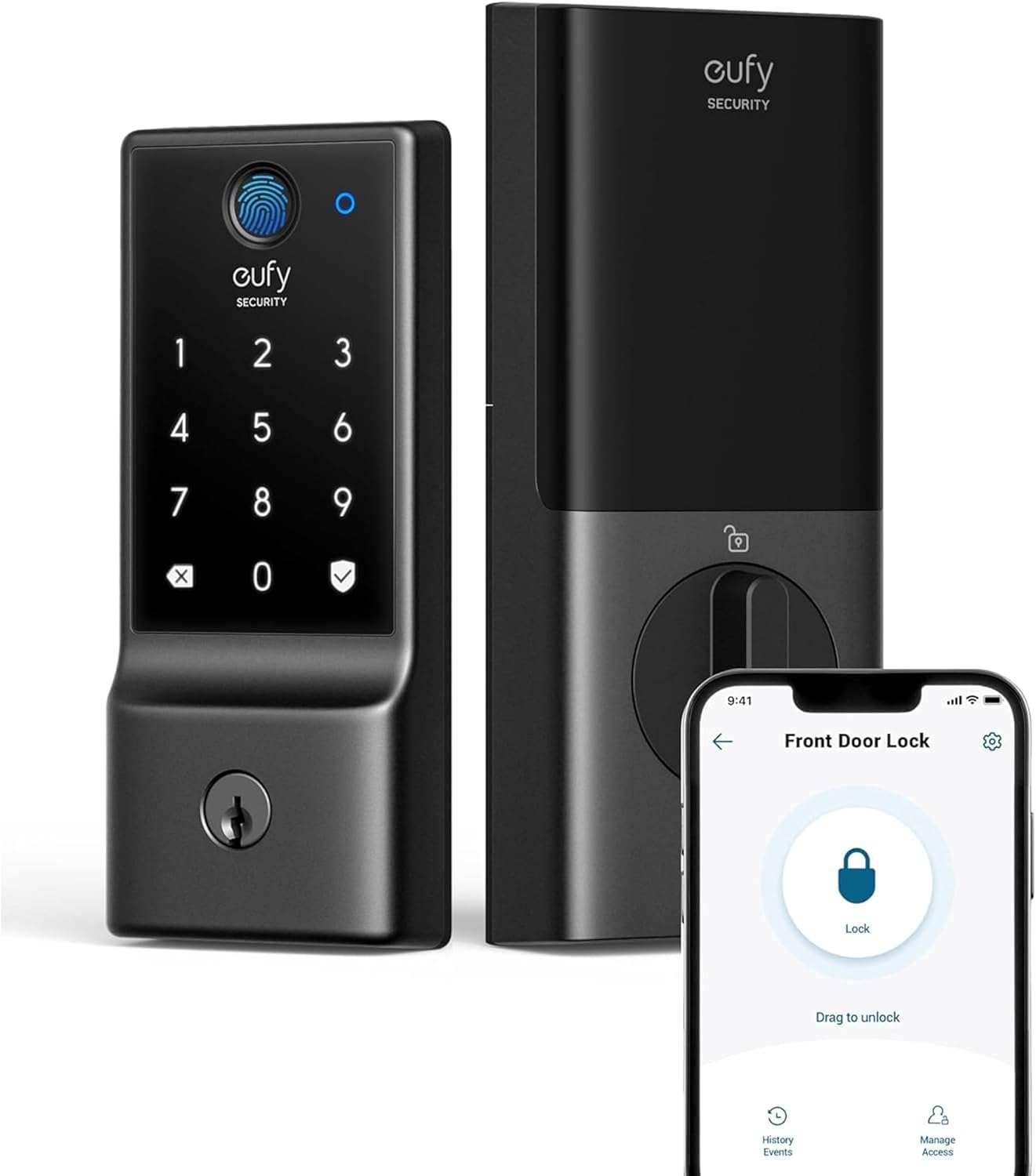
eufy Smart Lock C220 Fingerprint Keyless Entry
How the Five Locks Differ on Key Specs
The table below compares the four specs where these locks differ most. Values come directly from each manufacturer listing, and a value marked not listed means the listing does not give that detail. Households that share keys with cleaners or dog walkers often find wifi smart deadbolt locks easier to manage.
| Product | Fingerprint unlock | Power setup | Wi-Fi distance | Codes or alarm |
|---|---|---|---|---|
| Wyze Lock Bolt v2 | 0.5 seconds | 8 AA, USB-C backup | Built-in Wi-Fi, distance not listed | Code plus physical keys |
| Philips 4200 Keypad | 0.3 seconds | Power not listed | 2.4GHz, 33 ft (10 m) | Permanent, one-time, recurring PINs |
| Schlage Encode Deadbolt | No fingerprint, touchscreen | Screwdriver install, no hardwiring | Built-in Wi-Fi, distance not listed | Up to 100 codes, door alarm |
| Philips Wi-Fi Deadbolt | Touch unlock, time not listed | Batteries not included | 2.4GHz, 65 ft (20 m) router distance | Up to 100 passcodes |
| eufy C220 Lock | Under 1 second | 8 AA, about 8 months | Wi-Fi, no bridge needed | Keypad and physical key |
Which Lock Fits Your Door and Household
Your entry habits, door setup and existing devices matter more than any single spec. Use these factors to narrow the list. Your home’s router signal strength also shapes which wifi front door lock works reliably.
- Preferred unlock method: fingerprint, keypad, app or voice
- Power plan: battery life, backup options or no batteries included
- Distance from the Wi-Fi router to the door
- Existing doorbell or voice assistant
Renters Who Want a Screwdriver Install
The Schlage Encode suits buyers who want a simple install, since its listing says it installs in minutes with only a screwdriver and no hardwiring. It fits doors from 1-3/8 in to 1-3/4 in thick with 2-3/8 in or 2-3/4 in backset. If fingerprint access matters more, the Wyze Lock Bolt v2 is the alternative, though it does not list a door alarm.
Households Wanting Fast Fingerprint Entry
The Philips 4200 Series suits households that want quick fingerprint access, with a listed unlock time of 0.3 seconds and support for multiple fingerprints. The eufy C220 is the alternative, listing unlock in less than 1 second, but its battery life is listed as about 8 months and may vary with use.
Homes With a Video Doorbell
The Wyze Lock Bolt v2 suits homes that already use a Wyze Video Doorbell, since its listing says you can unlock from the live feed. The eufy C220 is the alternative for homes with a eufy doorbell. The trade-off is that each lock’s listed doorbell pairing works only with that brand.
Doors Far From the Router
The Philips Wi-Fi Deadbolt suits doors farther from the router, since its listing gives 65 ft (20 m) as the router-to-lock distance for better remote control. The Philips 4200 Series is the alternative at 33 ft (10 m). Both support 2.4GHz networks only, so check your router band first.
How This Guide Was Put Together
This guide compares only the listed specifications: fingerprint unlock time, battery setup, power backup, Wi-Fi band and distance, voice assistant support, access codes, door fit, and any listed alarm or certification. The five locks were grouped by entry method, power setup and door fit so that different buyers can compare the right options.
Our Three Picks for Different Needs
These three picks cover the main buyer situations in this roundup. Each one stands out on a spec that the other listed products do not match in the same way. Each of these Wi-Fi smart locks suits a different household, since a renter with one door has needs unlike a family with several.
Power bank backup: Wyze Auto-Lock Bolt v2 Smart Lock with AI: The Wyze Lock Bolt v2 suits buyers who want fingerprint, app and key access in one lock. Its listing says the USB-C port can be powered by a common power bank if the batteries die. Choose the Philips 4200 Series if you need the shortest listed fingerprint time, or the Schlage Encode if you want a door alarm.
0.3-second fingerprint: Philips 4200 Series WiFi Keypad Deadbolt with Handle: The Philips 4200 Series Keypad suits households that want the quickest listed fingerprint unlock and a keypad for multiple codes. Its listing gives 0.3 seconds for unlock and supports permanent, one-time, periodic and recurring PINs. Choose the Philips Wi-Fi Deadbolt if your door sits farther from the router, or the Schlage Encode if you do not want fingerprint access.
Door-movement alarm: Schlage Encode Smart WiFi Deadbolt Lock with Century: The Schlage Encode Deadbolt suits buyers who want a built-in alarm for door movement and forced entry attempts. Its listing says it installs with a screwdriver and fits doors from 1-3/8 in to 1-3/4 in thick. Choose the Wyze Lock Bolt v2 if fingerprint unlock is your priority, since the Schlage Encode has a touchscreen and no fingerprint reader.
Common Questions About Smart Door Locks
How long do the batteries last in a smart deadbolt?
The Wyze Lock Bolt v2 and eufy C220 both list 8 AA batteries for about 8 months of use. The eufy listing notes that real life depends on how often the lock is used. The Philips Wi-Fi Deadbolt says batteries are not included, so plan to buy them separately. Check your lock’s listing for battery type before installing. Households with frequent visitors often need smart lock deadbolts that handle many daily unlocks without draining batteries quickly.
What should I do if the batteries run out?
The Wyze Lock Bolt v2 lists a USB-C port that can be powered by a common power bank to unlock the door. Its listing also includes physical keys as a backup. For locks without a listed backup port, keep a spare key in a safe place and replace the batteries as soon as they run low.
Do smart locks need a separate hub?
Not for these five. The Philips 4200 Series, Philips Wi-Fi Deadbolt, eufy C220 and Schlage Encode connect directly to home Wi-Fi, and the Wyze Lock Bolt v2 lists built-in Wi-Fi too. Each lock must still sit within its listed router distance, and most support 2.4GHz networks.
How can I keep app access to my lock secure?
Use a strong, unique password for your lock app account and turn on any account security options the app provides. The Schlage Encode lists an encrypted connection, but no lock can promise full protection. Remove guest codes once visitors leave, and review access history regularly in the app.





