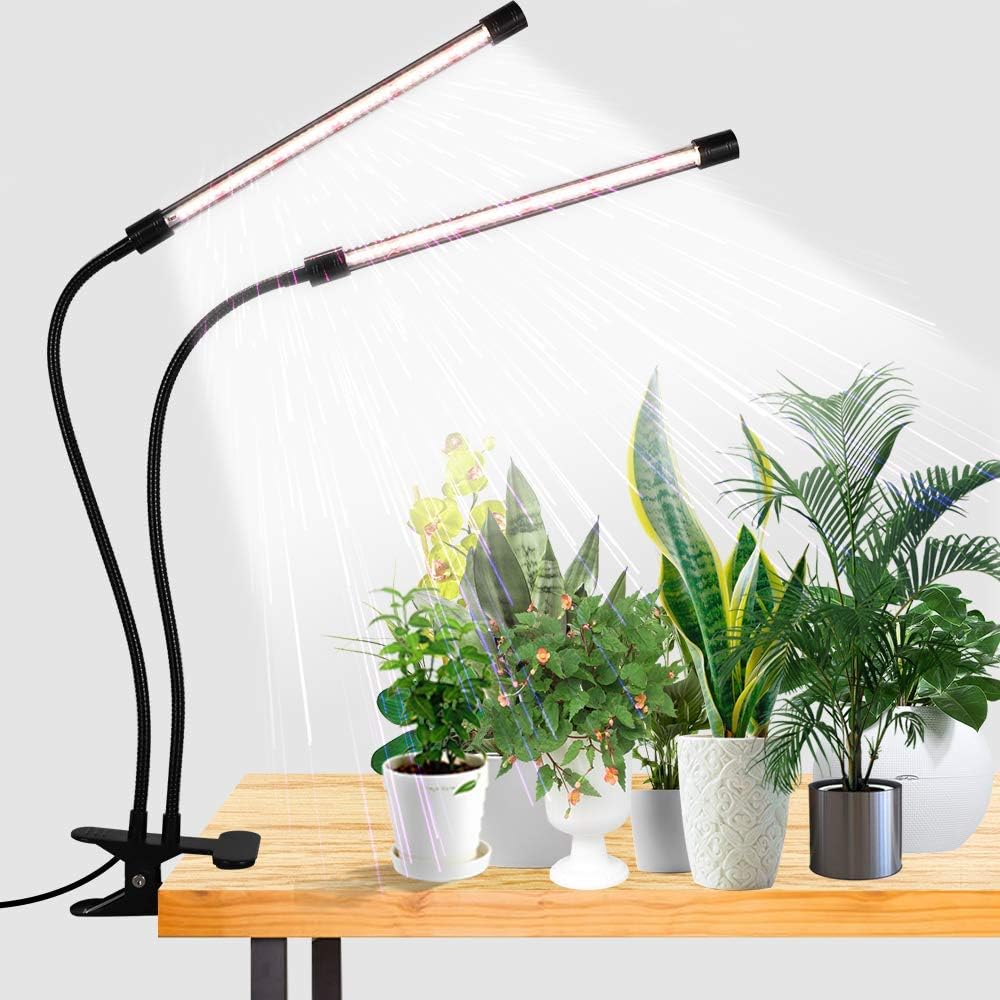
A monitor light bar is a focused desk lamp that mounts on top of your screen to light your workspace without creating glare on the display. Unlike traditional task lamps, these fixtures use an asymmetrical optical design to direct light onto your desk and keyboard while keeping it off your eyes and screen.
If you have a large curved ultrawide monitor, look for a bar that curves to match it and extends to 26 inches. For standard flat monitors, most bars fit 17 to 32 inches. For long work sessions, prioritize auto-dimming, high color rendering (CRI 90 or higher), and blue light certification. If you game or watch video at night, consider RGB backlighting modes.
What to Compare
Monitor light bars differ most in brightness (measured in lux), maximum reach, color accuracy, and dimming controls. Check whether your monitor’s curve and thickness match the clamp range, and verify the color temperature range and whether the bar adjusts automatically or by hand.

Quntis Curved Monitor Light Bar 15 RGB Backlight for 34"+ Screens, Computer Bar Lights Fol...

Quntis Computer Monitor Lamp, Screen Monitor Light Bar for Eye Caring, USB Reading LED Tas...
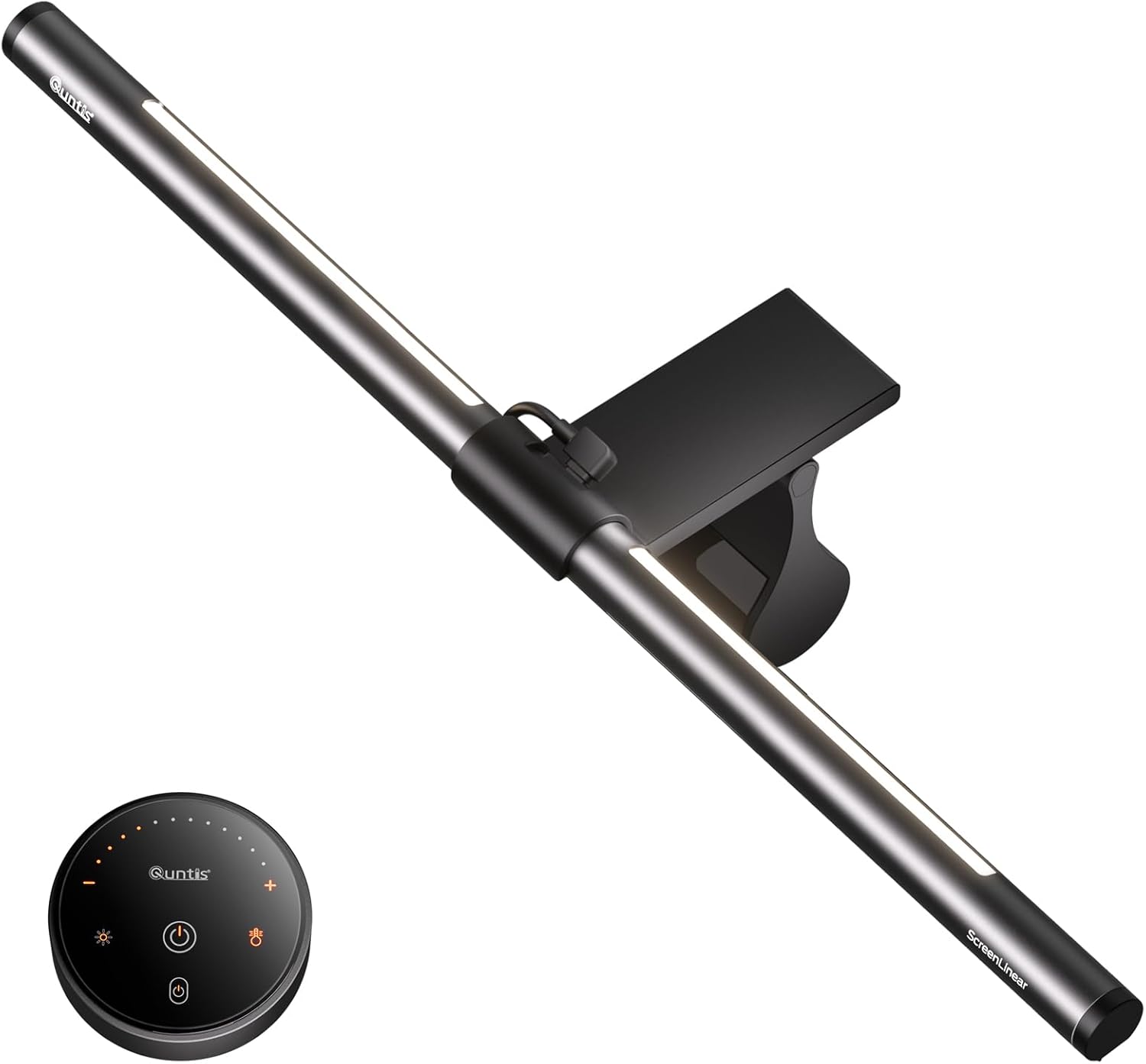
Quntis Computer Monitor Light Bar with Backlight, Desk Lamp with Remote
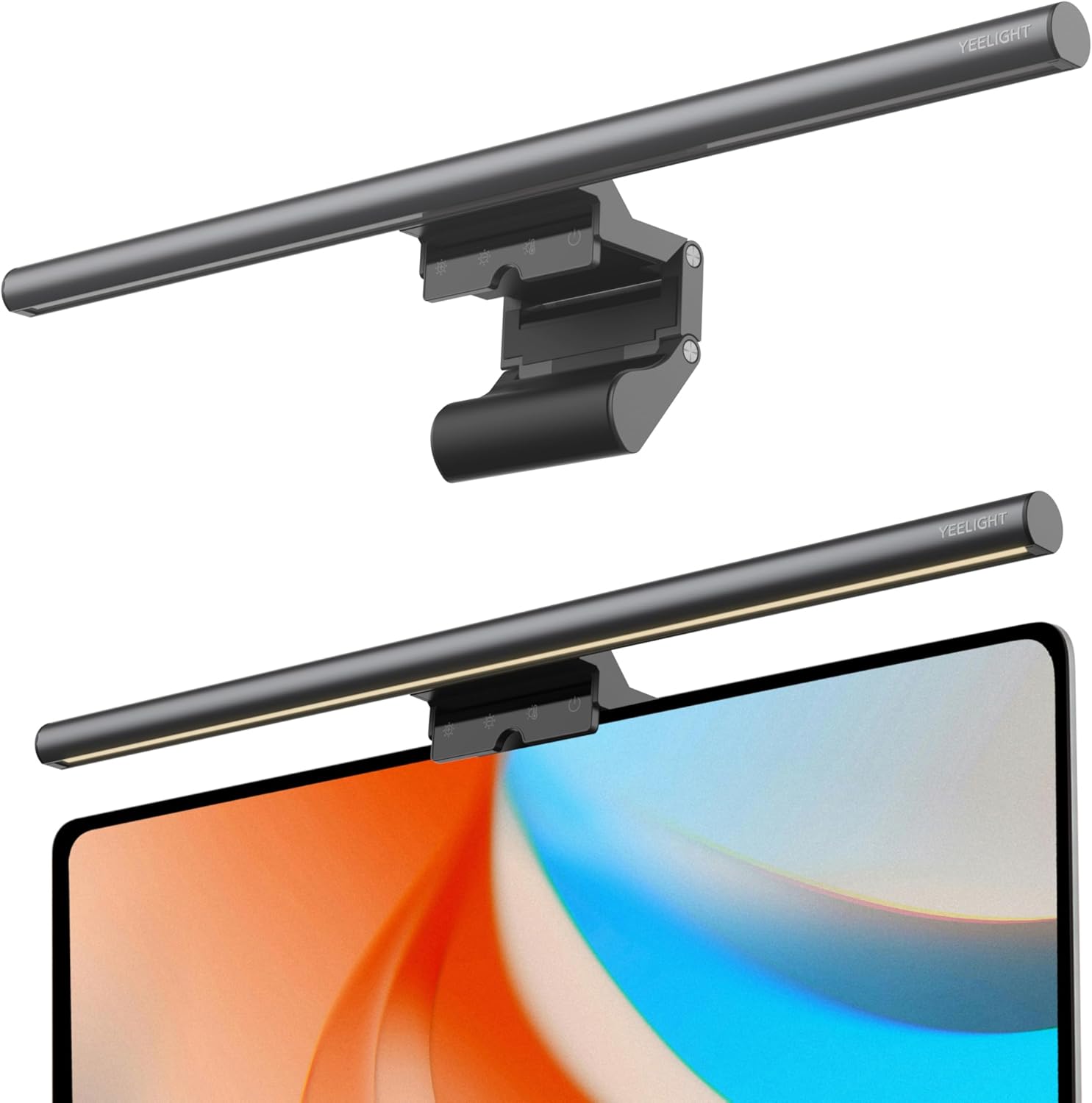
YEELIGHT Monitor Light Bar, Computer Monitor Lamp for Home Office Gaming, 250LM No Glare E...

Quntis Monitor Light Bar with Remote Control, Fit for Curved/Flat Monitor, Eye-Care USB Co...
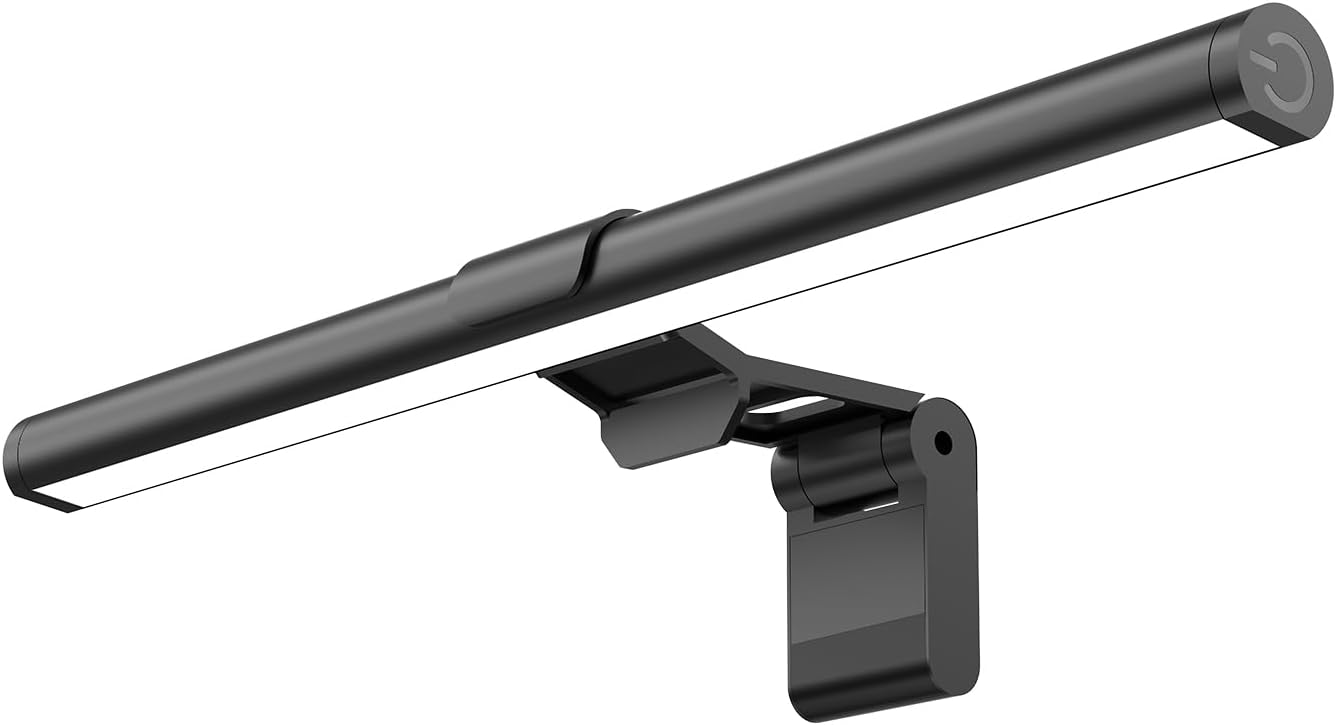
Monitor Light Bar, Eye-Care USB Reading Mnitor lamp, 11.8'' LED Computer Lights with Ultra...

Monitor Light Bar, Eye-Care USB Computer Monitor Lamp for Home Office Gaming, 15.7'' Ultra...

BenQ ScreenBar Halo 2 LED Monitor Light Bar - Wireless Controller, Backlight, Motion Senso...

16.14" Monitor Light Bar,250LM USB LED Desk Lamp,Home Office Gaming

Pzloz Led Desk Lamp for Office Home - Eye Caring Architect lamp with Clamp,Dual Screen Com...
Who Should Buy Which Monitor Light Bar
The right bar depends on your monitor size, your desk setup, and whether you prefer automatic or hands-on control.
- Monitor curvature and thickness (curved bars fit 800R to 3000R; standard clamps fit 0.12″ to 3.94″ thick)
- Brightness needs and desk size (800 to 1400 lux for desks, 250 LM for compact setups)
- How much you customize light (auto-adjust vs. manual stepless dimming)
- Night use (RGB modes for gaming and video, or warm 3000K for evening reading)
Ultrawide Curved Monitor Setups
The Quntis Curved 15 RGB fits monitors over 34 inches with curves between 800R and 3000R curvature, extends to 26 inches, and delivers 1400 lux at center and 500 lux across a wider area. Its foldable dual light design and 15 RGB backlight modes suit creative work and late-night gaming. If you need a simpler curved bar without RGB, the Quntis Remote Control Bar reaches 1200 lux and fits curved monitors 17 to 32 inches with adjustable 15° pivot, trading brightness and reach for narrower compatibility.
Standard Monitor Work and Study
The Quntis Auto-Dimming Lamp includes an ambient light sensor that automatically adjusts to 900 lux, ideal for all-day work without manual tweaking. Its 78 high-quality LED beads and RA98 color rendering suit color work, reading, and focused tasks. If you prefer manual control, the SAMPHON 15.7″ Ultrawide delivers 900 lux across a 35″×25″ area with a mechanical on-off switch and three preset color temperatures, trading convenience for simplicity and a larger coverage footprint.
Compact Desks and Gaming
The SAMPHON 11.8″ Bar fits tight spaces with 800 lux central brightness across a 30″×20″ area. Its patented counterweight clip installs without tools and fits screens from thin to thick, saving desk space. For adjustable positioning and multi-task setups, the Pzloz Led Desk Lamp offers a 360° standing base, 180° foldable arms, and 270° rotatable head with 25 light combination modes and wireless remote control, trading the space-saving mount for flexibility in angle and placement.
Video Calls and Streaming
The BenQ ScreenBar Halo 2 features a low-profile design that avoids webcam obstruction, an 18° anti-glare angle for precision front lighting, and an adjustable ambient backlight to reduce contrast with dark surroundings. Its wireless dial controller with built-in display and motion sensor prioritize ease of adjustment during multitasking. If you want RGB ambiance for stream aesthetics, the Quntis Curved 15 RGB offers 15 backlight modes with independent brightness control, at the cost of requiring a precision light sensor rather than simple touch operation.
Our Three Top Picks
These three products represent the highest-rated options across different workspace sizes and control styles, from large curved setups to compact desks. Many people also use ring lights and vanity mirrors as workspace additions for personal grooming.
Largest, Brightest, Most Features: Quntis Curved Monitor Light Bar 15 RGB Backlight: The Quntis Curved 15 RGB reaches 1400 lux at center, extends to 26 inches, and includes 15 RGB backlight modes plus auto-dimming via precision sensor. It suits anyone with a large curved ultrawide monitor (34 inches and up) who wants maximum brightness, color accuracy (RA98), and creative lighting options for evening use. Choose the Quntis Remote Control Bar instead if your monitor is 17 to 32 inches and you prefer a simpler setup without RGB.
Auto-Dimming Convenience: Quntis Computer Monitor Lamp: The Quntis Auto-Dimming Lamp automatically adjusts to 900 lux using an ambient light sensor, eliminating manual tweaking throughout the day. It delivers RA98 color rendering with 78 LED beads and passes blue light certification, suiting students, designers, and office workers who prioritize eye comfort during long sessions. Choose the SAMPHON 15.7″ Ultrawide if you prefer manual controls and want wider desk coverage (35″×25″ area).
Best for Ultrawide Desks: Quntis Computer Monitor Light Bar with Backlight: The SAMPHON 15.7″ Ultrawide delivers 900 lux central brightness across a 35″×25″ coverage area, fitting large curved and flat monitors with even, shadow-free lighting. Its patented counterweight clip installs in seconds without tools and fits screens 0.12″ to 2.2″ thick. Choose the Quntis Remote Control Bar (20.1 inches, 1200 lux) if you need higher brightness for specialized work or gaming.
Frequently Asked Questions
What’s the difference between brightness measured in lux versus lumens?
Lux measures brightness as it falls on a surface (your desk), while lumens measure total light output from the fixture. Monitor light bars here list lux (ranging from 800 to 1400) because it reflects how bright your work area will be. A few models list lumens instead (250 LM); the units differ but both describe brightness.
Do all monitor light bars have auto-dimming?
No. The Quntis Curved 15 RGB, Quntis Auto-Dimming Lamp, and Quntis Remote Control Bar include ambient light sensors that automatically adjust brightness. Others require you to manually adjust brightness and color temperature using touch buttons, mechanical switches, or a remote control. Manual control lets you set a fixed preference; auto-dimming adapts as your room brightens or darkens.
What does CRI or color rendering mean for a monitor light bar?
Color Rendering Index (CRI) rates how accurately a light displays colors compared to natural daylight. Standard CRI is 80; these products range from not specified to RA95–RA98 (the scale ends at 100). High CRI (90+) benefits color-sensitive work like design and photo editing by making on-screen colors look vivid and true. If you’re reading or coding, CRI matters less.
Will a monitor light bar fit my curved monitor?
It depends on your curve radius. The Quntis Curved 15 RGB fits curves between 800R and 3000R; the Quntis Remote Control Bar fits 1000R to 1800R. Other bars are designed for flat screens but some work on gentle curves. Check your monitor’s curve specification (often listed in the manual) before ordering, or contact the maker if unsure.
Can I adjust brightness and color temperature on every model?
Yes, all products here offer stepless brightness dimming and adjustable color temperature between 3000K and 6500K (Pzloz tops out at 5500K). Adjustment method varies: some use touch buttons, others a mechanical switch or wireless remote. Some include quick presets (like 3000K / 4000K / 6500K buttons) for faster switching between work, reading, and relax modes.