
Choosing a Best Smart Keypad Door Lock comes down to how your household will unlock the door, how far the lock sits from your Wi-Fi router, and which extras you need. Every model here connects to a home network, but the specs vary in band, unlock options and passcode limits. Many households also weigh keypad door locks with app control when comparing these options.
The Philips 4200 Series Keypad suits households that want fingerprint and recurring PIN access. The Philips Smart Keypad Deadbolt suits anyone who wants auto-lock timing and battery alerts. The ULTRALOQ U-Bolt Pro suits buyers who want a listed ANSI Grade 1 rating, and the eufy Smart Lock C220 suits owners of a eufy doorbell. The Philips Front Door Lock Set suits low-light entries because of its backlit keypad.
Which Smart Keypad Locks Are Included
Each card below lists one model from the manufacturer specs. Look first at the Wi-Fi band and the distance limit, then compare how you plan to unlock the door and how many passcodes you need.

Philips 4200 Series WiFi Keypad Deadbolt with Handle
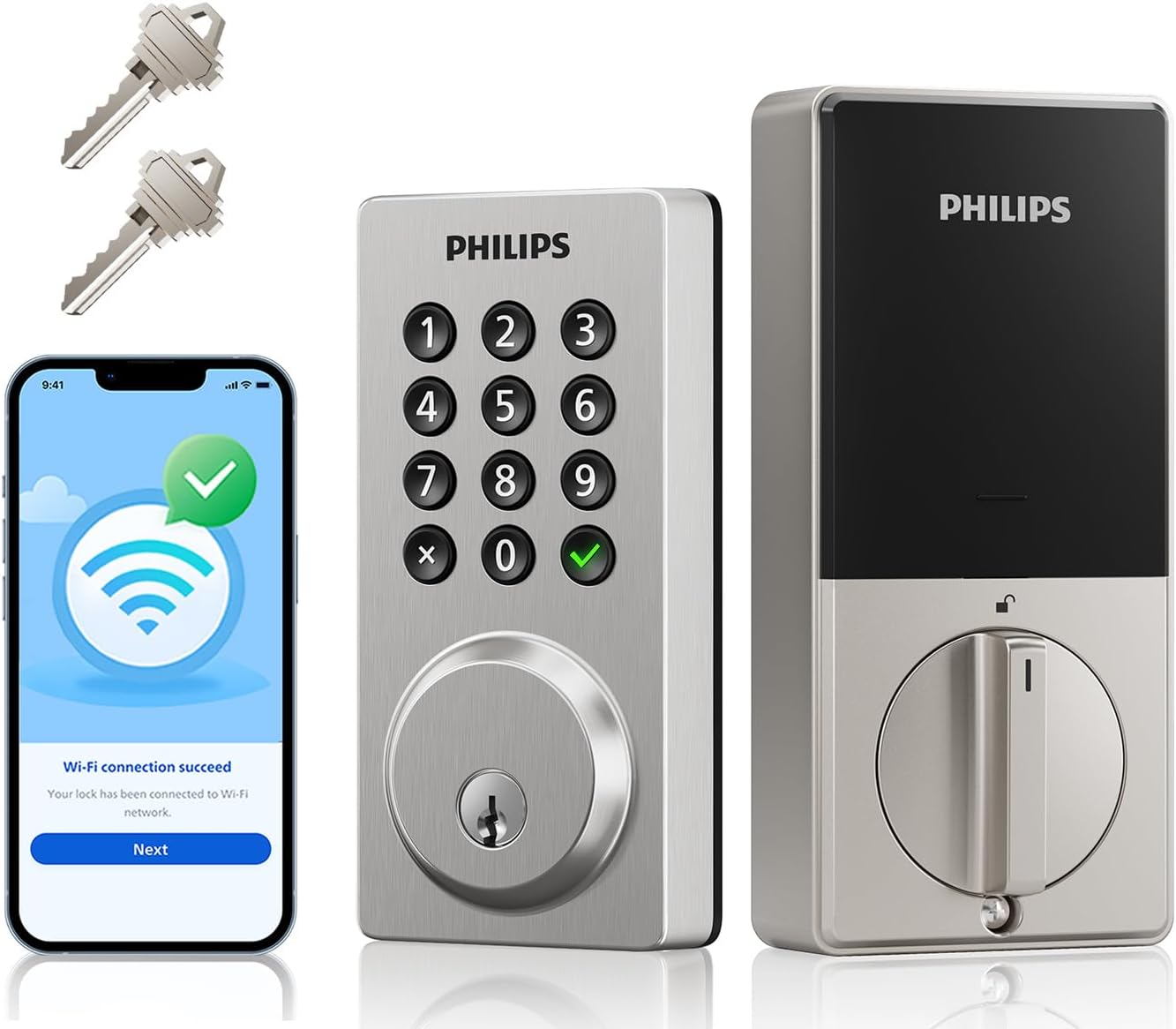
Philips WiFi Smart Keypad Deadbolt with No Hub Needed

ULTRALOQ U-Bolt Pro WiFi Smart Lock with Door Sensor
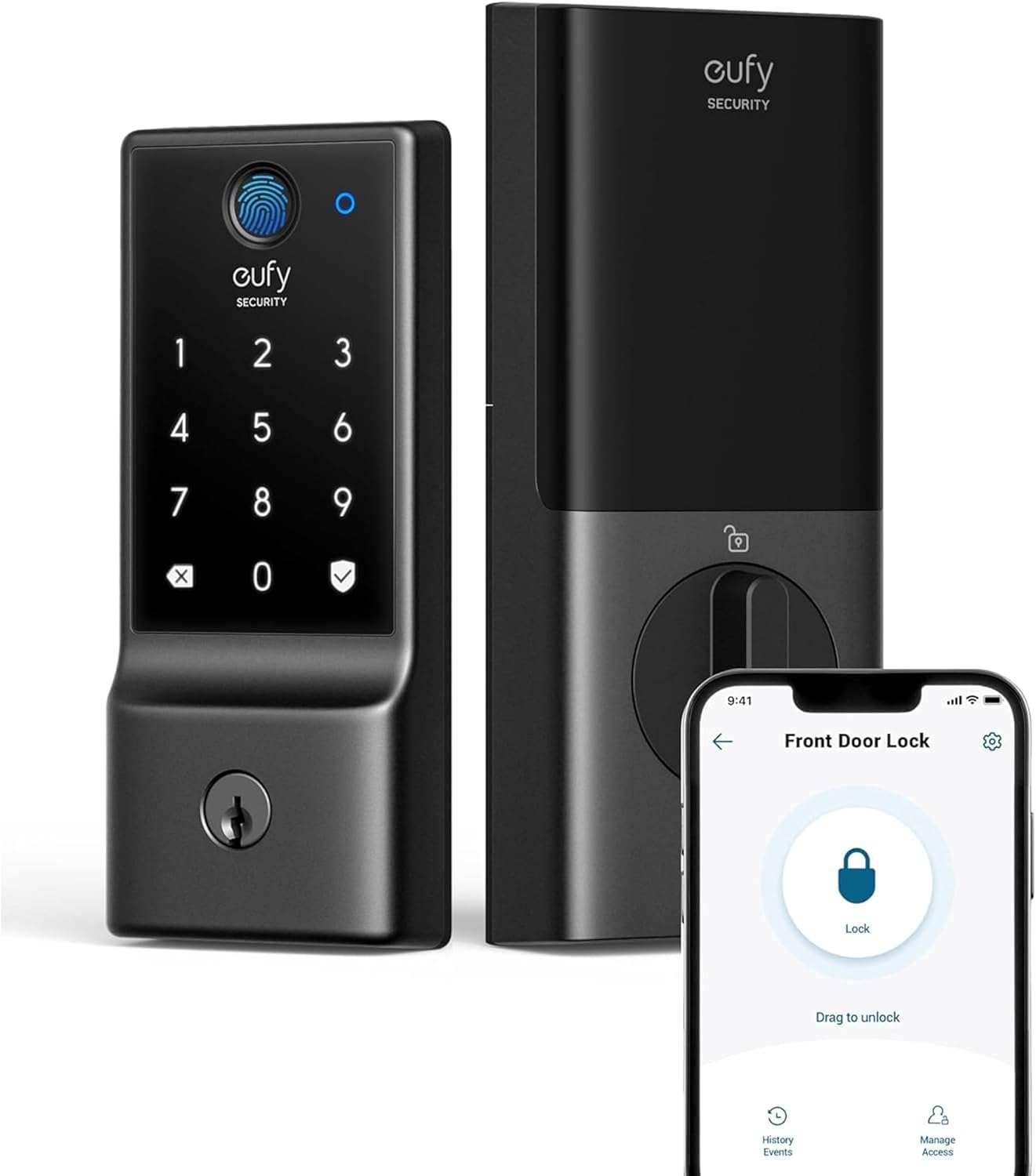
eufy Smart Lock C220 Fingerprint Keyless Entry
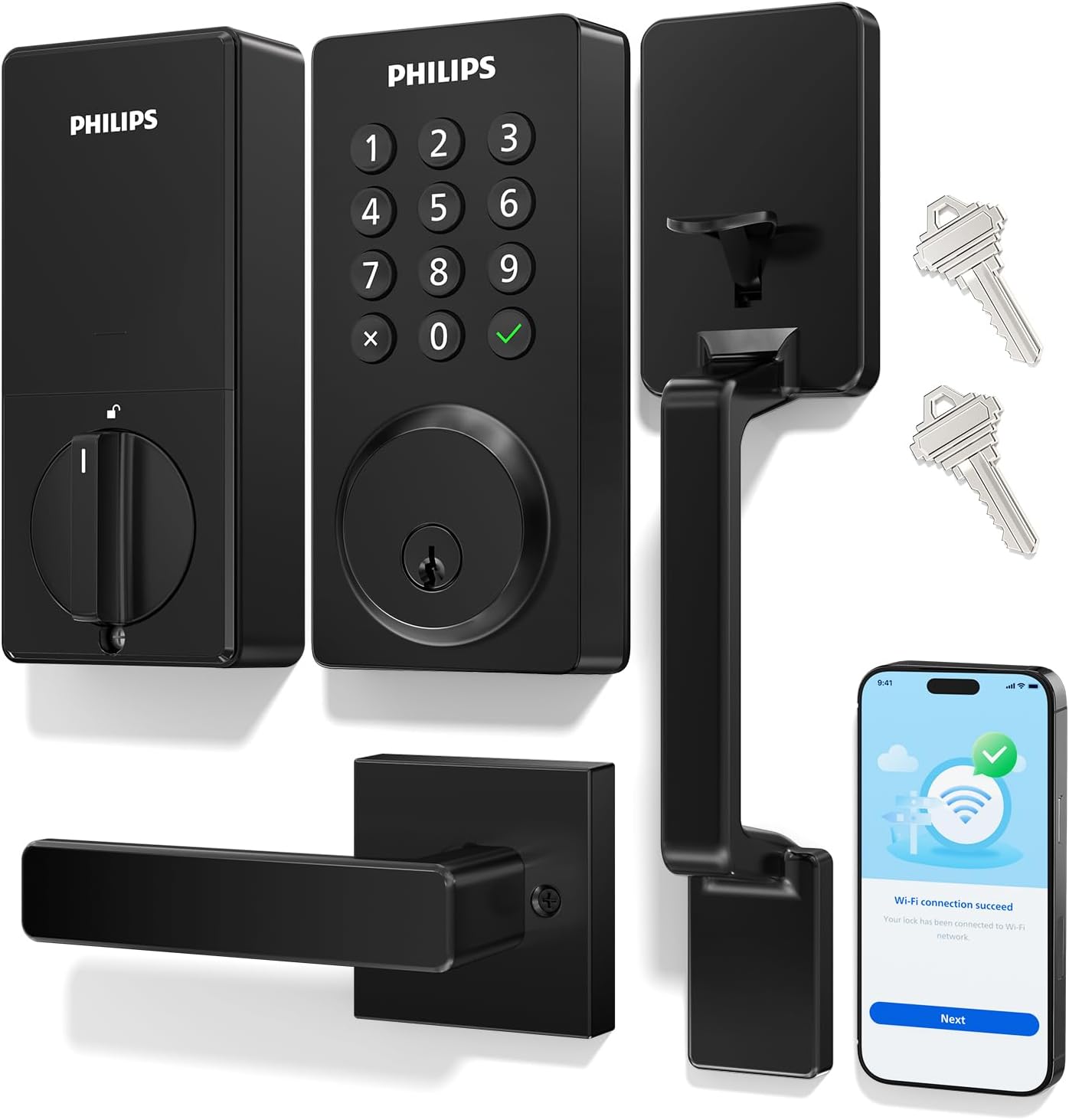
Philips Wi-Fi Smart Front Door Lock Set with Handle
Side-by-Side Specs
The table compares the specs where these smart keypad locks differ most. Wi-Fi requirements and passcode limits vary, so check the listed figures against your router position and household size.
| Product | Wi-Fi Setup | Unlock Options | Passcode Limit | Listed Extras |
|---|---|---|---|---|
| Philips 4200 Series Keypad | 2.4GHz, within 33 ft | Fingerprint in 0.3 s, PIN, app | Permanent, one-time, periodic, recurring | Handle, access history |
| Philips Smart Keypad Deadbolt | Built-in Wi-Fi, no hub | Voice, keys, passcode, app | Up to 100 passwords | 8 AA, up to 6 months |
| ULTRALOQ U-Bolt Pro | 2.4GHz only, no hub | Fingerprint, passcode, app, keys | Up to 50 codes | ANSI Grade 1, IP65 |
| eufy Smart Lock C220 | Built-in Wi-Fi, no bridge | Fingerprint under 1 s, keypad, key | Passcode count not listed | 8 AA, around 8 months |
| Philips Front Door Lock Set | 2.4GHz only, within 65 ft | Voice, password, key, app | Up to 100 passwords | Backlit keypad, batteries sold separatel |
Which Lock Fits Your Door
Start with the spot where the lock will sit and the people who will use it. The right model depends on distance to the router, the number of users and the power you plan to supply. Many households also weigh a fingerprint lock for front doors against keypad models.
- Distance from your Wi-Fi router
- How people will unlock: fingerprint, PIN, voice or key
- How many passcodes you need to issue
- Whether you want a listed grade or IP rating
Doors Far From the Router
The Philips Front Door Lock Set suits a door farther from the router, because its listed limit is 65 ft (about 20 m) rather than 33 ft (10 m). The trade-off is that it supports 2.4GHz networks only, and its batteries are not included.
Shared Homes and Rentals
The Philips Smart Keypad Deadbolt suits rentals and shared homes, since it allows up to 100 passwords that can be permanent, one-time or timed. Its alternative, the ULTRALOQ U-Bolt Pro, allows up to 50 codes but adds fingerprint enrollment. The trade-off is that the Philips model lists battery life of up to 6 months.
Homes With a eufy Doorbell
The eufy Smart Lock C220 suits owners who already use a eufy doorbell, because the lock can be added to shared routines in the eufy Security app. The alternative is the Philips 4200 Series Keypad, which adds recurring PIN schedules. The trade-off is that the eufy model does not list a passcode limit.
Exterior Doors Exposed to Weather
The ULTRALOQ U-Bolt Pro suits exterior doors, since its specs list IP65 dust and weather protection and an ANSI Grade 1 rating. Its alternative is the Philips Front Door Lock Set for a backlit keypad. The trade-off is that the ULTRALOQ model connects only on 2.4GHz.
How These Picks Were Grouped
This guide compares the manufacturer specs listed for each lock: Wi-Fi band and distance limits, unlock methods, passcode capacity, battery life, auto-lock range, and listed certifications and IP ratings. The models are grouped by the setups they suit most, including router distance, rental use, doorbell ecosystems and exterior doors. Only the listed figures are used, and no product is described beyond its specs.
Our Picks in Order
These picks follow the order used in the roundup. Each one is matched to a spec that sets it apart from the rest of the list. Homeowners weighing a physical backup alongside app control often turn to smart locks with keys as a middle option.
Recurring PIN Codes: Philips 4200 Series WiFi Keypad Deadbolt with Handle: The Philips 4200 Series Keypad suits households that want fingerprint access and PIN codes that repeat on a schedule. Choose another model if your lock must sit farther than 33 ft (10 m) from your router.
Auto-Lock and Battery Alerts: Philips WiFi Smart Keypad Deadbolt with No Hub: The Philips Smart Keypad Deadbolt suits anyone who wants auto-lock set between 10 and 180 seconds and low-battery alerts in the app. Choose another model if you want fingerprint unlocking, since this model does not list it.
ANSI Grade 1 Rating: ULTRALOQ U-Bolt Pro WiFi Smart Lock with Door: The ULTRALOQ U-Bolt Pro suits exterior doors, since its specs list an ANSI Grade 1 rating and IP65 weather resistance. Choose another model if you need Wi-Fi on a 5 GHz network, because this one supports 2.4GHz only.
Common Questions About Smart Keypad Locks
Do these locks need a hub to connect to Wi-Fi?
No. Each model in this roundup connects directly to a home Wi-Fi network, according to the manufacturer specs. Most of them use 2.4 GHz Wi-Fi, so check that your router broadcasts that band before buying. The eufy and Philips Smart Keypad Deadbolt list built-in Wi-Fi, and the ULTRALOQ model lists 2.4GHz only.
How do I power a smart keypad lock?
Most of these locks run on batteries. The Philips Smart Keypad Deadbolt and the eufy Smart Lock C220 both list 8 AA batteries, with battery life of up to 6 months and around 8 months respectively. The Philips Front Door Lock Set lists batteries as not included, so plan to buy them separately. How long each option lasts is covered in depth in our smart lock battery life comparison.
How far from the router can the lock be?
The distance limit depends on the model. The Philips 4200 Series Keypad should stay within 33 ft (10 m) of the router, and the Philips Front Door Lock Set should stay within 65 ft. Walls, metal objects and other interference sources can weaken the connection, so place the lock with the router in mind.
What upkeep does a smart keypad lock need?
Replace batteries when the lock signals low power. The Philips Smart Keypad Deadbolt beeps when battery level falls below 10% and sends a low-battery alert in the Philips Home Access App. Review the user codes and fingerprints in your app periodically, and remove access for people who no longer need it.
Can I see who unlocked the door?
Several models record access activity. The Philips 4200 Series Keypad lets you monitor access history in real time, and the ULTRALOQ U-Bolt Pro provides a log of who entered and when. The Philips Front Door Lock Set sends real-time notifications for each lock and unlock event.





