
Choosing a keypad door lock with app control means balancing how you get in, how you share access and how the lock connects to your home network. Many models look similar on the box, but their listed specs differ in ways that affect daily use.
If you want a lock that connects straight to 2.4 GHz Wi-Fi without a hub, the Philips 4200 Series and Philips Wi-Fi Front Door Lock Set are worth a look. If you want fingerprint speed or a lock that suits a rental, the Veise VE018 and Ulecoce U68 list features aimed at those needs.
Keypad Door Locks With App Control Compared
Each card below lists one model with its key specs. Compare the unlock method, how the lock connects to your app, and how many codes or fingerprints it stores before you decide.

Philips 4200 Series WiFi Keypad Deadbolt with Handle
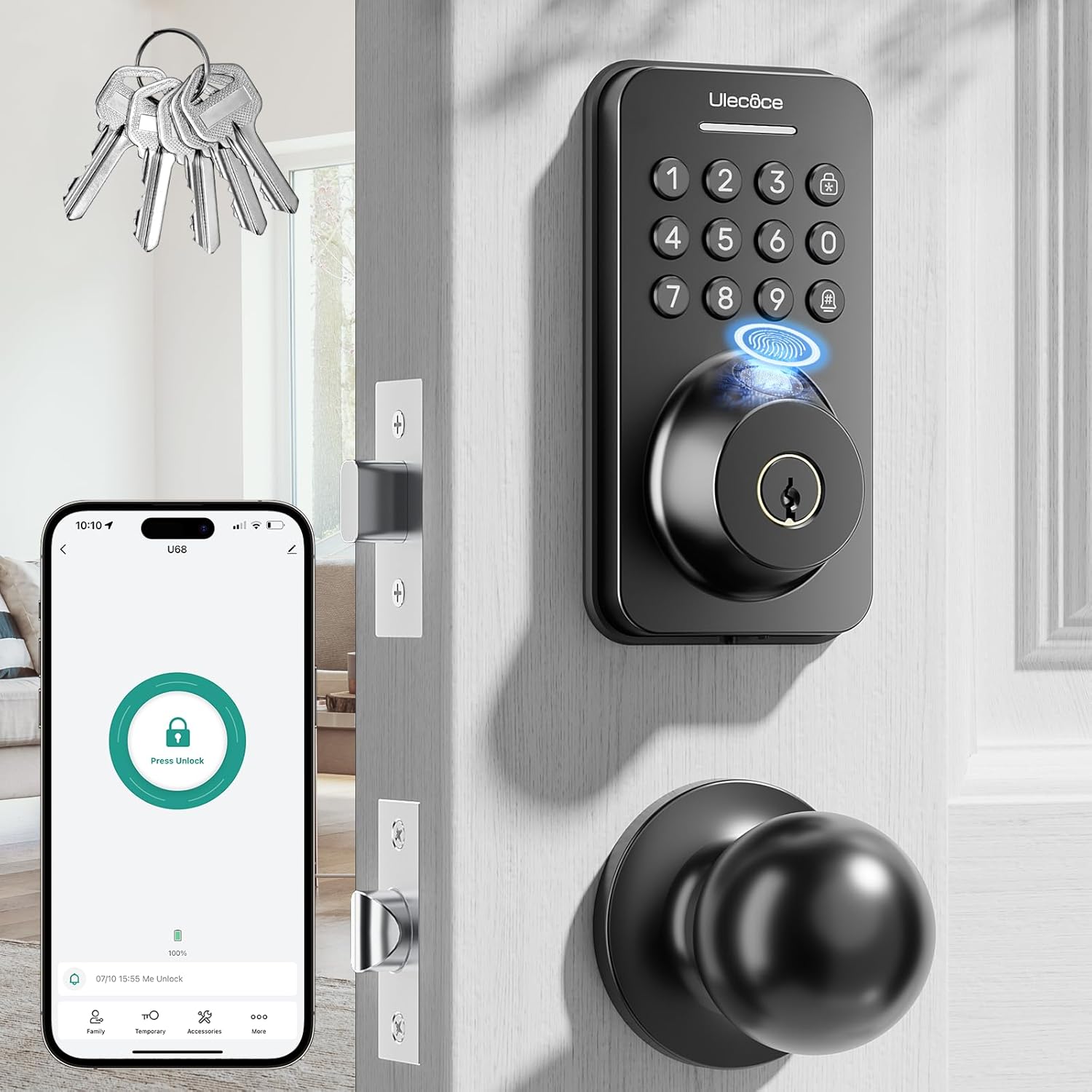
Ulecoce U68 Fingerprint Deadbolt with Knob Set
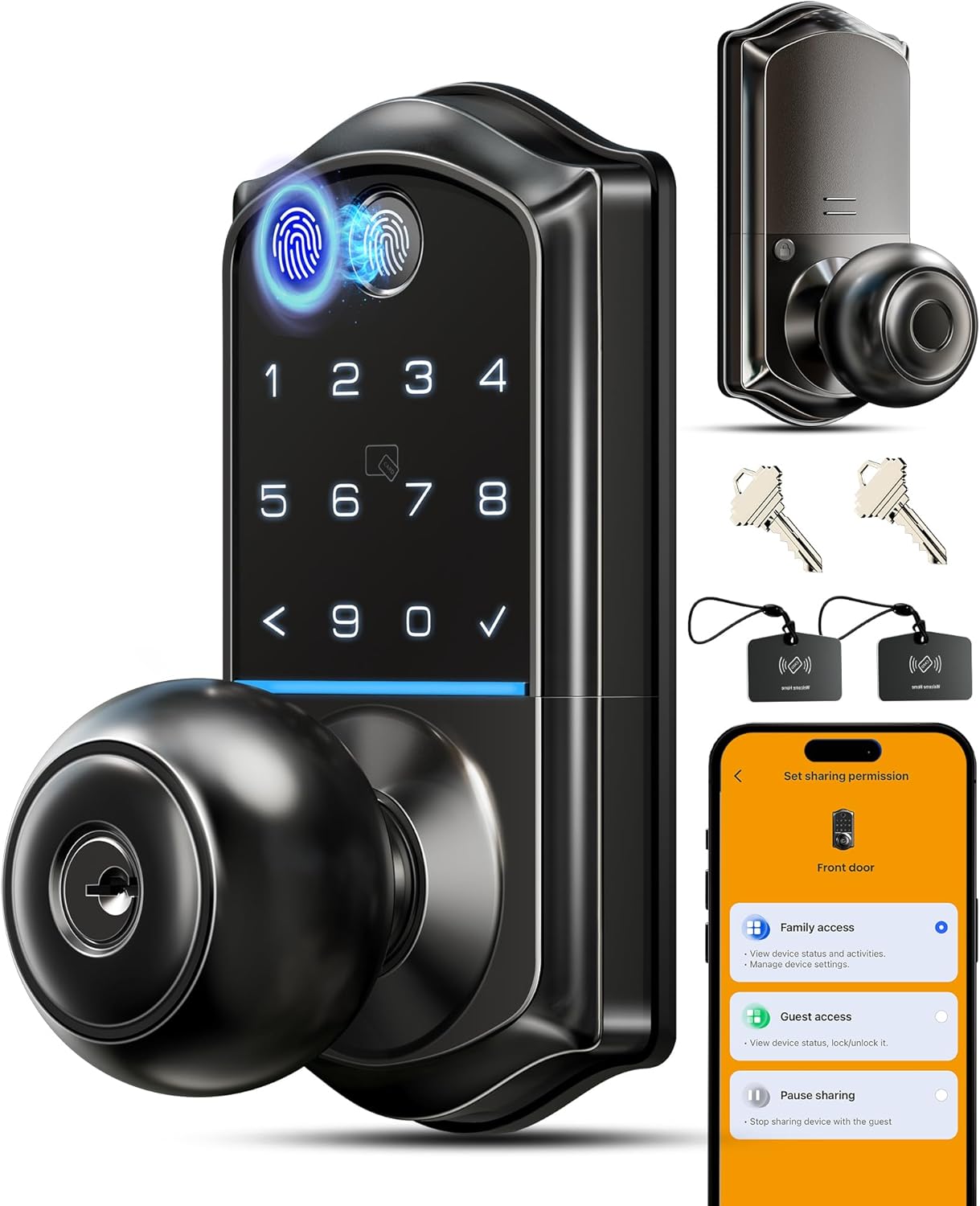
Veise VE018 Smart Door Knob Lock with 0.2s Fingerprint Unlock

Philips Upgraded Wi-Fi Smart Lock with Handle
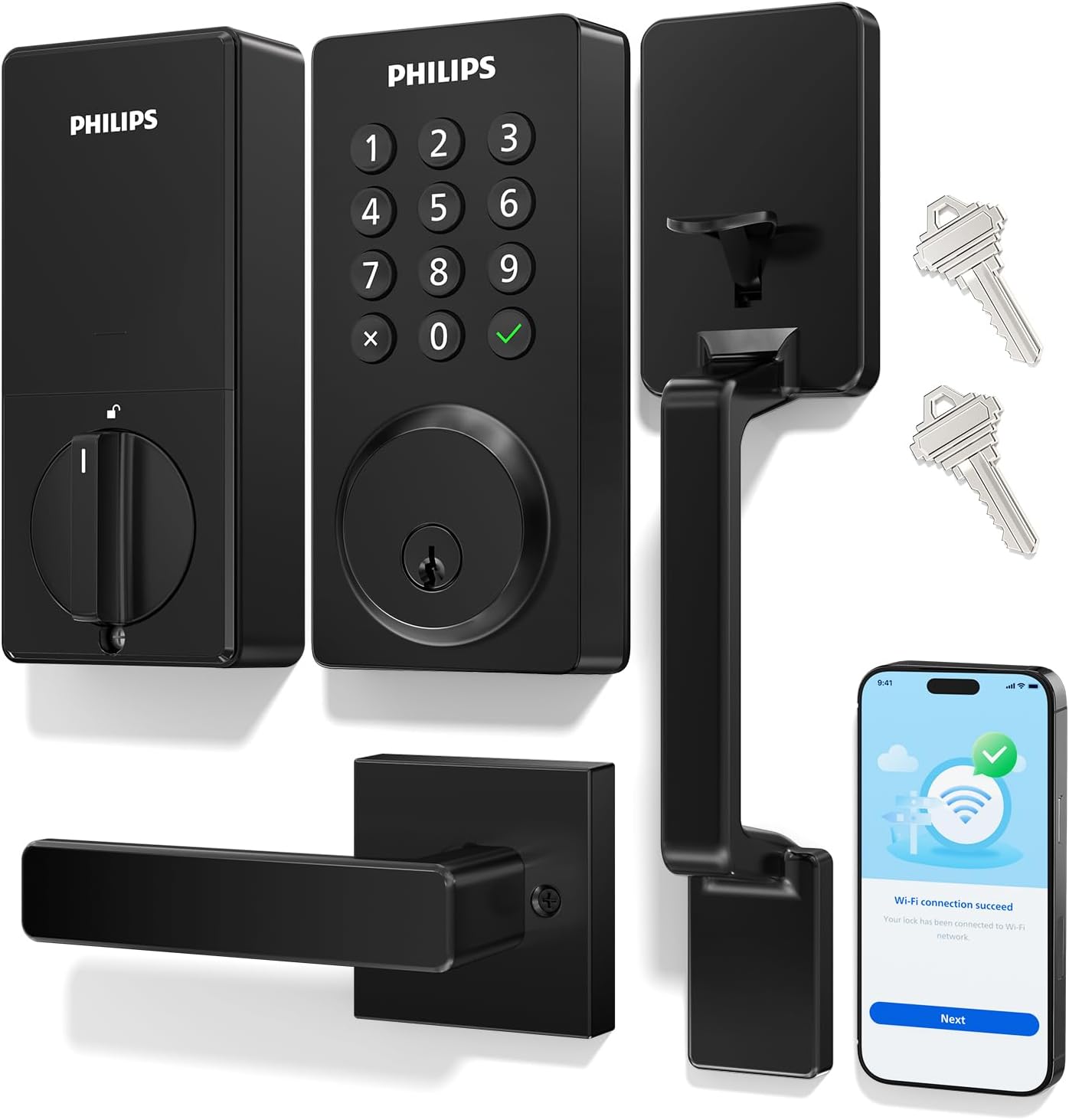
Philips Wi-Fi Smart Front Door Lock Set with Handle
Side-by-Side Specs for Five Keypad Locks
The table shows where these five locks differ most on listed specs. Use it to check fingerprint speed, connection type, auto-lock range and certifications against your own door and router. Choosing between handle styles and keyless entry also means surveying the market for smart locks with handles.
| Product | Fingerprint unlock | Connection setup | Auto-lock range | Certifications listed |
|---|---|---|---|---|
| Philips 4200 Series | 0.3 s | Wi-Fi, no hub | Not listed | None listed |
| Ulecoce U68 | 0.3 s | Gateway sold separately | 5 to 60 s | None listed |
| Veise VE018 | 0.2 s | Bluetooth app | 10 to 180 s | ANSI Grade 3, BHMA |
| Philips Upgraded Wi-Fi | 0.3 s | Wi-Fi, no hub | 5 to 180 s | None listed |
| Philips Front Door Set | Not listed | Wi-Fi, no hub | 10 to 180 s | None listed |
Which Keypad Lock Fits Your Door Setup
Start with how people will enter your home most often. Then check the connection, the number of users you need to manage and whether you want a handle or a knob. Many households choose a residential keypad door lock when they want codes instead of keys.
- Fingerprint speed in seconds
- How the lock connects to your Wi-Fi or app
- Number of codes or fingerprints stored
- Listed certifications for the lock hardware
Busy households that want quick fingerprint entry
The Veise VE018 suits busy households because it lists a 0.2 s fingerprint unlock and stores up to 20 fingerprints. Its Bluetooth app control does not require a Wi-Fi router nearby. If you need a model that connects directly to Wi-Fi, the Philips Upgraded Wi-Fi lock lists a 0.3 s handle fingerprint reader instead.
Homes with a Wi-Fi router and no hub
The Philips 4200 Series suits homes that want direct 2.4 GHz Wi-Fi control from a phone. The listed limit is 33 ft (10 m) from the router. The Philips Front Door Set lists a 65 ft router distance, but it has no listed fingerprint reader.
Rentals and shared entry with many guests
The Philips Upgraded Wi-Fi lock suits rentals because it lists up to 100 passcodes and offline one-time passwords. It also lists Passage Mode. The Ulecoce U68 lists 512 combined fingerprints and passcodes, but it needs a separately sold gateway for voice control.
Doors where you want a long remote-lock window
The Ulecoce U68 suits doors where you want a short auto-lock range of 5 to 60 s and one-touch locking on both sides. The Philips Front Door Set lists auto-lock from 10 to 180 s, which gives a wider range but no fingerprint reader.
How These Locks Were Grouped
These picks were grouped using only the manufacturer specs listed for each lock. The comparison focuses on fingerprint unlock speed, connection type, passcode and fingerprint capacity, auto-lock range and listed certifications. Locks were sorted by setup and use case so that buyers with different doors and households can find a fit.
Our Picks Among Keypad Locks With App Control
These five picks are listed in order of fit for common buyers. Each one stands out on a specific listed spec, so read the reason that matches your household before choosing. Households interested in keyless entry can also compare fingerprint smart locks by their listed features.
Direct Wi-Fi setup: Philips 4200 Series WiFi Keypad Deadbolt with Handle: The Philips 4200 Series suits homes that want to connect straight to 2.4 GHz Wi-Fi with no hub and lock or unlock from a phone. It lists a 0.3 s fingerprint unlock and Alexa or Google Assistant support. Choose the Veise VE018 instead if you need Bluetooth control or the listed ANSI Grade 3 and BHMA certifications.
512-code capacity: Ulecoce U68 Fingerprint Deadbolt with Knob Set: The Ulecoce U68 suits households that store many fingerprints and keypad codes, with a listed limit of 512 combined. It also lists app unlocking within 5 m and one-touch locking on both sides of the door. Choose the Philips 4200 Series if you want voice control without buying a separate gateway.
0.2 s, certified: Veise VE018 Smart Door Knob Lock with 0.2s: The Veise VE018 is the only model here that lists a 0.2 s fingerprint unlock and ANSI Grade 3 and BHMA certifications. It suits families who want the fastest listed fingerprint entry and detailed access logs. Choose the Philips Upgraded Wi-Fi lock if you want Wi-Fi control with no Bluetooth setup.
Common Questions About Keypad Locks With App Control
Do I need a hub for a keypad lock with app control?
Not for every model. The Philips 4200 Series, Philips Upgraded Wi-Fi lock and Philips Front Door Set list built-in 2.4 GHz Wi-Fi with no hub. The Ulecoce U68 needs a Ulecoce gateway, sold separately, for voice control, and the Veise VE018 uses Bluetooth app control. Check the connection type listed for the model you are considering. Broader rankings of the best door smart lock models are also available.
How far can the lock be from my Wi-Fi router?
The Philips 4200 Series lists a limit of 33 ft (10 m) from the router, and the Philips Front Door Set lists 65 feet. Walls, metal objects and interference sources can weaken the connection, so keep the lock close to the router and minimize obstacles where you can.
Do these locks need batteries?
The Philips Front Door Set lists that batteries are not included, so you will need to supply them. The other listed models do not state battery details in the specs provided here, so check the packaging or manual for the model you choose before installing.
Can I give guests temporary access codes?
Yes, several models list temporary or time-limited codes. The Philips 4200 Series supports one-time and periodic PIN codes, the Philips Upgraded Wi-Fi lock lists scheduled and one-time codes, and the Veise VE018 lists remote one-time and duration codes. You can review access logs in each model’s app to see when codes were used.
Do these locks hide my code from people nearby?
Some models list anti-peep features. The Veise VE018 and Philips Upgraded Wi-Fi lock allow random digits before or after your real code, which can make shoulder surfing harder. The Philips Front Door Set lists a backlit keypad for low-light entry but no anti-peep feature. Keep your codes private regardless of model.





