
Choosing Best Quality Door Locks comes down to two questions: how you want to unlock the door, and whether you also want a camera, a keypad or a link to your smart home. A keyed knob suits a traditional entry, while smart locks add app control, shared access or video. A front entry sees the most daily use, so it helps to compare door locks for main entrances before settling on one.
In this roundup, the BESTTEN Keyed Knob suits a traditional keyed setup, the eufy FamiLock S3 Max suits buyers who want a built-in camera, and the Aqara U100 Lock suits Apple Home users. The Kwikset HomeConnect 918 and Philips Wi-Fi Front Lock cover Z-Wave and Wi-Fi-only homes.
Locks Included in This Roundup
Compare unlock methods, power sources, camera specs and smart-home links first, since those differences decide what installation and upkeep involve. Each card lists the specs named in the product listing.
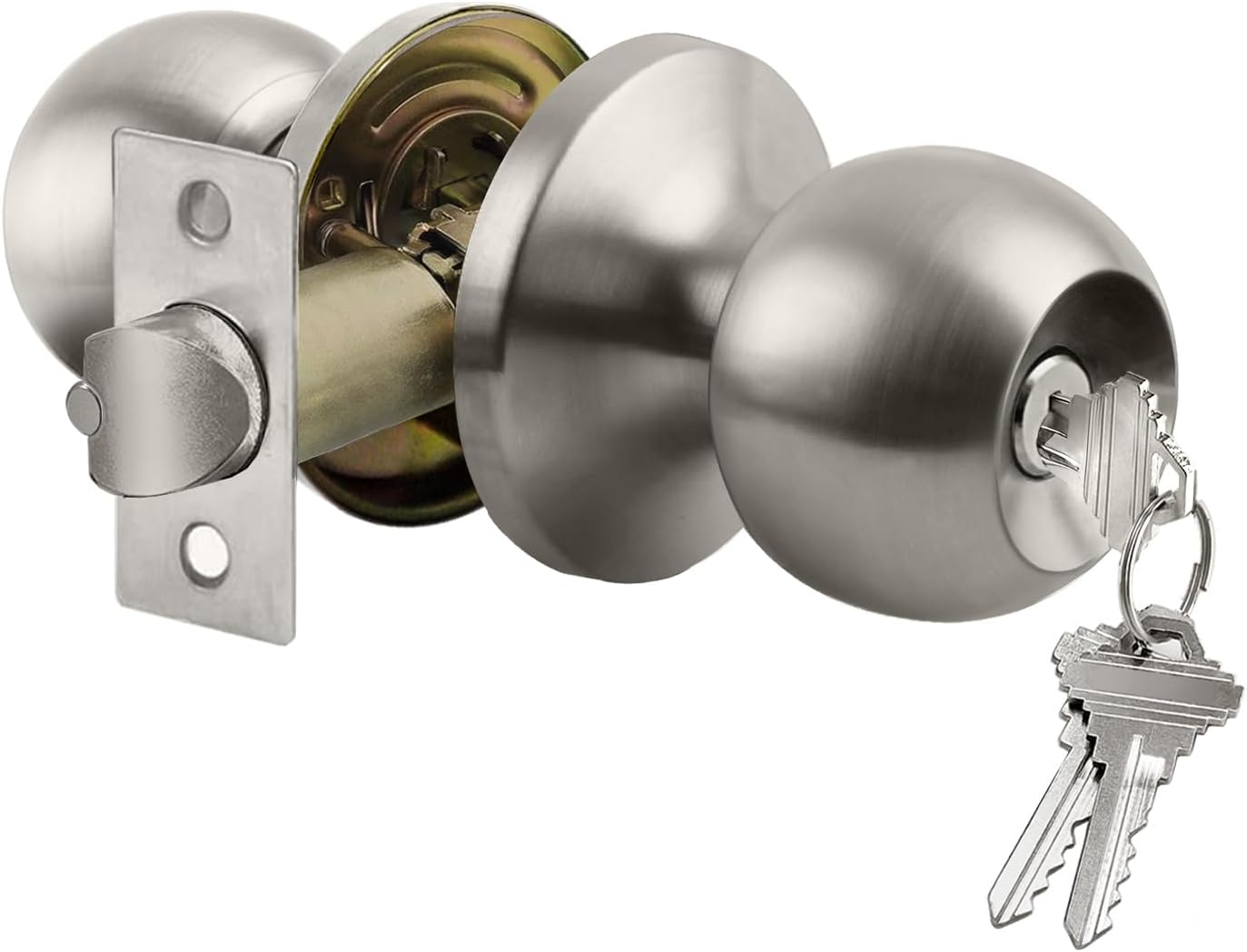
BESTTEN Keyed Entry Door Knob with Lock

eufy FamiLock S3 Max Video Smart Lock with Palm Vein Recognition

Aqara U100 Smart Lock with Apple Home Key
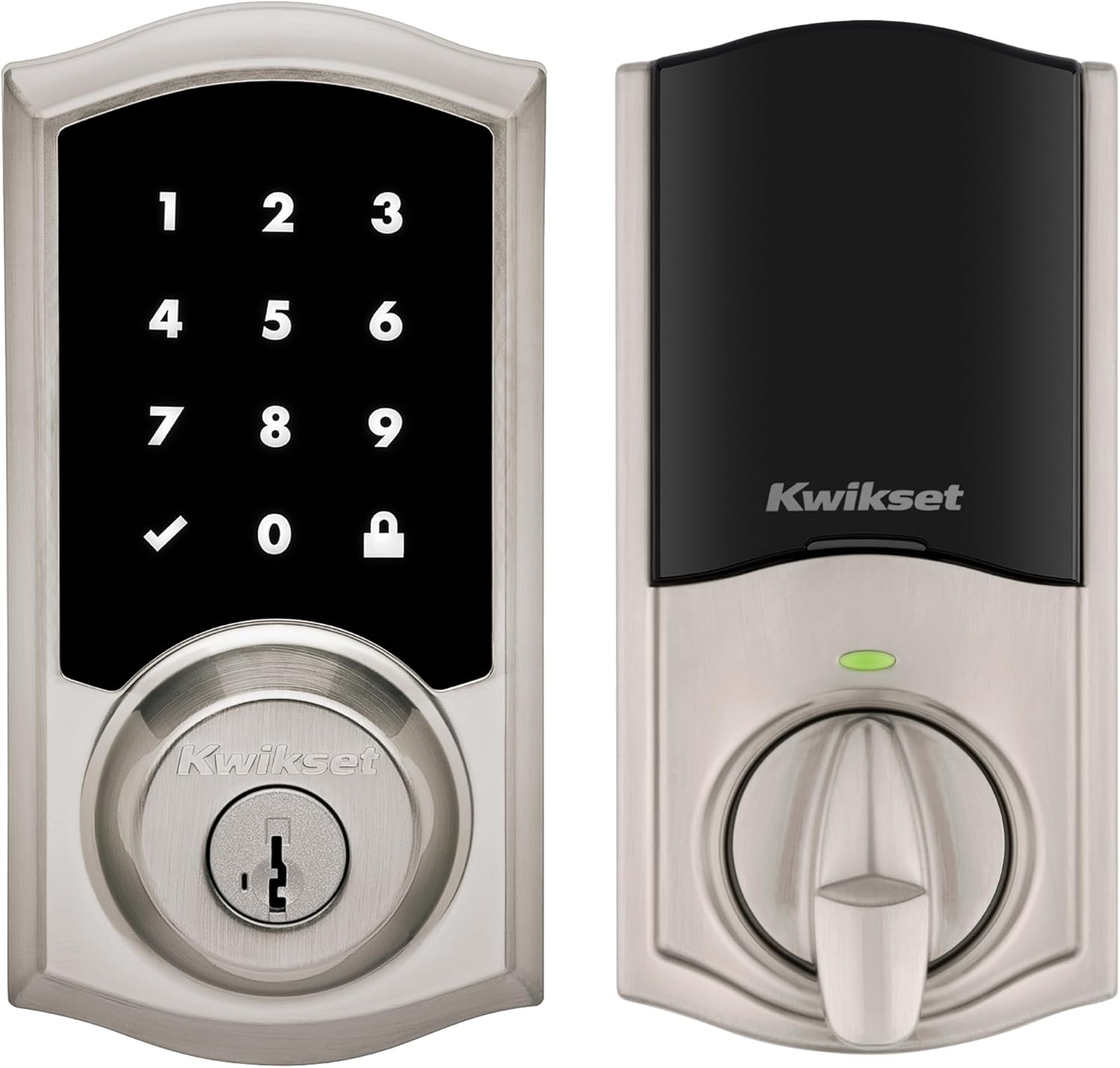
Kwikset HomeConnect 918 Touchscreen Lock with Z-Wave Long Range
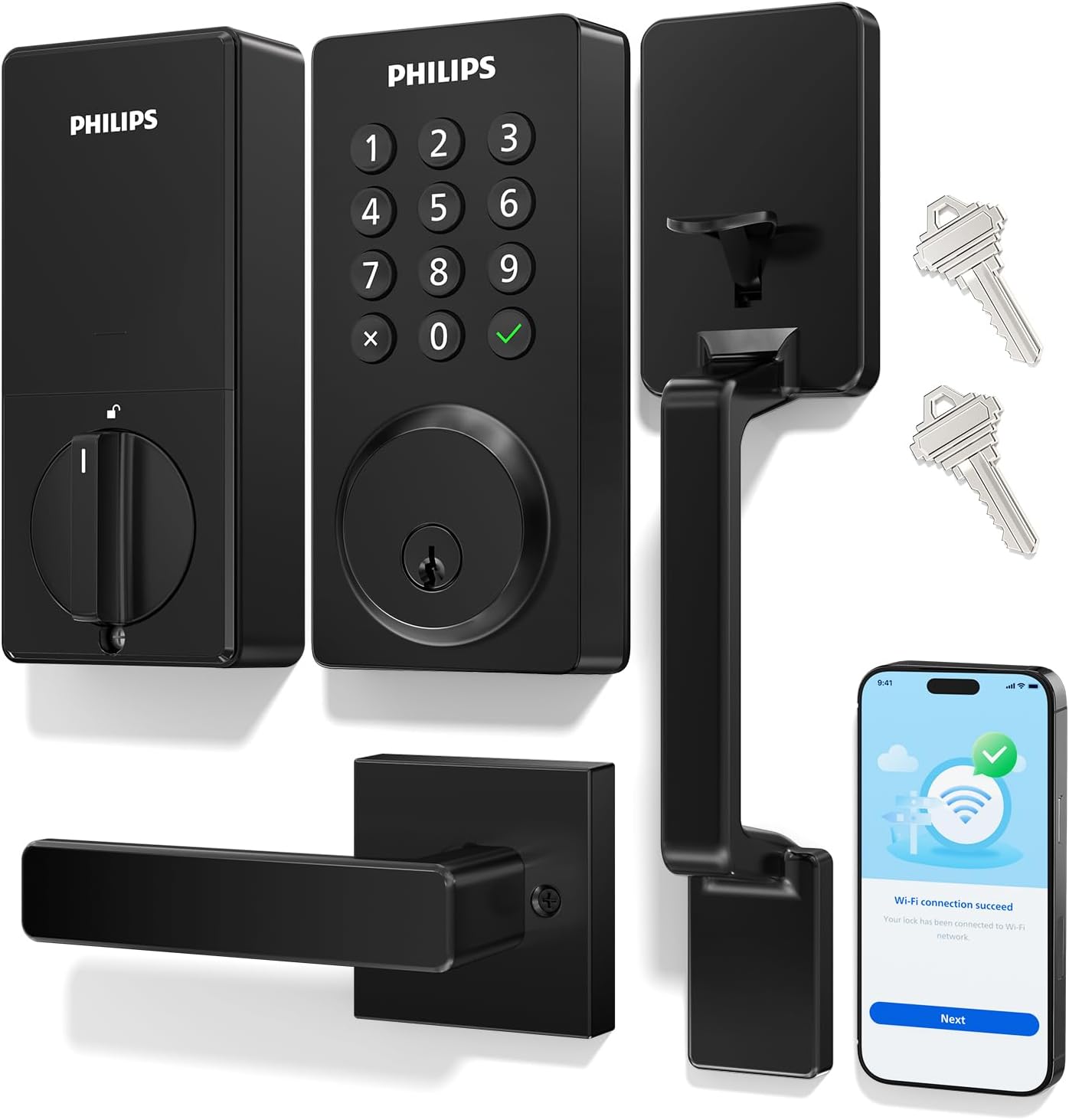
Philips Wi-Fi Smart Front Door Lock Set with Handle
How the Locks Differ on Key Specs
The locks differ most in how they unlock, what powers them, whether they include a camera and which smart-home standard they use. Only the eufy lock lists a camera, and only the BESTTEN knob lists a cycle rating. The right pick for a rental often depends on whether an electronic front door lock set can be fitted without drilling new holes.
| Product | Unlock method | Power source | Camera | Smart home link |
|---|---|---|---|---|
| BESTTEN Keyed Knob | Key cylinder | No power listed | No camera listed | None listed |
| eufy FamiLock S3 Max | Palm vein, app | Rechargeable plus AAA | 2K, 150 degree view | Matter, HomeBase 3 |
| Aqara U100 Lock | Fingerprint, passwords, key | 4 AA batteries | No camera listed | Apple Home, Zigbee 3.0 |
| Kwikset HomeConnect 918 | Touchscreen code | No power listed | No camera listed | Z-Wave, Ring Alarm |
| Philips Wi-Fi Front Lock | Keypad, app, voice | Batteries not included | No camera listed | Wi-Fi, Alexa, Google |
Which Lock Fits Your Door and Setup
Your door, wiring and network decide which kind of lock is practical. Start with these deciding factors.
- Whether you want a camera or video at the door
- Whether you have a compatible hub or an Apple Home setup
- Your power source, from batteries to Wi-Fi
- Whether you need remote unlocking or prefer a keyed knob
Keyed entry on a standard door
The BESTTEN Keyed Knob fits a standard door when you want a key-operated knob. It lists fit for 60 mm or 70 mm backsets and 35 to 45 mm door thickness, for left or right-handed doors. The trade-off is that no app, camera or remote control is listed, so choose a smart option if you need those.
Front door with a camera
The eufy FamiLock S3 Max suits a front door where you want video with the lock. Its listing includes a 2K camera with an f/1.8 lens, a 150 degree field of view and a rechargeable battery for up to 4 months. The trade-off is that camera streams are not supported via Matter, so the eufy App is needed for full features. The Aqara U100 Lock is the alternative if you do not need video.
Apple Home household
The Aqara U100 Lock suits a home that already uses Apple Home, because it unlocks when you tap an iPhone or Apple Watch. Sharing Apple Home Keys requires an Apple Home Hub. The eufy FamiLock S3 Max is the alternative, since it supports Matter with Apple Home, but its camera features still depend on the eufy App.
Wi-Fi only or Z-Wave hub home
The Philips Wi-Fi Front Lock suits a home with a 2.4 GHz router and no hub, since its built-in Wi-Fi needs no extra hub. Keep the router within 65 feet of the lock for better remote control. The Kwikset HomeConnect 918 suits homes with a Z-Wave hub, with S2 encryption and Z-Wave Long Range. Its trade-off is that it needs a compatible hub.
How These Locks Were Compared
This roundup compares only the specs listed in each product listing: fit and cycle rating, camera resolution and field of view, battery type and life, Wi-Fi, Matter and Z-Wave support, and the IP65 and BHMA Level 3 details listed for the Aqara lock. Locks are grouped by whether they are keyed, app-based, camera-equipped or hub-linked, so each buyer type sees the relevant products first.
Our Picks, in Order
These picks follow the order of the roundup, with each one matched to a clear buyer type and a spec that sets it apart within this list. Households with shared keys or frequent visitors often find that electronic front door locks reduce the trouble of replacing lost keys.
250,000-cycle rating: BESTTEN Keyed Entry Door Knob with Lock: The BESTTEN Keyed Knob suits buyers who want a key-operated knob with a stainless steel handle and brass mechanism, listed with a 250,000-cycle rating. Choose another product if you need remote unlocking, a camera or a smart-home link, since none are listed for it.
2K camera: eufy FamiLock S3 Max Video Smart Lock with: The eufy FamiLock S3 Max suits buyers who want palm vein unlocking together with a 2K camera and a 150 degree field of view on one unit. Choose the Aqara U100 Lock if you do not need video and prefer Apple Home Key taps.
Apple Home Key: Aqara U100 Smart Lock with Apple Home Key: The Aqara U100 Lock suits Apple Home households that want fingerprint, passcode and mechanical key options, with up to 8 months of battery life. Choose the Philips Wi-Fi Front Lock if you have no hub and do not use Apple Home.
Common Questions About Door Locks
How do I check whether a knob lock fits my door?
The BESTTEN Keyed Knob lists fit for 2-3/8 in (60 mm) or 2-3/4 in (70 mm) backsets and 1-3/8 to 1-3/4 in (35 to 45 mm) door thickness. Measure your backset and door thickness before ordering. Buy all locks in one set, because locks purchased separately will be keyed different.
How long do the batteries in these smart locks last?
The Aqara U100 Lock lists 4 AA batteries with up to 8 months of battery life and a USB-C port for emergency charging. The eufy FamiLock S3 Max lists a rechargeable battery for up to 4 months, plus 4 AAA batteries for an extra month of essential functions during power outages. The Philips Wi-Fi Front Lock does not include batteries. The right smart keypad door lock depends on how often your household enters without carrying keys.
Where should a Wi-Fi door lock be placed?
The Philips Wi-Fi Front Lock supports 2.4 GHz networks only. Its listing advises keeping the router within 65 feet of the lock for better remote control. Check which band your router uses before you buy, and confirm the router signal reaches the door.
Where is access data stored on these locks?
The eufy FamiLock S3 Max stores palm vein data locally on the lock, according to its listing. The Aqara U100 Lock stores fingerprint data locally and fully AES encrypted. The Philips Wi-Fi Front Lock records lock and unlock events and access history in its app.





