
Picking Best Door Locks For Main Door can feel crowded, because keypads, reinforced deadbolt-style bars and Wi-Fi or Z-Wave smart locks all claim to fit a main entry. The right choice depends on how your household enters, what your door thickness and install setup allow, and whether you want the lock to join a smart home system.
In short, a keypad with weather ratings suits exterior doors used daily, a reinforcement lock suits a door where you want a 3-inch stop rated to 800 lb of force, and a Wi-Fi or Z-Wave model suits a home that already runs voice assistants or a hub.
How These Main Door Locks Are Organized
The five models below differ most in how they unlock, what power they need and how they install. Read each card’s unlock method and install note first, then check the spec list against your door.

iulock Keypad & Key Smart Door Lock with Waterproof
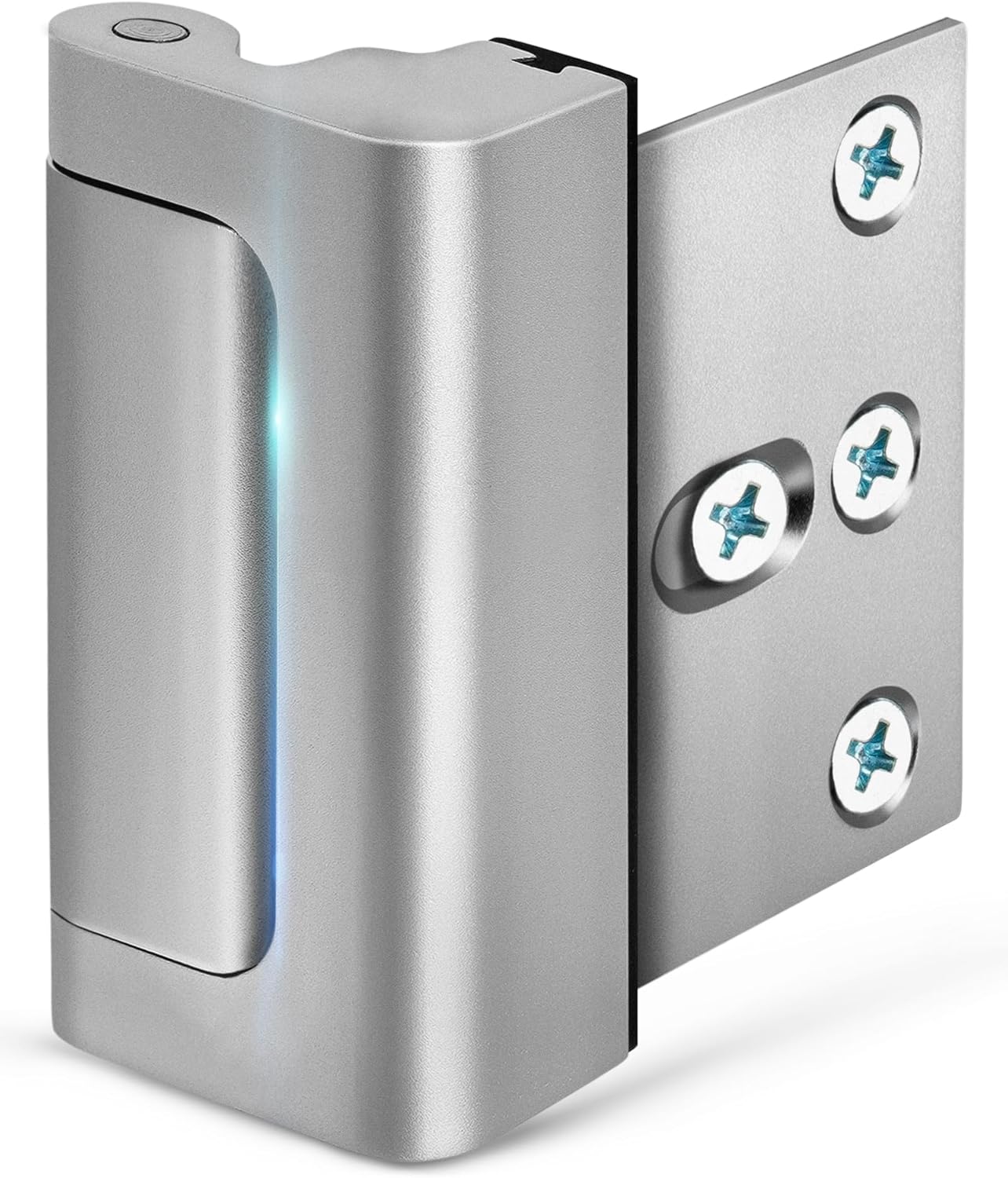
EverPlus Door Reinforcement Lock With 800lb Force Resistance

Cinop Smart Locks for Front Door with Handle Set
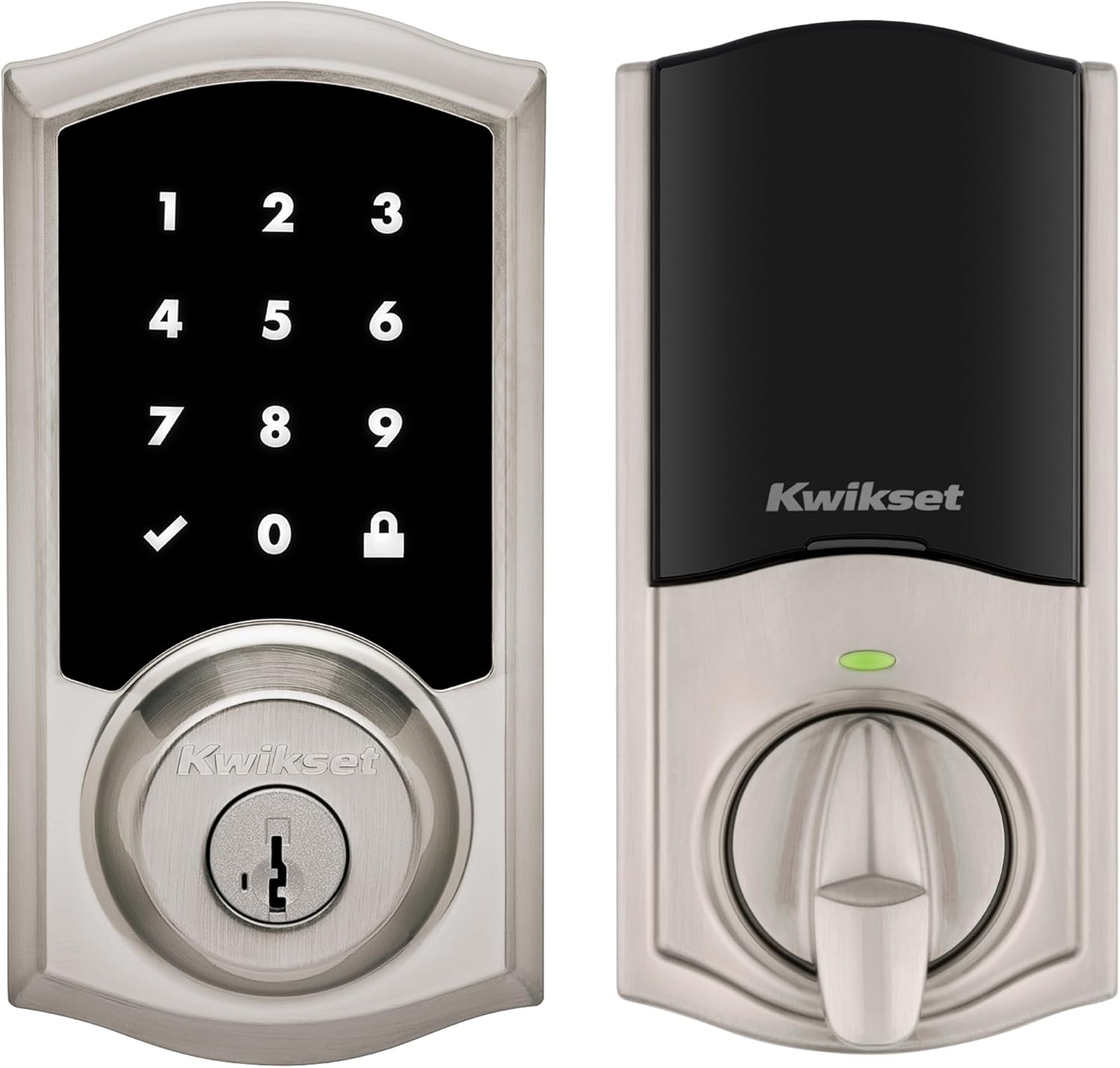
Kwikset HomeConnect 918 Touchscreen Lock with Z-Wave Long Range

Philips Upgraded Wi-Fi Smart Lock with Handle
Side-by-Side Spec Comparison
This table lines up the listed unlock method, power source, install requirement and connectivity for each model. A value of None listed means the manufacturer did not state that spec. Comparing these specs also helps narrow down app-controlled keypad door locks for a given home.
| Product | Unlock method | Power source | Install or door fit | Connectivity |
|---|---|---|---|---|
| iulock Keypad Lock | Keypad, up to 50 codes | 4 AAA, USB-C backup | 1-3/8 to 2-1/2 in doors | None listed |
| EverPlus Reinforcement Lock | Mechanical sliding bar | None listed | Drill, chisel, hammer | None listed |
| Cinop Smart Lock | Fingerprint, app, IC card | 4 AA, Type-C emergency | 35-50 mm doors, no drilling | Wi-Fi gateway, Bluetooth |
| Kwikset HomeConnect 918 | Touchscreen, up to 250 codes | None listed | Not listed | Z-Wave Long Range |
| Philips Wi-Fi Smart Lock | Fingerprint, app, PIN, key | None listed | Not listed | Built-in 2.4GHz Wi-Fi |
Which Main Door Lock Fits Your Setup
Start with the entry point, the door and your power situation. The factors below separate these models most clearly.
- Number of codes and users listed
- Door thickness and backset range
- Power source and battery backup
- Connectivity to Wi-Fi, Z-Wave or a hub
Shared Household With Guest Codes
The iulock Keypad Lock suits a home or rental where several people need their own codes, since it assigns up to 50 customizable 1-15 digit codes and installs with a screwdriver. An alternative is the Philips Wi-Fi Smart Lock, which supports up to 100 passwords and keeps an activity history in its app. The trade-off is that the Philips model needs a 2.4GHz Wi-Fi network and its listed specs do not state a door thickness range. Locks built for business entrances form a separate category, covered in a comparison of commercial keypad door locks.
Exterior Door Exposed to Weather
The iulock Keypad Lock suits an exterior door because it lists IP65 weather resistance and operation from -22F to 176F. The Cinop Smart Lock lists a dustproof and waterproof structure but no IP rating, so it is the alternative if you want app control. Its trade-off is that the exact water protection level is not stated.
Door Where Force Resistance Matters
The EverPlus Reinforcement Lock suits a door where you want a 3-inch stop designed to withstand 800 lb of force, with 8 screws in total. It needs an electric drill, chisel and hammer, so it is a poor fit for a renter who cannot alter the frame. The trade-off is that it has no electronic keypad or app access.
Smart Home With a Hub or Voice Assistant
The Kwikset HomeConnect 918 suits a home that already uses a Z-Wave hub or a Ring Alarm system, since it lists Z-Wave Long Range and Ring Alarm compatibility. The Cinop Smart Lock is the alternative for Alexa or Google Home voice control without a hub. The trade-off is that the Kwikset requires a Ring Alarm smart hub for Ring control.
How These Picks Were Grouped
These picks are based only on the manufacturer specifications listed for each model, including force rating, door thickness range, backset, power source, connectivity, code capacity, IP rating, install tools and warranty or service terms. Models were grouped by how they unlock and install, so each buyer situation compares products with similar requirements. Specs that a manufacturer did not state are marked as not listed rather than assumed.
Our Picks for Main Door Locks
The picks below are listed in the order chosen by the site. Each one is matched to a buyer situation covered in this guide, along with the spec that sets it apart. Keypad door locks for homes make up a related category with its own dedicated coverage.
Keypad with IP65 rating: iulock Keypad & Key Smart Door Lock with: The iulock Keypad Lock suits an exterior door that needs many codes, with up to 50 customizable 1-15 digit codes, IP65 weather resistance and operation from -22F to 176F. Choose another product if you need app control or a door thicker than 2-1/2 inches.
800 lb force rating: EverPlus Door Reinforcement Lock With 800lb Force Resistance: The EverPlus Reinforcement Lock suits a homeowner who wants a 3-inch stop rated to withstand 800 lb of force, installed with an electric drill and chisel. Choose another product if you want keyless electronic entry, since this model is mechanical.
Broad unlock options: Cinop Smart Locks for Front Door with Handle: The Cinop Smart Lock suits a household that wants fingerprint, app, IC card and temporary password access, with a Wi-Fi gateway and Bluetooth. Choose another product if you do not want to fit a lock sized for 35-50 mm doors or if you prefer a hub-free Wi-Fi model.
Main Door Lock Questions Answered
What Tools Do I Need to Install a Main Door Lock?
Install needs depend on the model. The iulock Keypad Lock is listed as installable with just a screwdriver in minutes, while the EverPlus Reinforcement Lock requires an electric drill and drill bit, a pencil, a hammer and a chisel. The Cinop Smart Lock lists no drilling for standard door lock holes. Check each spec list before you buy, and confirm your door fits the listed thickness range.
How Are the Smart Locks Powered?
The iulock Keypad Lock uses 4 AAA batteries rated for 18 months and has a USB-C backup connection. The Cinop Smart Lock uses 4 AA batteries, which are not included, and supports Type-C emergency charging. Both list a low battery alarm. Several other models do not list a power source, so confirm it in the manufacturer’s manual before installing.
Can a Reinforcement Lock Work With a Smart Lock on the Same Door?
A reinforcement lock and a smart lock address different parts of a door, so some households use both. The EverPlus Reinforcement Lock is a mechanical sliding bar fitted to the inside of an inward-swinging door, while smart locks replace the handle or deadbolt. Confirm that your door frame and hardware can accommodate both before you drill.
Do Smart Locks Need a Hub?
It depends on the model. The Philips Wi-Fi Smart Lock lists built-in 2.4GHz Wi-Fi and states it needs no extra hub or bridge. The Kwikset HomeConnect 918 needs a compatible Z-Wave hub, and Ring Alarm control requires a Ring Alarm smart hub. The Cinop Smart Lock includes a Wi-Fi gateway in its listed package. Many buyers narrow their choices by comparing keyless entry smart lock models.
How Do I Keep Track of Who Uses the Lock?
Some connected models offer activity records. The Philips Wi-Fi Smart Lock lists detailed logs in its app that show entries, and the Cinop Smart Lock lists a door lock alarm. Keypad-only models log nothing in their specs. Test the lock, batteries and alarms on a regular schedule, and check the app’s history if your model lists one.





