You want to add smart switches to your home so you can control lights from your phone and voice assistants, but Best Light Switches For Home Assistant vary in how many platforms they connect to and whether they use Matter.
If you’re building a single-platform setup with Alexa or Google Home, any of these will work. If you want flexibility across multiple apps and ecosystems, or if your smart home runs on Home Assistant specifically, look for broader platform support. If your lights are spread across several rooms, planning around smart light switches early keeps the setup consistent.
What to Compare When Choosing a Smart Light Switch
All three switches require neutral wiring and 2.4 GHz Wi-Fi, have app-guided setup, and let you turn lights on and off from your phone or with your voice. They differ in which voice assistants and smart home platforms they support, and whether they use the Matter protocol.

Kasa Smart Light Switch, Single Pole, Need Neutral Wire, HS200P3

TP-Link Tapo Matter Smart Light Switch: Voice Control w/Siri, Alexa & Google Home | UL Cer...

Leviton Decora Smart Switch, Wi-Fi, D315S-1RW, White
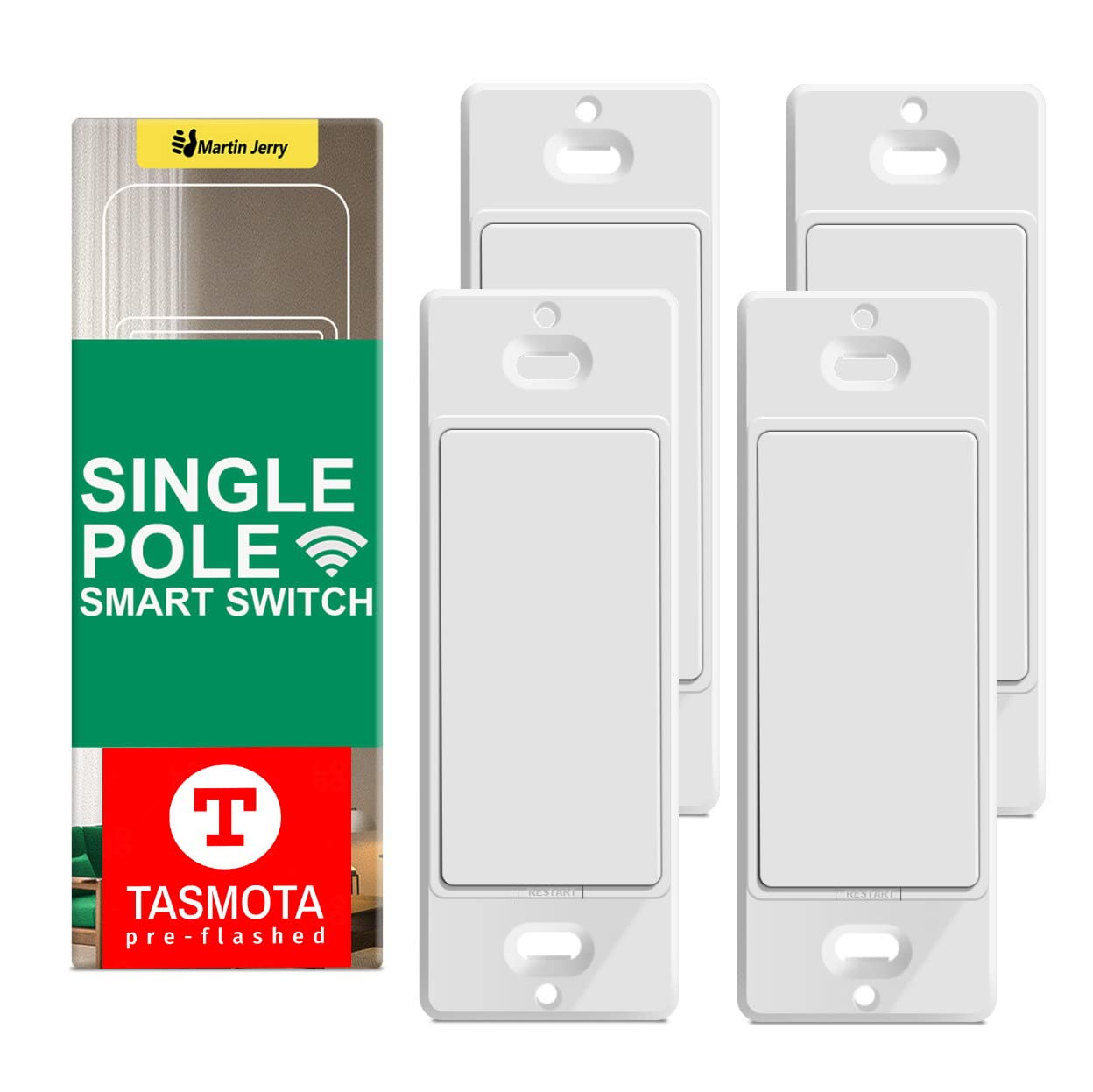
TASMOTA Smart Switch by Martin Jerry | ESP8266 2.4GWiFi, Smart Light Switch for Home Assis...

Kasa Smart Light Switch, Single Pole, Need Neutral Wire, HS200
Which Smart Switch Fits Your Home
Your choice depends on which voice assistants and smart home platforms you already use or plan to add. Here are the scenarios where each excels. Your wall wiring, especially whether a neutral wire is present, determines which wifi light switches will fit your electrical box.
- Existing Alexa or Google Home setup with no other platforms
- Multiple smart home platforms or apps running at once
- Dedicated Home Assistant system
- Outdoor lights or away-from-home security automation
Alexa or Google Home Only
Kasa Smart Switch works with both Alexa and Google Home and gives you full app and voice control. If you never plan to add Apple Home, SmartThings, or Home Assistant, the simpler Kasa ecosystem may be all you need; otherwise Tapo or Leviton let you add those platforms later without replacing the switch.
Multiple Smart Home Platforms
Tapo Matter Switch connects to Apple Home, Alexa, Google Home, and SmartThings through one Matter hub, letting you control all devices from a single app. Kasa works only through its own app, so you’d lose cross-platform benefits; Leviton also supports this multi-platform approach.
Home Assistant Integration
Leviton Decora Switch lists Home Assistant directly in its compatible platforms. If your smart home runs primarily on Home Assistant, Leviton is the only choice here with native support; Kasa and Tapo don’t mention it.
Away Mode and Security
Kasa Smart Switch includes an away mode that randomly turns lights on and off to simulate occupancy, which the other two don’t mention. Leviton lets you schedule exterior lights to turn on at sunset for security and convenience when you’re away.
Our Top Picks
All three switches meet the core requirements for Best Light Switches For Home Assistant: they connect to Wi-Fi, work with major voice assistants, and let you automate lighting schedules. Your best choice depends on which smart home platforms you’re using. Households mixing devices from several brands should weigh how Matter light switches share one common standard.
Most Users: Proven Reliability: Kasa Smart Light Switch: Kasa Smart Switch connects to both Alexa and Google Home with straightforward app control and includes away mode for security automation. Choose Tapo or Leviton instead if you plan to add Apple Home, SmartThings, or Home Assistant, since Kasa works only through its own app and lacks those integrations.
Multiple Platforms: Matter Support: TP-Link Tapo Matter Smart Light Switch: Tapo Matter Switch uses Matter protocol to let you control lights from Apple Home, Alexa, Google Home, and SmartThings all in one app, with local communication so your devices work even if your internet goes down. Pick Kasa if you only need Alexa and Google Home, or Leviton if Home Assistant is your priority.
Home Assistant and Multi-App Control: Leviton Decora Smart Switch: Leviton Decora Switch is the only one here that lists Home Assistant as a compatible platform, and it also works with Alexa, Google Home, Apple Siri, and SmartThings. Choose Tapo for simpler multi-platform control through Matter, or Kasa if you only use Alexa and Google Home.
Frequently Asked Questions
Do these switches work without a neutral wire?
No. All three smart light switches require a neutral wire to function. If your current switch box has no neutral wire, consult an electrician before purchasing. The manufacturer specs recommend professional installation if you’re unfamiliar with electrical wiring.
Can I use these switches with Alexa and Google Home at the same time?
Yes, each switch supports both platforms. With Kasa and Tapo, you’d control lights through separate Alexa and Google Home apps. Leviton and Tapo (through Matter) let you add Apple Home and SmartThings, giving you more options for unified control across multiple platforms. Households that run Apple Home across many rooms may want to review HomeKit light switches before deciding.
What’s the difference between Matter support and regular app control?
Matter lets your switch communicate directly with other Matter devices on your local network without needing a cloud service or separate app for each brand. This means faster response times and control that works even when your internet is down. Leviton and Tapo support Matter; Kasa does not.
Which switch works with Home Assistant?
Leviton Decora Switch lists Home Assistant as a compatible platform. Kasa and Tapo do not mention Home Assistant in their specs. If Home Assistant is your primary system, Leviton is the supported choice from these three.
Do these switches work on 3-way or multi-way circuits?
No. All three are single-pole switches only and are not designed for 3-way or multi-way installations where one light is controlled from multiple locations. Consult the full product documentation or an electrician for your specific wiring setup.