
Choosing Best Entry Door Locks starts with two practical questions: what your door is already drilled for, and whether you want a traditional key or a phone-controlled keypad. The right answer depends on the bores, backset and door thickness you already have.
For a keyed exterior door, the Kwikset models cover most standard setups. For a home where you want app control and passcodes, the Philips keypad deadbolt is the connected option in this group. Fit and specification differences across residential front door locks also shape which option suits a given door.
Five Entry Door Locks to Compare
Each card lists the lock type, connectivity, rekeying method and door fit. Start with the bore holes and door thickness on your own door, then check which products list those dimensions.
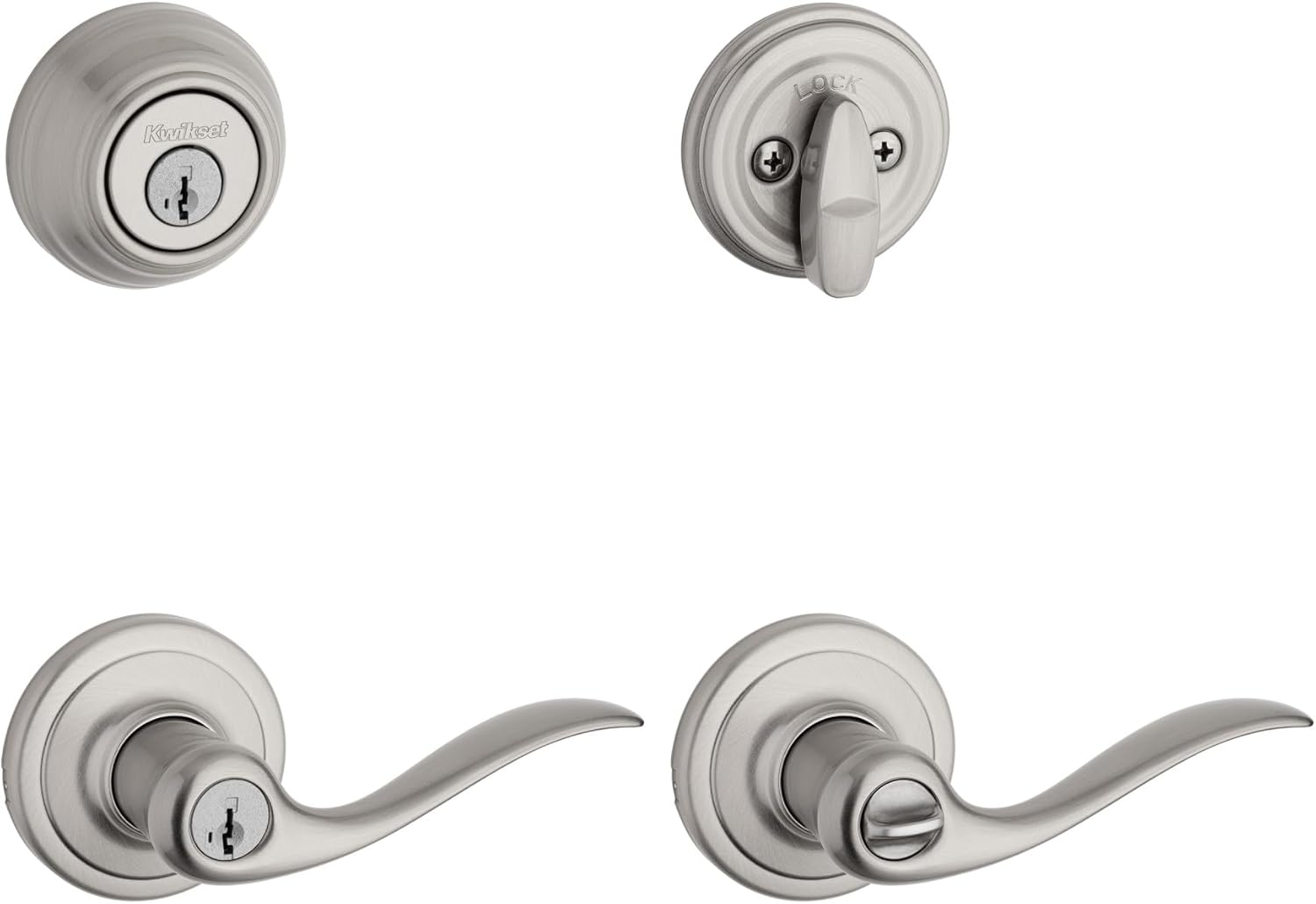
Kwikset Tustin Front Door Lock Set with Deadbolt and SmartKey

Kwikset San Clemente Lock Handle and Deadbolt Set with SmartKey Rekey

Kwikset Tylo Entry Door Knob with Lock and Key

Philips 4200 Series WiFi Keypad Deadbolt with Handle

Kwikset Halifax Lever and Deadbolt Combo with SmartKey
How the Five Locks Differ on Key Specs
The four Kwikset mechanical sets share keyed entry and SmartKey rekeying, while the Philips model swaps the key for Wi-Fi control. Door fit is the spec that varies most, and some listings do not state it. Choosing an entry lock also means weighing keyed, keypad, and fingerprint designs, and a broader comparison of best front door locks covers all three.
| Product | Lock type | Connectivity | SmartKey rekeying | Door thickness fit |
|---|---|---|---|---|
| Kwikset Tustin Set | Lever and deadbolt set | Mechanical, keyed | Yes, in seconds | Not listed in specs |
| Kwikset San Clemente Set | Handleset with deadbolt | Mechanical, keyed | Yes, in seconds | 1-3/4 inch standard |
| Kwikset Tylo Knob | Entry knob with lock | Mechanical, keyed | Yes, in seconds | 1-3/8 to 1-3/4 inch |
| Philips 4200 Keypad | Wi-Fi keypad deadbolt | 2.4 GHz Wi-Fi, app | Not listed in specs | Not listed in specs |
| Kwikset Halifax Combo | Lever and deadbolt combo | Mechanical, keyed | Yes, in seconds | Not listed in specs |
Which Entry Door Lock Fits Your Setup
Your door’s preparation and your household’s habits narrow the field quickly. These deciding factors help you sort the options before you compare details. Comparing the best door locks for front doors begins with these same factors.
- Bore holes: check for one or two holes in the door.
- Door thickness: measure against the listed 1-3/8 to 1-3/4 inch range.
- Wi-Fi access: confirm your router is within 33 ft (10 m) of the door.
- Rekeying: SmartKey lets you rekey the mechanical sets yourself.
Exterior door with two bores
The Kwikset San Clemente Set suits a front door drilled for a separate bottom bore, since its listing calls for two bore holes. The Kwikset Tustin Set is the alternative if you prefer a lever. The trade-off is that the San Clemente listing requires that bottom connection point.
Thinner or unusual door thickness
The Kwikset Tylo Knob fits doors from 1-3/8 to 1-3/4 inch thick, the widest thickness range among the Kwikset sets. The San Clemente Set lists only 1-3/4 inch doors and is the alternative for standard doors. The trade-off is that the Tylo is an entry knob with a lock, not a deadbolt.
Home without a key-only routine
The Philips 4200 Keypad suits households that want app control, voice commands with Alexa or Google Assistant, and PIN or fingerprint access. It connects directly to 2.4 GHz Wi-Fi without a hub. The alternative is the Kwikset Tustin Set for keyed entry only. The trade-off is that the keypad depends on Wi-Fi range.
How We Compared These Locks
We compared the manufacturer specs for lock type, SmartKey rekeying, door thickness and backset, Wi-Fi connectivity, warranty and ANSI/BHMA grade. We grouped the Kwikset mechanical sets by bore and thickness needs and set the Philips keypad apart as the connected option. We did not test any of these locks, so this guide reports only what the listings state.
Our Picks for Entry Door Locks
These three picks cover a keyed lever and deadbolt, a bore-specific handleset and a thinner-door knob. Each matches a different door preparation, so start with the fit details on your own door. Shoppers weighing door preparations will find a wider range of front door lock options beyond these three styles.
Reversible lever: Kwikset Tustin Front Door Lock Set with Deadbolt: The Kwikset Tustin Set suits exterior doors where keyed entry is needed, and its lever is listed as fully reversible for right- or left-handed doors. Choose another product if your door needs a bore layout or thickness range that this listing does not state.
Two bore handleset: Kwikset San Clemente Lock Handle and Deadbolt Set: The Kwikset San Clemente Set suits front doors with two bore holes and standard 1-3/4 inch thickness, with latch backset adjustable to 2-3/8 or 2-3/4 inch. Choose another product if your door has only one bore, because this set requires the bottom connection point.
Thinner door range: Kwikset Tylo Entry Door Knob with Lock and: The Kwikset Tylo Knob fits standard doors from 1-3/8 to 1-3/4 inch thick and includes a keyed exterior knob, interior knob and SmartKey Tool. Choose another product if you need a full deadbolt, since this listing describes an entry knob with a lock.
Entry Door Lock Questions Answered
How do I know which lock fits my door?
Measure the backset, the cross bore and the door thickness before you buy. The Kwikset San Clemente Set lists two bore holes and 1-3/4 inch doors, while the Kwikset Tylo Knob lists 1-3/8 to 1-3/4 inch doors. If a listing does not state a thickness range, check the manufacturer’s installation details before ordering. Comparing the best front door locks across keyed, keypad and smart types is a useful next step.
Does the Philips keypad lock need a hub?
No. The Philips 4200 Series keypad deadbolt connects directly to 2.4 GHz Wi-Fi, so no separate hub or bridge is listed as required. The listing asks you to keep the lock within 33 ft (10 m) of your Wi-Fi router and to limit walls and metal objects in between for a stronger connection.
What is SmartKey rekeying?
SmartKey is a feature listed on several Kwikset locks that lets you rekey the lock yourself in seconds, without replacing the hardware. The Tustin, San Clemente, Tylo and Halifax listings all mention it. The Philips keypad does not list SmartKey, so its access is managed through the app and passcodes instead.
Where should I place a keypad or smart lock for the best connection?
Place the Philips keypad deadbolt within 33 ft (10 m) of your router, as its listing advises. Keep walls, metal objects and other interference sources to a minimum. Test the app connection from the door before you rely on remote lock and unlock commands.
How do I manage access for guests and visitors?
The Philips 4200 Series keypad supports permanent, one-time, periodic and recurring PIN codes, and the app lets you manage and share them. It can also store multiple fingerprints and show access history in real time. Review these user codes regularly and remove any that are no longer needed.





